How to Paraphrase Text and Essays Online for Free (Standard, Fluent and Creative Modes)
You have a paragraph that says what you need, but the wording is repetitive, too close to its source or simply not how you would put it today. Rewriting it by hand takes time. The ToolTiny Paraphrasing Tool gives you a reworded version in seconds, in three strengths, and works with text in many languages. This guide walks through a real recording, shows exactly what changed in our 81-word example, and points out what you still have to check yourself.
When Does Paraphrasing Help?
- Studying and notes: see an idea from a source in different words, then check you really understand it.
- Drafting: get a second version of a paragraph, an email or a product description to compare with your own.
- Reducing repetition: reword sentences that start or end the same way.
- Rewriting your own old content: refresh a paragraph you wrote earlier.
A paraphrase is a draft, not a finished text. The tool does not know your subject, so you stay responsible for meaning, facts and sources.
Watch the Whole Process
The recording opens the tool from the Text menu, pastes an 81-word paragraph, chooses Creative mode, paraphrases it and copies the result.
How to Paraphrase Text, Step by Step
-
Open the Paraphrasing Tool
Open the Text menu in the top bar and choose Paraphrasing Tool, or go straight to tooltiny.com/paraphrase.html.
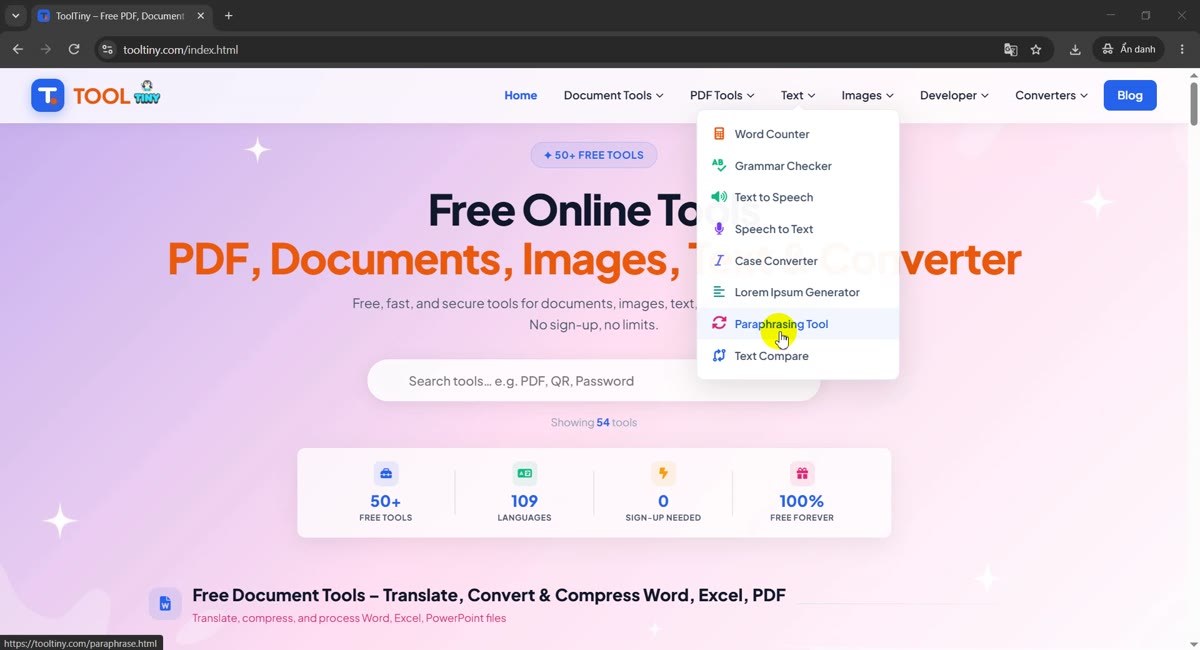
Text → Paraphrasing Tool -
Find the two boxes
The page has two text boxes side by side: Original Text on the left and Paraphrased Result on the right, which is read-only. Both show a word counter (0 words at the start). Above them are three mode buttons and below them the pink Paraphrase Text button.
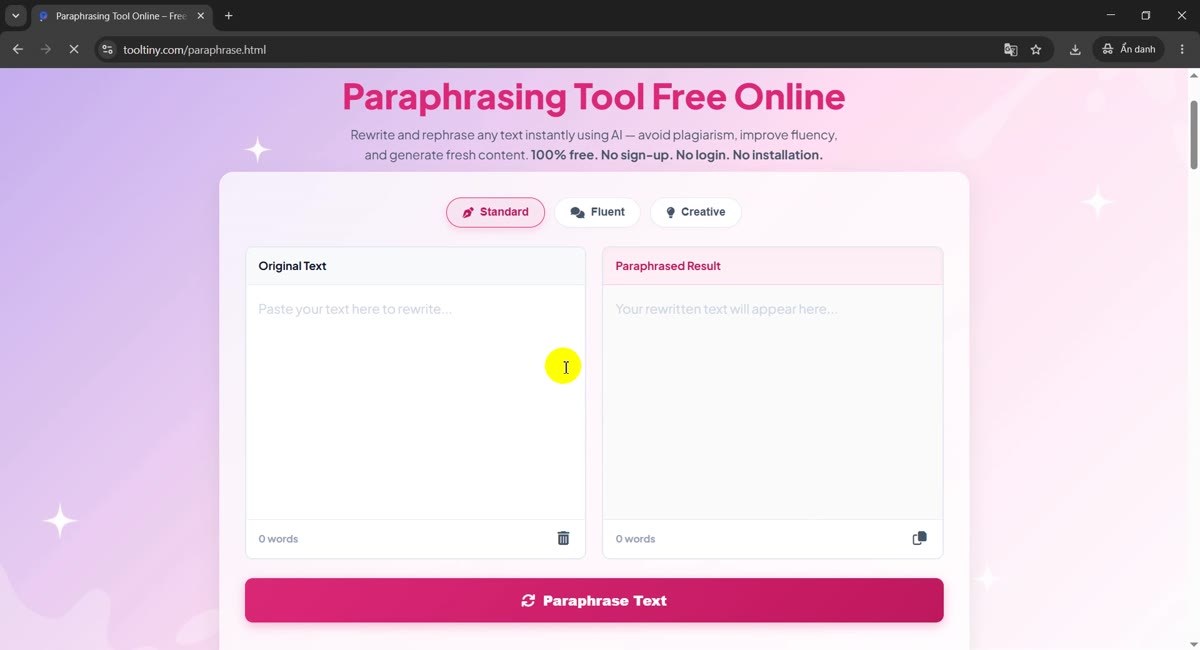
Original on the left, result on the right -
Paste your text
Click the left box and paste or type your text. Our sample is an 81-word paragraph about reading books, and the counter under the box shows 81 words straight away. One request can hold up to 1,000 words.
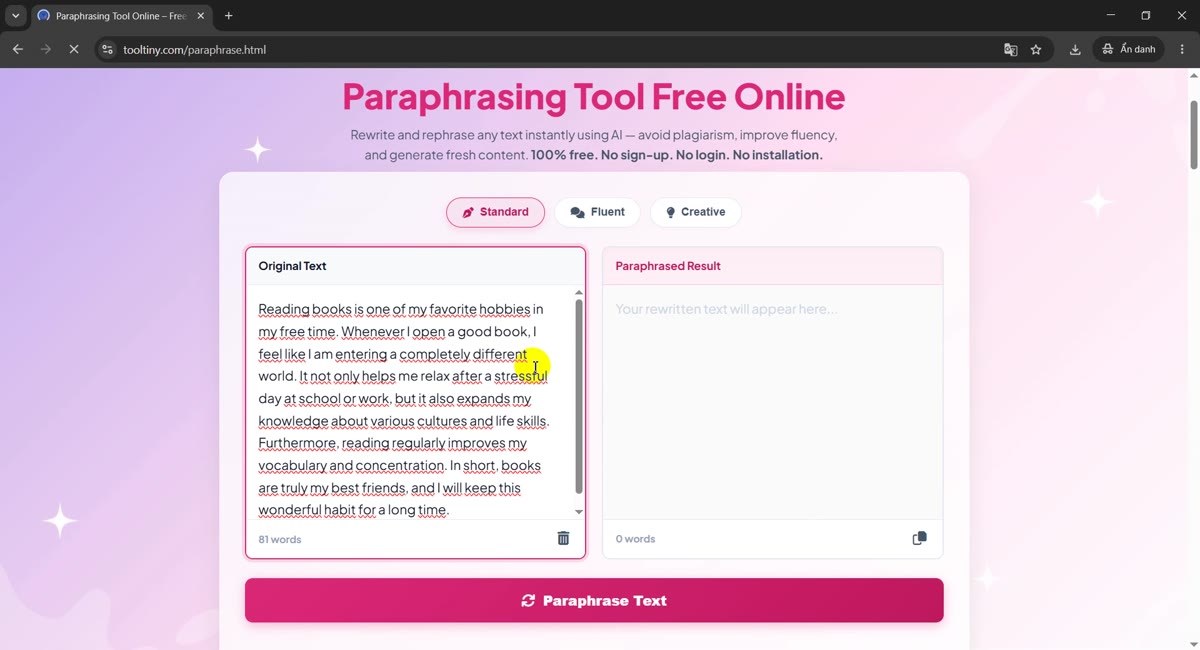
81 words pasted -
Look at the three modes
Standard is selected by default. Fluent and Creative change the text more. The next section explains exactly how the three differ, so you can choose before you click.
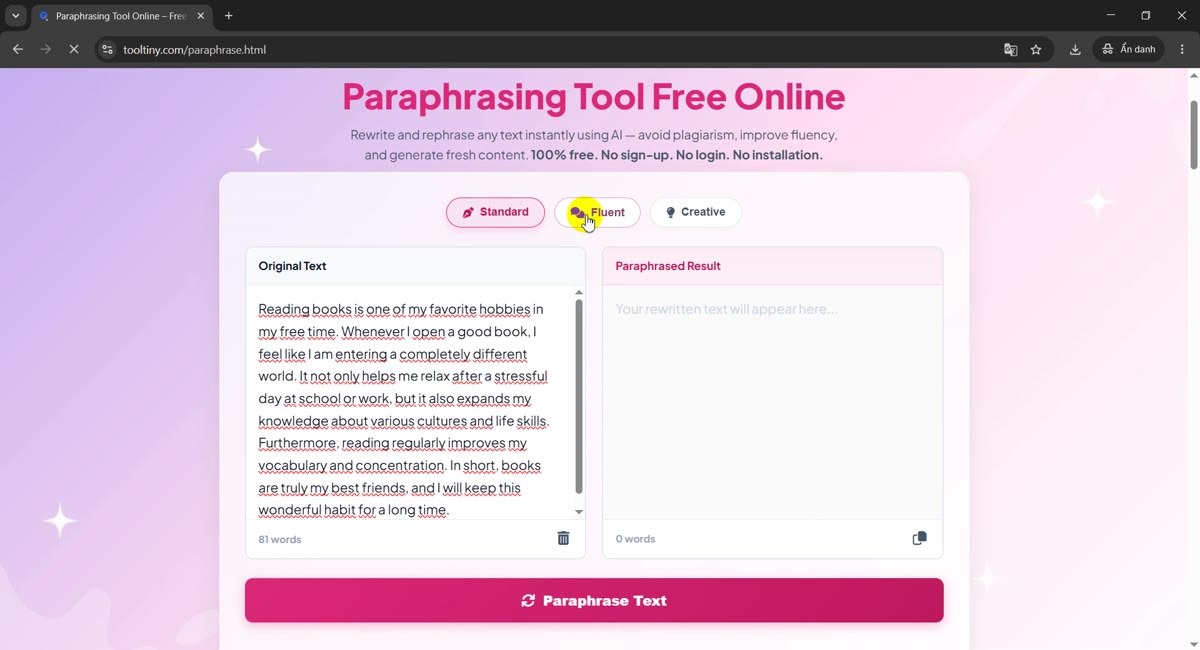
Standard, Fluent, Creative -
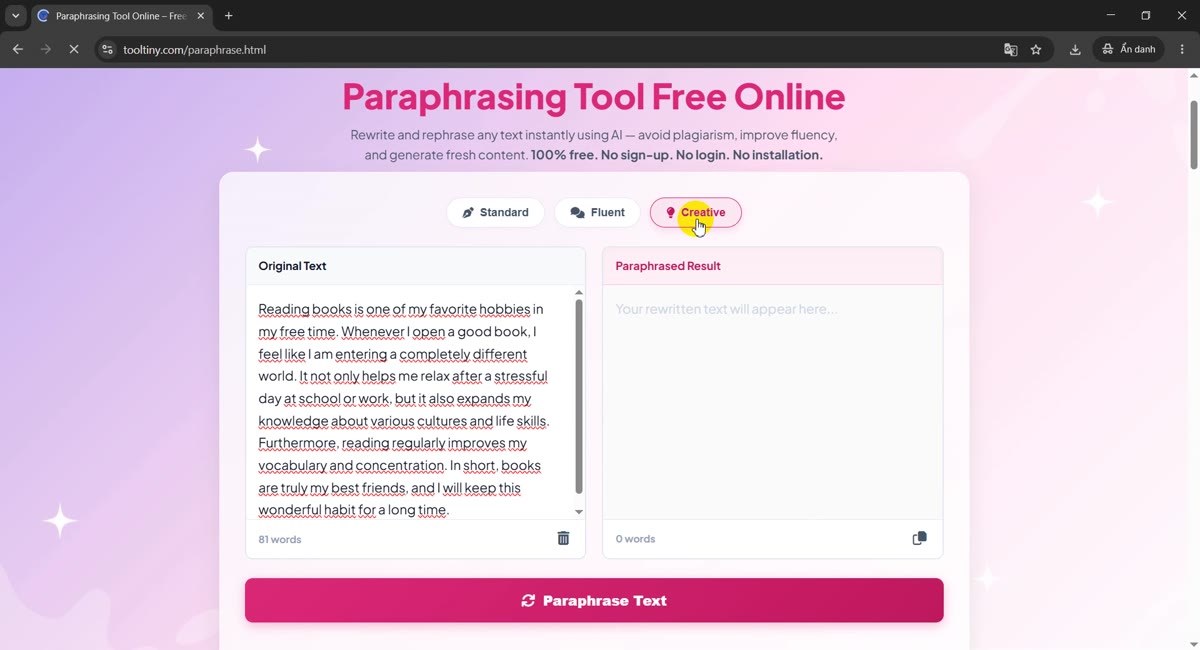
Choose a mode
Click the mode you want. The selected button turns pink. In our recording we picked Creative, the strongest of the three.
Creative selected -
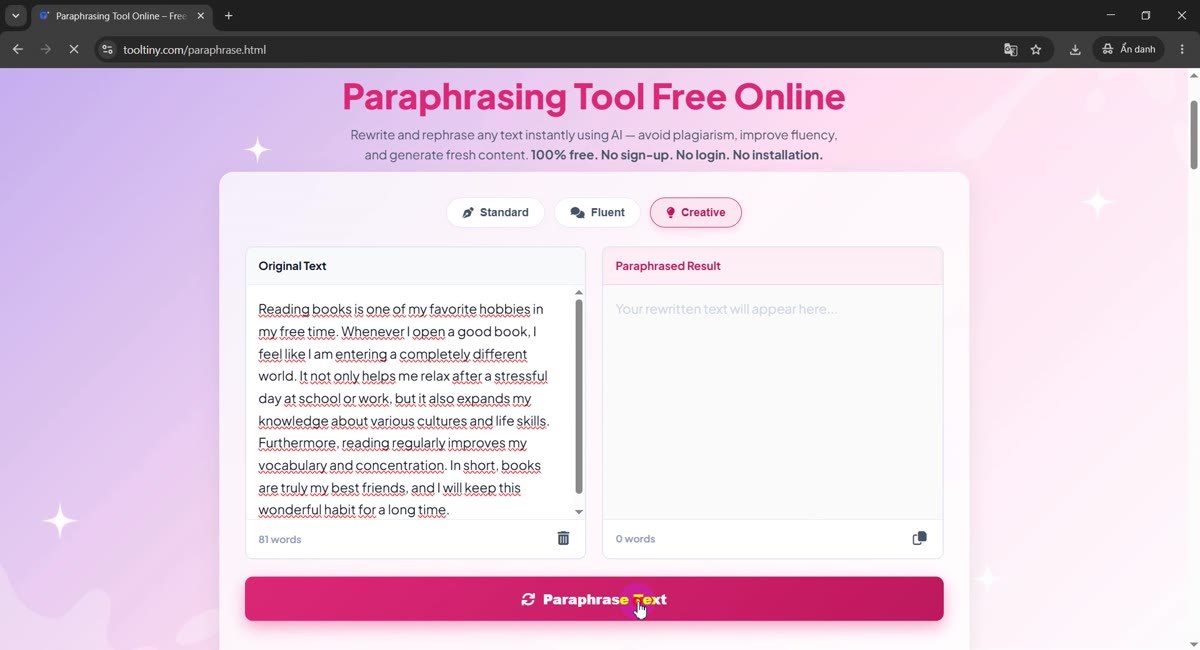
Click Paraphrase Text
Press the pink Paraphrase Text button. While the text is being processed the button turns grey and reads Rewriting..., so you cannot send the same request twice.
Paraphrase Text -
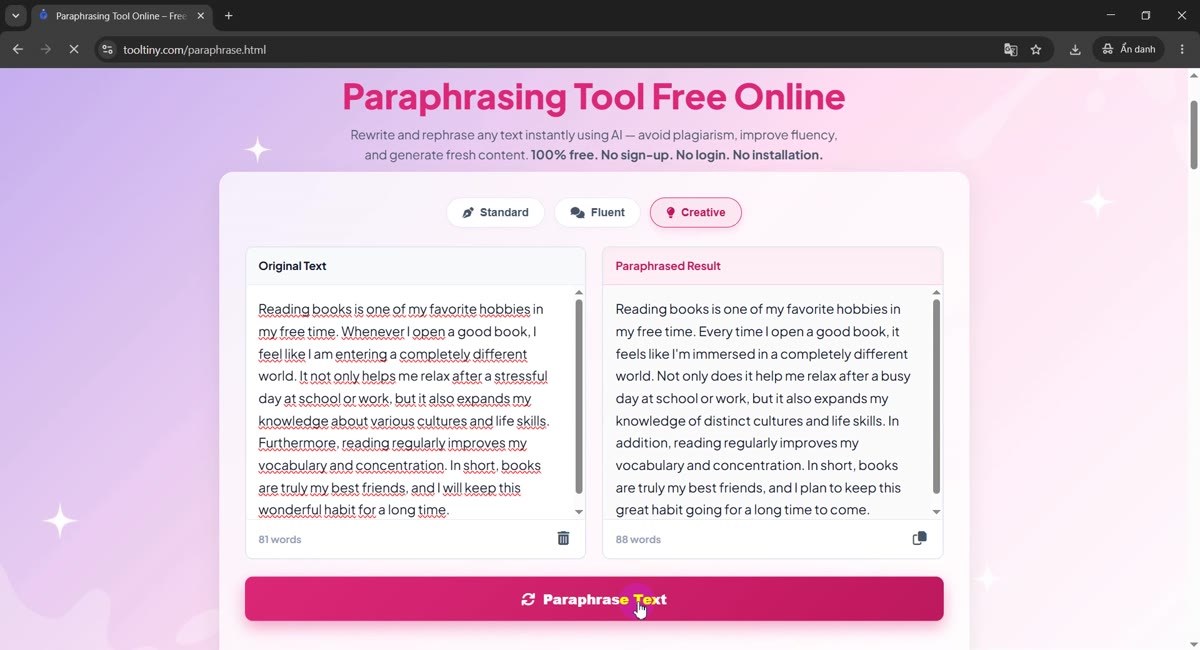
Read the result
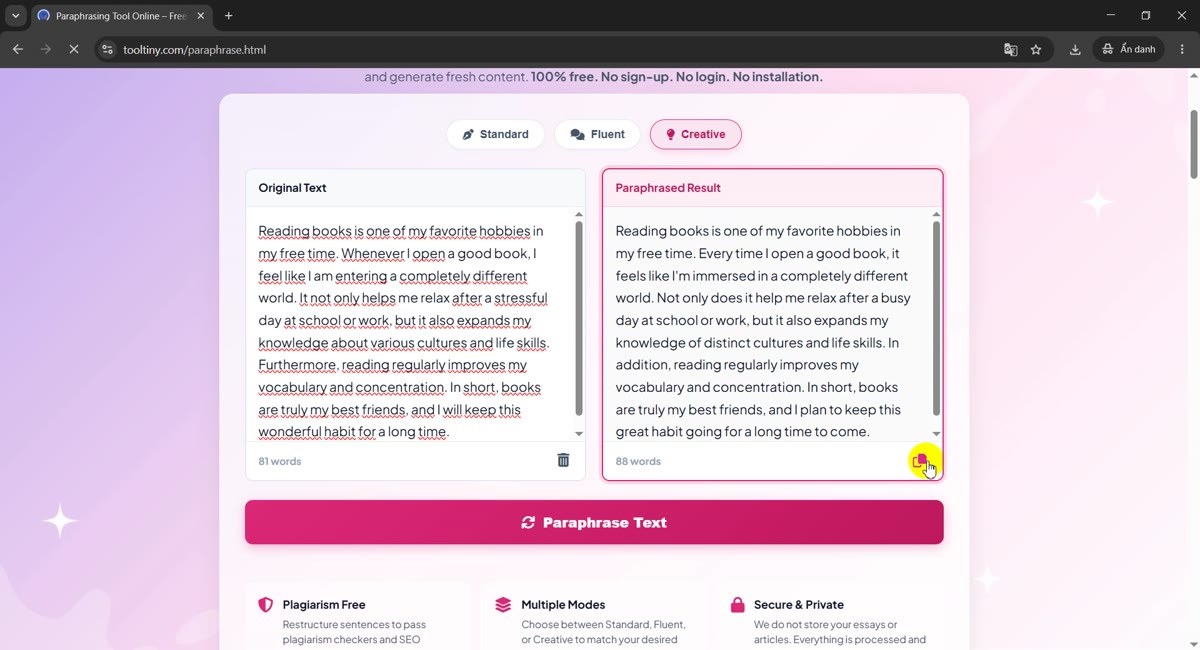
The rewritten text appears in the right box and its counter shows the new length: 88 words for our 81-word original. Scroll the box to read the whole result.
81 words in, 88 words out -
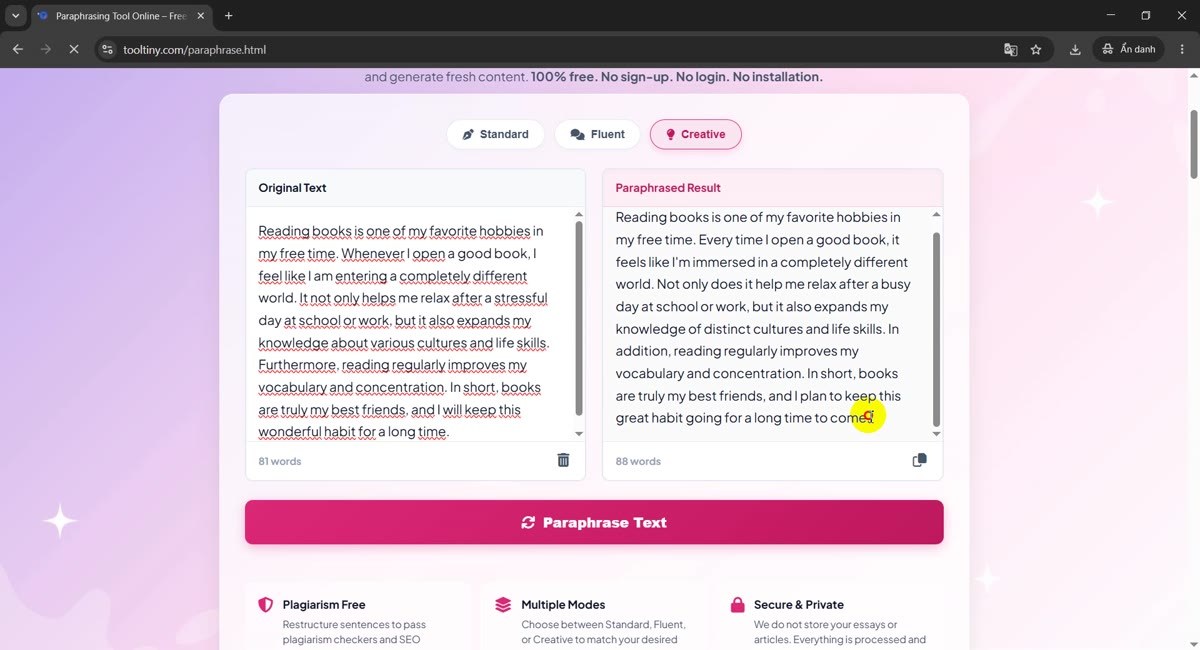
Compare it with your original
Read both boxes side by side and check that the meaning is the same. In our result the first sentence is unchanged, the second one starts with Every time I open a good book instead of Whenever I open a good book, and the last one ends with to come. The section below lists every change we found.
Compare both boxes -
Copy the result
Click the small copy icon in the bottom-right corner of the result box. The paraphrased text is copied to your clipboard, ready to paste into your document or editor.
Copy icon
What Do Standard, Fluent and Creative Do?
The tool rewrites by back-translation: it machine-translates your text into another language and then back into the original one. Different words and a different sentence order come out of the round trip. The three modes differ in how far the text travels:
| Mode | Round trip | Synonym step (English only) | Best for |
|---|---|---|---|
| Standard | One language (Spanish) | Light: about 15% of the listed words | The smallest change, closest to your meaning |
| Fluent | Two languages (French, then German) | Medium: about 30% | A moderate change that still reads smoothly |
| Creative | Two languages from other language families (Japanese, then Russian) | Stronger: about 50% | The biggest change in structure; check the meaning carefully |
For English text only, a final step replaces a small set of common adjectives and adverbs (words such as important, easy or fast) with synonyms. This part is random, so running the same English text twice can give slightly different results. Text in other languages gets the back-translation only. The tool detects the language itself and returns the result in the same language.
A Real Before-and-After Example
This is the paragraph from our recording, paraphrased in Creative mode. It went from 81 to 88 words.
| Original (81 words) | Creative result (88 words) |
|---|---|
| Reading books is one of my favorite hobbies in my free time. Whenever I open a good book, I feel like I am entering a completely different world. It not only helps me relax after a stressful day at school or work, but it also expands my knowledge about various cultures and life skills. Furthermore, reading regularly improves my vocabulary and concentration. In short, books are truly my best friends, and I will keep this wonderful habit for a long time. | Reading books is one of my favorite hobbies in my free time. Every time I open a good book, it feels like I'm immersed in a completely different world. Not only does it help me relax after a busy day at school or work, but it also expands my knowledge of distinct cultures and life skills. In addition, reading regularly improves my vocabulary and concentration. In short, books are truly my best friends, and I plan to keep this great habit going for a long time to come. |
What changed, sentence by sentence:
| Original | Result | Kind of change |
|---|---|---|
| Whenever I open a good book | Every time I open a good book | Connector swapped |
| I feel like I am entering a completely different world | it feels like I'm immersed in a completely different world | Subject and verb restructured |
| It not only helps me relax | Not only does it help me relax | Word order inverted |
| stressful day | busy day | Word replaced, meaning slightly different |
| knowledge about various cultures | knowledge of distinct cultures | Preposition and adjective replaced |
| Furthermore | In addition | Connector swapped |
| I will keep this wonderful habit for a long time | I plan to keep this great habit going for a long time to come | Rephrased; will became plan to |
The first sentence came back exactly as it was. That is normal: when the round trip finds nothing to change, the text stays the same. Notice also that stressful became busy and will became plan to. Those are small shifts in meaning, which is why the comparison step matters.
Good to Know (Check These Before You Use the Result)
- The meaning can drift. Stronger modes change more, so they also risk more. Read the result against the original, especially numbers, names, dates and technical terms.
- Up to 1,000 words per request. For longer texts, split them into sections.
- No guarantee against plagiarism checkers. A paraphrase can lower similarity, but it does not replace citing the source, and checkers may flag paraphrased text. Follow your school or publisher rules on paraphrasing tools.
- Very short text. The language is detected automatically, and anything under 6 words is treated as English, so a short phrase in another language can come back oddly.
- It is not a generative AI writer. It reworks your own text through translation; it does not write new content or check facts.
- Your text is sent to our server to be rewritten. It is not stored, but do not paste passwords, personal data or confidential contracts into any online tool.
- Free: no sign-up needed.
Tips for Better Results
- Start with Standard. It changes the least. Move to Fluent or Creative only if the first result is still too close to the original.
- Paraphrase paragraph by paragraph. Shorter inputs are easier to compare and to fix.
- Compare with a diff. Paste both versions into Text Compare to see every change highlighted.
- Run it again. For English text the synonym step is random, so a second run can give a different wording.
- Edit by hand afterwards. Fix names, restore the words you want and read the whole text aloud once.
- Fix the grammar last. After editing, run the text through the Grammar Checker.
- Always keep the source. If your text is based on someone else's work, cite them. More guides are on our blog.
Paste your text, pick a mode and click Paraphrase Text. Free, no sign-up.