How to Generate Lorem Ipsum Text Online for Free (Paragraphs, Sentences, Words or Characters)
You are building a page, a slide or an app screen and the real text is not ready. Typing "test test test" makes every layout look wrong, because real text has uneven word lengths, line breaks and paragraphs. The ToolTiny Lorem Ipsum Generator fills that gap: pick how much text you need, pick a style, click Generate and copy the result. This guide follows a real recording of the tool, shows what each option does and gives the actual sizes we got.
Why Use Placeholder Text at All?
Designers use filler text so that people judge the layout, not the wording. Lorem Ipsum looks like a language without being one, so nobody starts reading and arguing about the copy. It is useful for:
- Web and app mock-ups: headings, cards, article pages and blog templates.
- Print and slides: flyers, brochures and presentation layouts.
- Testing: long text to see where a layout breaks, short text to see whether a button fits.
- Demos and screenshots: content that does not expose real customer data.
Watch the Whole Process
The recording opens the tool from the Text menu, changes the amount, type and style, wraps the text in HTML tags, copies it and clears the box.
How to Generate Lorem Ipsum, Step by Step
-
Open the Lorem Ipsum Generator
Open the Text menu in the top bar and choose Lorem Ipsum Generator, or go straight to tooltiny.com/lorem-ipsum.html.
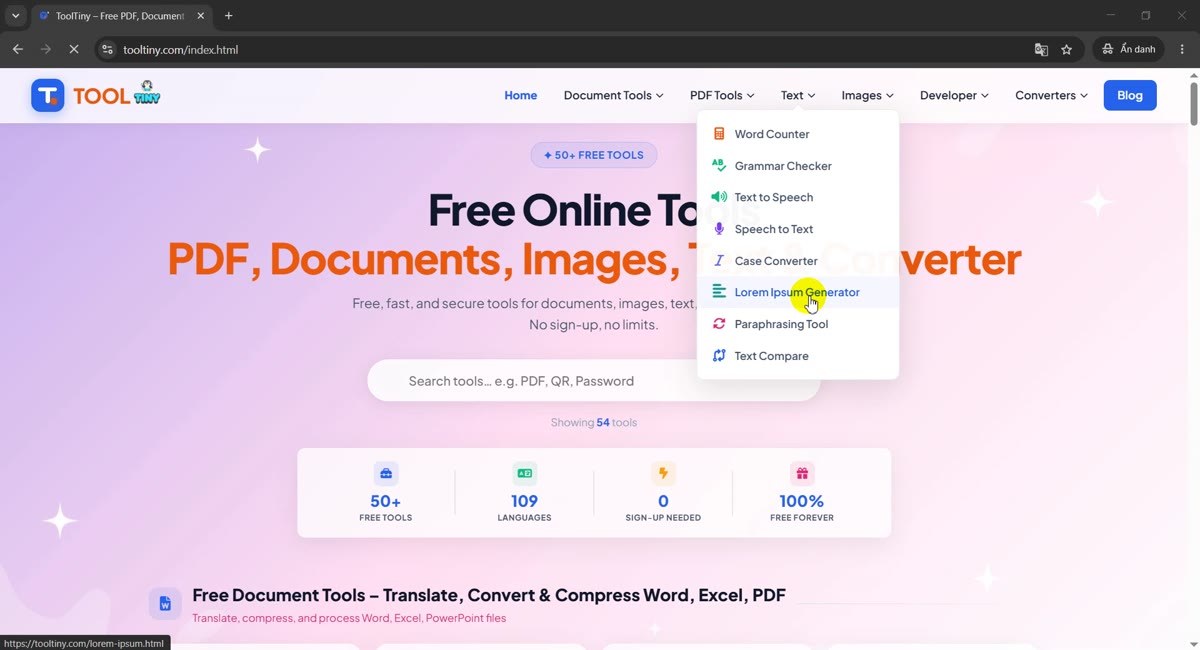
Text → Lorem Ipsum Generator -
Meet the generator
The page opens with one control bar: an amount box, a type menu, a style menu and the green Generate button. Under it are two checkboxes and a large output box.
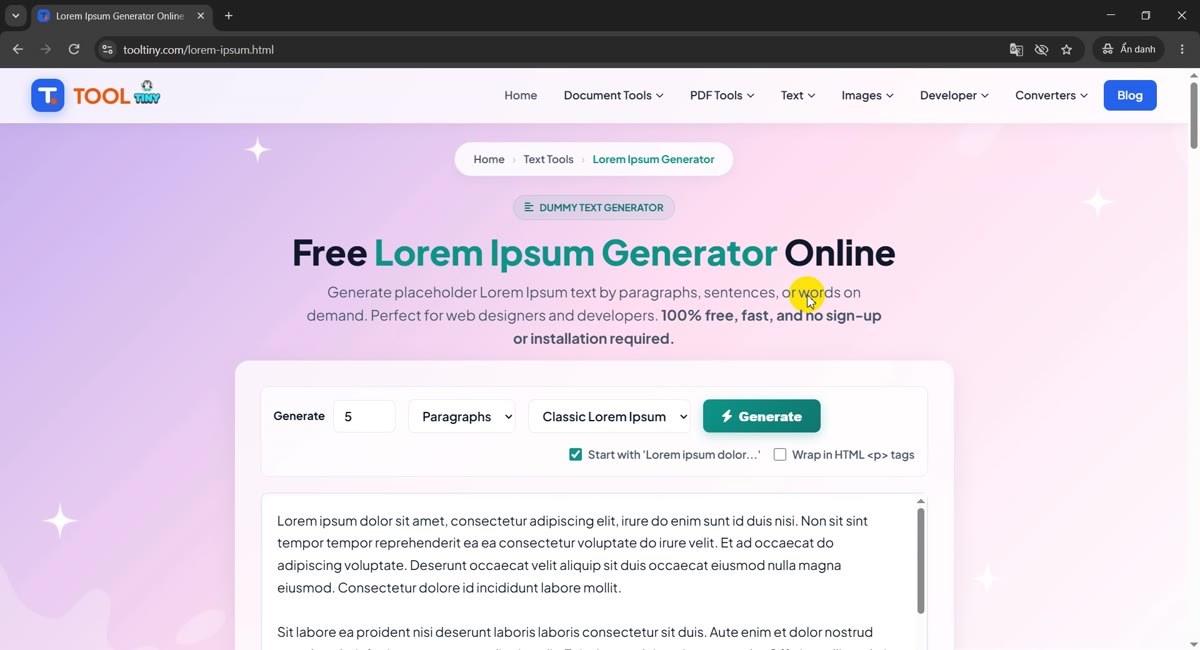
The control bar -
Read the first result
The page generates text as soon as it loads, so you already have something to copy: 5 paragraphs in Classic style. In our recording the counters under the box read 267 Words and 1,787 Chars. Your numbers will differ a little, because the text is randomized each time.
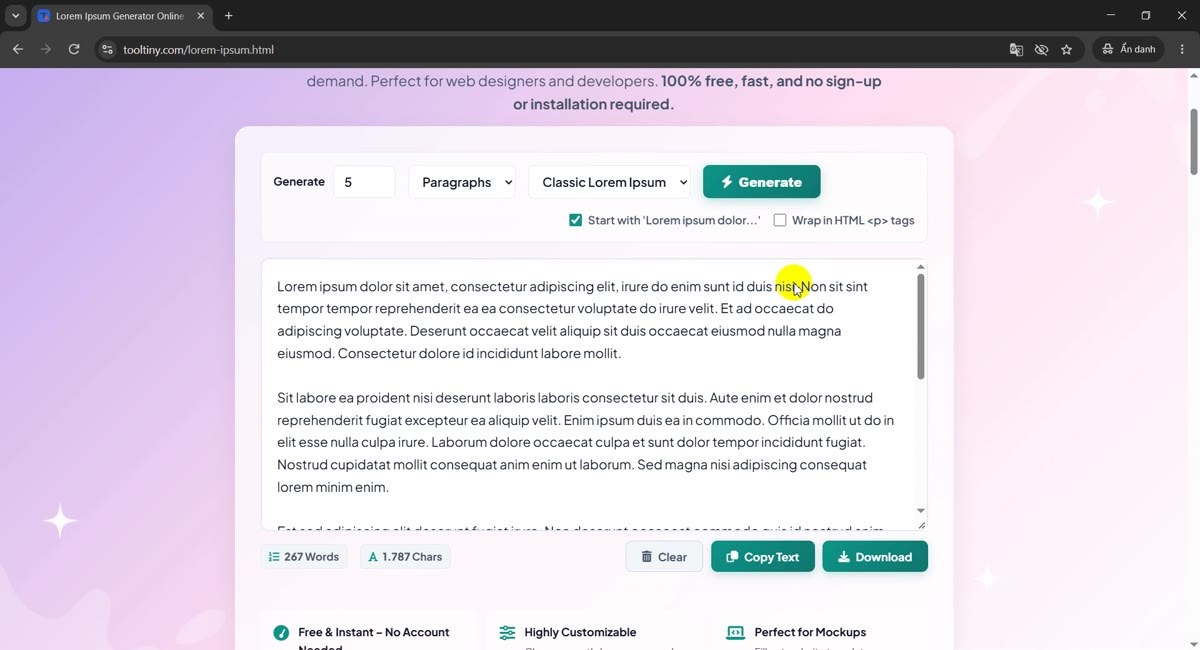
Default result: 5 paragraphs -
Change the amount
Click the number box and type how much you need, or use the small arrows. The allowed range depends on the type you pick (see the table below). Then click Generate to build the new text.
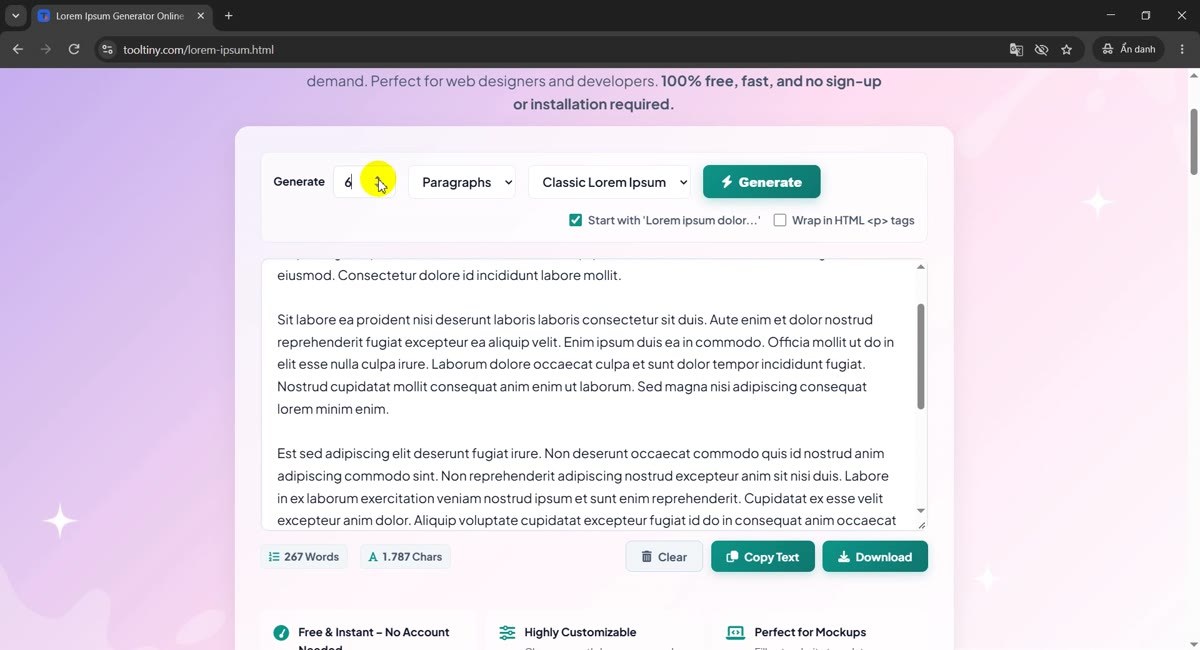
Amount box -
Pick what to count
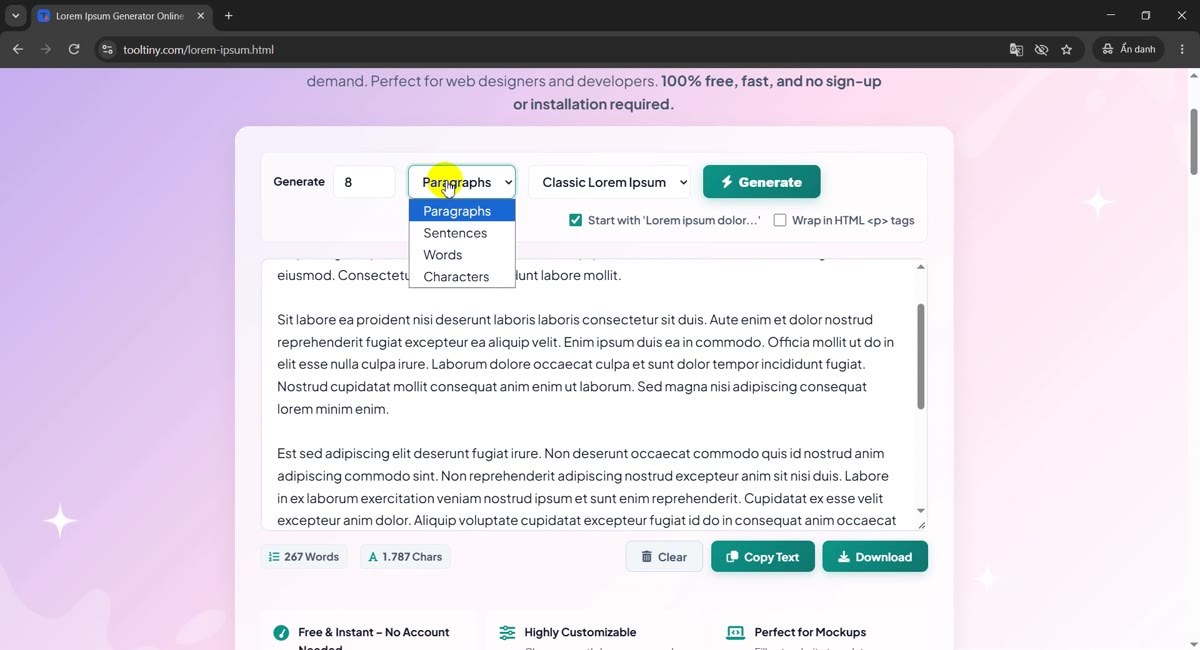
Open the second menu to choose Paragraphs, Sentences, Words or Characters. Words suits a headline or a button label, Characters suits a field with a length limit, Paragraphs suits a whole page layout.
Four types -
Choose a style
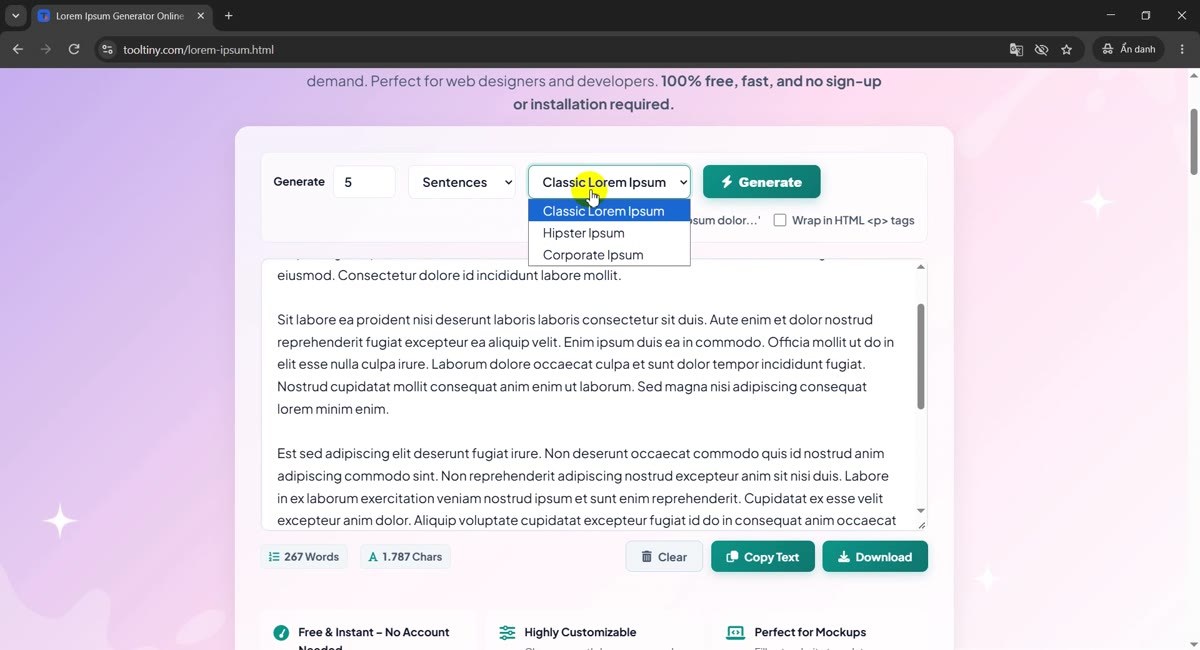
The third menu changes the vocabulary. Classic Lorem Ipsum is the traditional pseudo-Latin. Hipster Ipsum and Corporate Ipsum swap it for lighter, more readable words, which helps when a client reads the mock-up.
Classic, Hipster, Corporate -
Wrap the text in HTML paragraph tags
Tick Wrap in HTML <p> tags and click Generate: every paragraph (or the whole block, for sentences) is enclosed in
<p>...</p>, ready to paste into a template. The first box, Start with 'Lorem ipsum dolor...', only appears for the Classic style.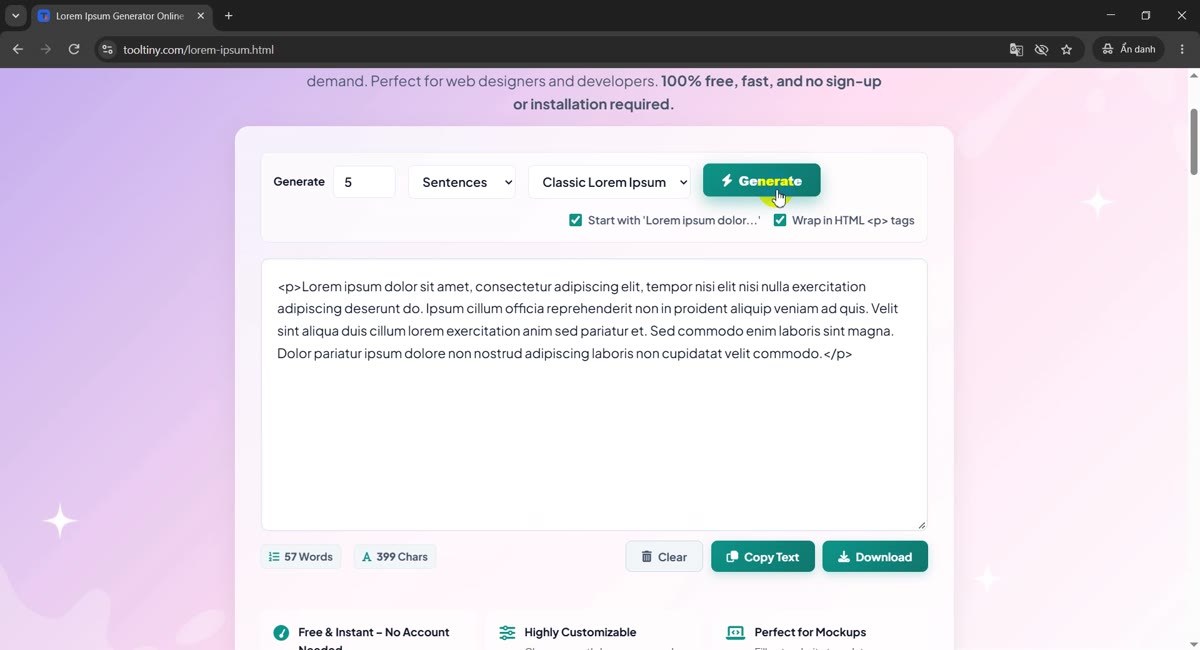
HTML wrap on -
Try Hipster Ipsum
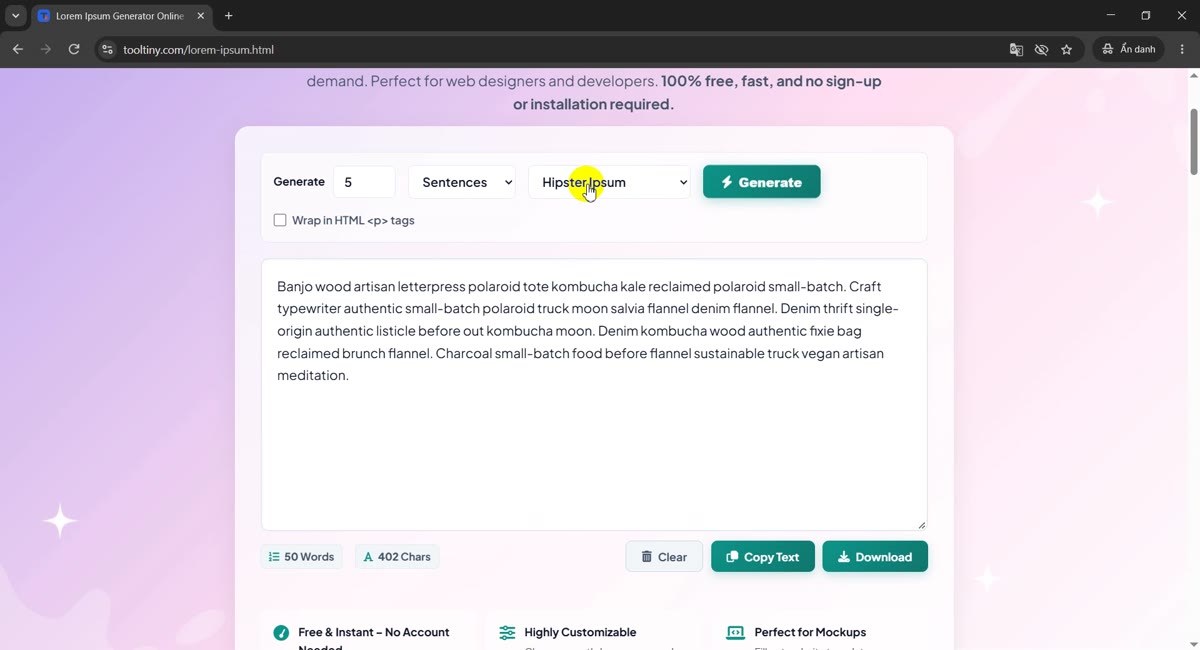
Select Hipster Ipsum, untick the HTML box if you want plain text, and click Generate. Five sentences came out as 50 words and 402 characters: Banjo wood artisan letterpress polaroid tote kombucha kale...
Hipster Ipsum -
Try Corporate Ipsum
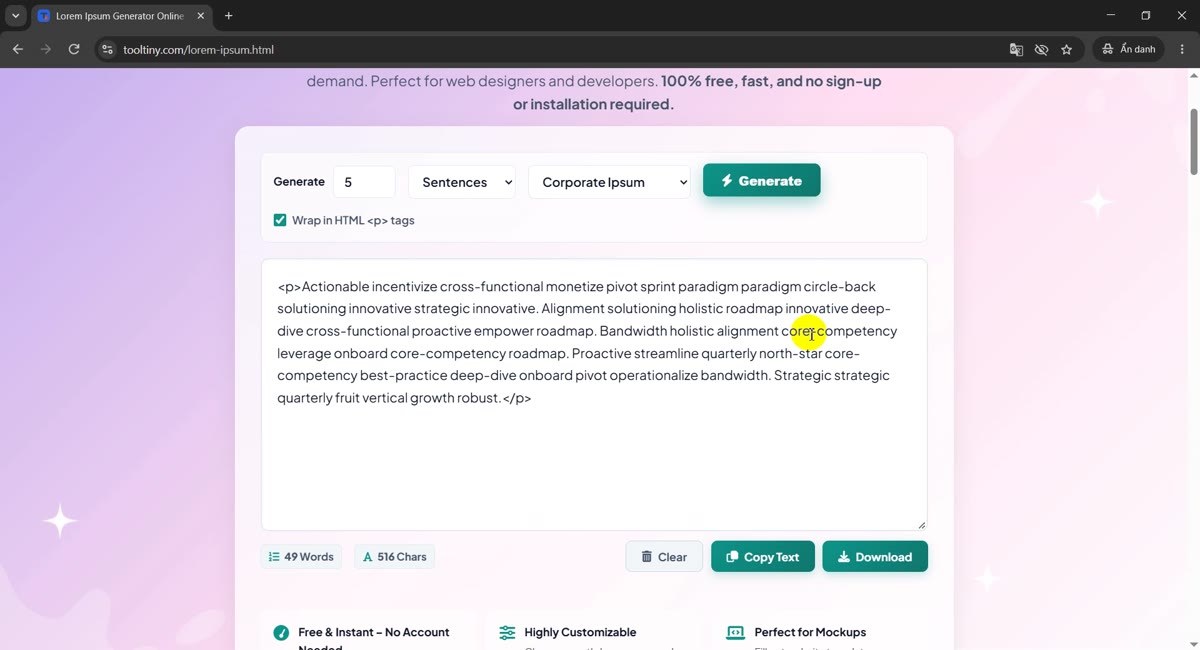
Switch to Corporate Ipsum for business-flavoured filler such as Actionable incentivize cross-functional monetize pivot sprint paradigm.... With HTML wrap on, five sentences gave 49 words and 516 characters.
Corporate Ipsum -
Copy the text
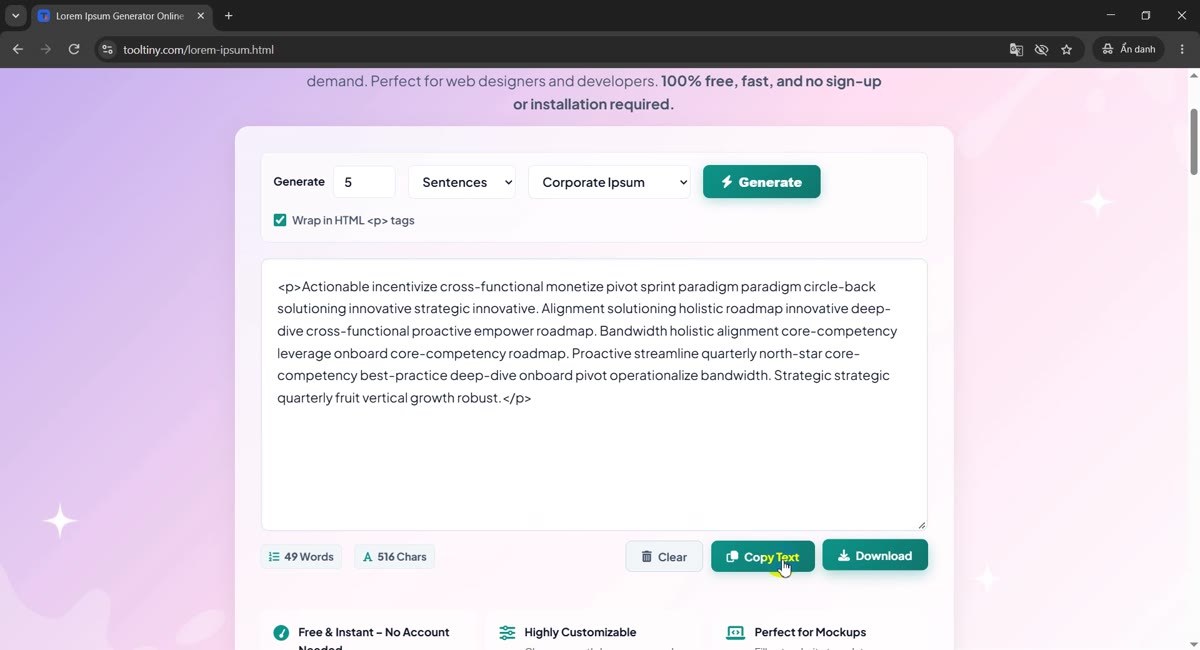
Click Copy Text and the whole box goes to your clipboard. Download saves it as a file instead. Select the text by hand if you only need part of it.
Copy Text -
Clear and start over
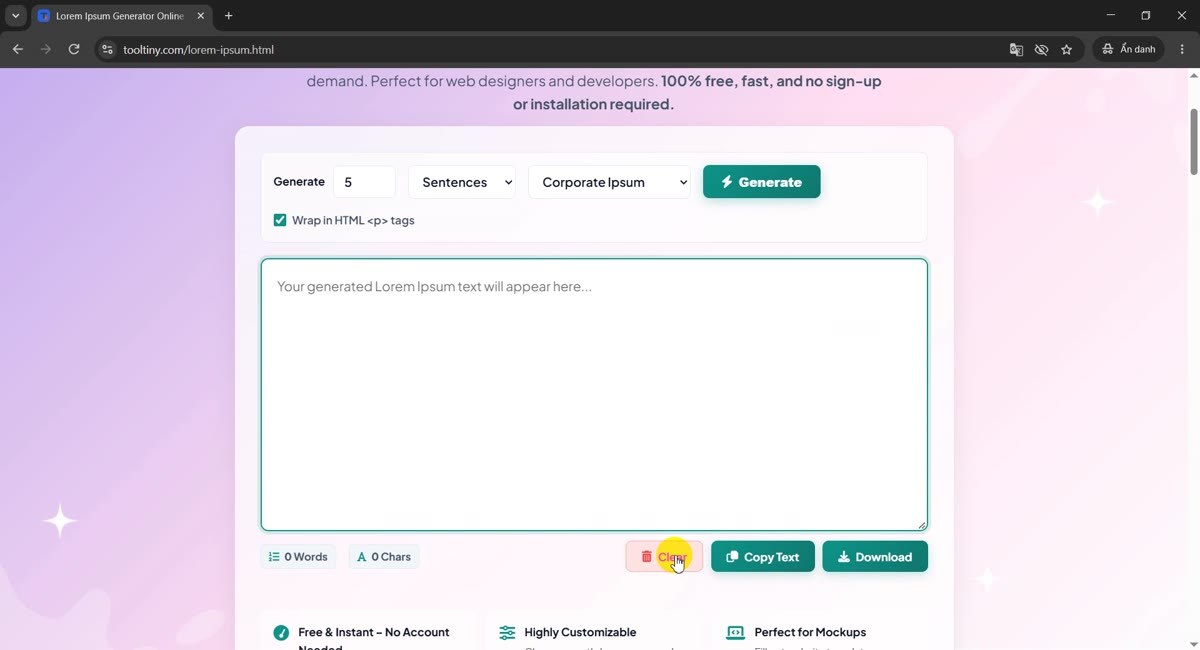
Clear empties the box and sets both counters to 0 (the box then shows Your generated Lorem Ipsum text will appear here...). Change a setting and click Generate for a new batch.
Clear
Every Option in One Table
| Control | Choices | What it does |
|---|---|---|
| Amount | A number | How many paragraphs, sentences, words or characters to create. |
| Type | Paragraphs, Sentences, Words, Characters | What the amount counts. Defaults: 5 paragraphs, 5 sentences, 50 words, 300 characters. |
| Style | Classic, Hipster, Corporate | Which word list is used. |
| Start with 'Lorem ipsum dolor...' | On / off | Begins the text with the traditional opening. Shown only for Classic, and not for Characters. |
| Wrap in HTML <p> tags | On / off | Encloses the output in paragraph tags. |
| Clear / Copy Text / Download | Buttons | Empty the box, copy it to the clipboard, or save it as a file. |
The allowed ranges are 1 to 50 paragraphs, 1 to 100 sentences, 1 to 500 words and 20 to 5,000 characters. The word and character counters under the box always show the real size of what you got.
What Size Did We Actually Get?
These numbers come straight from the counters in our recording. They will vary slightly each time you generate, because the text is random.
| Settings | Words | Characters |
|---|---|---|
| Classic, 5 paragraphs | 267 | 1,787 |
| Classic, 5 sentences, HTML wrap on | 57 | 399 |
| Hipster, 5 sentences | 50 | 402 |
| Corporate, 5 sentences, HTML wrap on | 49 | 516 |
Two things stand out. Corporate Ipsum uses longer words, so it needs more characters for the same number of words. And the HTML wrap adds the tags to the character count, so count it before you test a length limit.
How Much Text Should You Generate?
These are rules of thumb, not limits enforced by the tool. Use the type that matches what you are testing:
| You are designing | Try |
|---|---|
| A headline or button label | Words, 3 to 10 |
| A card description or product blurb | Sentences, 2 to 3, or Words, 30 to 60 |
| A meta description or SMS-length field | Characters, about 155 to 160 |
| A social post box | Characters, up to the platform limit (check the platform) |
| A blog article layout | Paragraphs, 4 to 6 |
| A stress test for a scrolling area | Paragraphs, 20 to 50 |
Generate too much on purpose at least once. A layout that looks perfect with two lines often breaks at ten.
Tips for Better Mock-Ups
- Change settings, then click Generate. Click the button after you change the amount, type, style or checkboxes so the text matches them.
- Copy what you like first. Each Generate click replaces the text with a new random batch.
- Pick the style for your audience. Classic for designers, Hipster or Corporate when a client will read the mock-up and ask what the Latin means.
- Check the counters. They show the real size, including HTML tags when the wrap is on.
- Test short and long. Use Words for labels and Paragraphs for page bodies, so you see both extremes.
- Replace it before launch. Placeholder text on a live page hurts readers and search results. Run a quick search for "lorem" before you publish.
- Need to compare drafts? The Text Compare tool shows what changed between two versions. More guides are on our blog.
Choose the amount and style, click Generate, copy. Free, no sign-up.