How to Change Text Case Online for Free (UPPERCASE, camelCase, snake_case and More)
You pasted a headline that was typed in Caps Lock, or you need a variable name from a sentence, or a clean web address from a page title. Retyping any of these by hand is slow and easy to get wrong. The ToolTiny Case Converter changes the text in the box with a single click and offers twelve styles. This guide walks through it with a real recording, shows exactly what each style produces, and points out the cases where you should check the result.
Which Case Style Do You Need?
The right style depends on where the text is going:
- Writing and editing: Sentence case, lowercase, UPPERCASE and Title Case fix capitalization in emails, headlines, captions and spreadsheets.
- Code: camelCase, PascalCase, snake_case and CONSTANT_CASE are naming conventions for variables, classes, database columns and constants.
- Files and links: kebab-case and url-slug-format give lowercase, hyphen-separated names that are safe in file names and web addresses.
- Config keys: dot.case matches names such as
app.settings.theme. - Just for fun: aLtErNaTiNg is for jokes and memes.
Watch the Whole Process
The recording opens the tool from the menu, pastes a paragraph, runs through all twelve styles, copies the result and uses Undo and Clear.
How to Change Text Case, Step by Step
-
Open the Case Converter
In the top bar open Text and choose Case Converter, or go straight to tooltiny.com/case-converter.html.
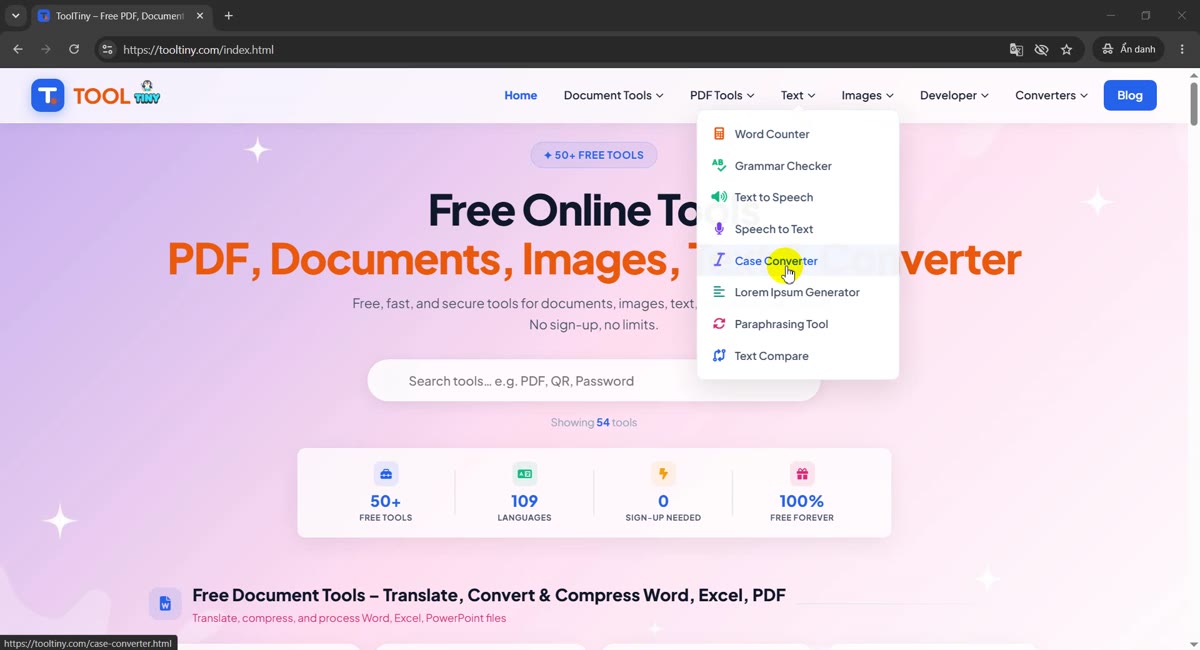
Text → Case Converter -
Find the text box
Two rows of style buttons sit above a large text box. The box shows a faint prompt, the counters read 0 Words and 0 Chars, and Undo is greyed out because nothing has changed yet.
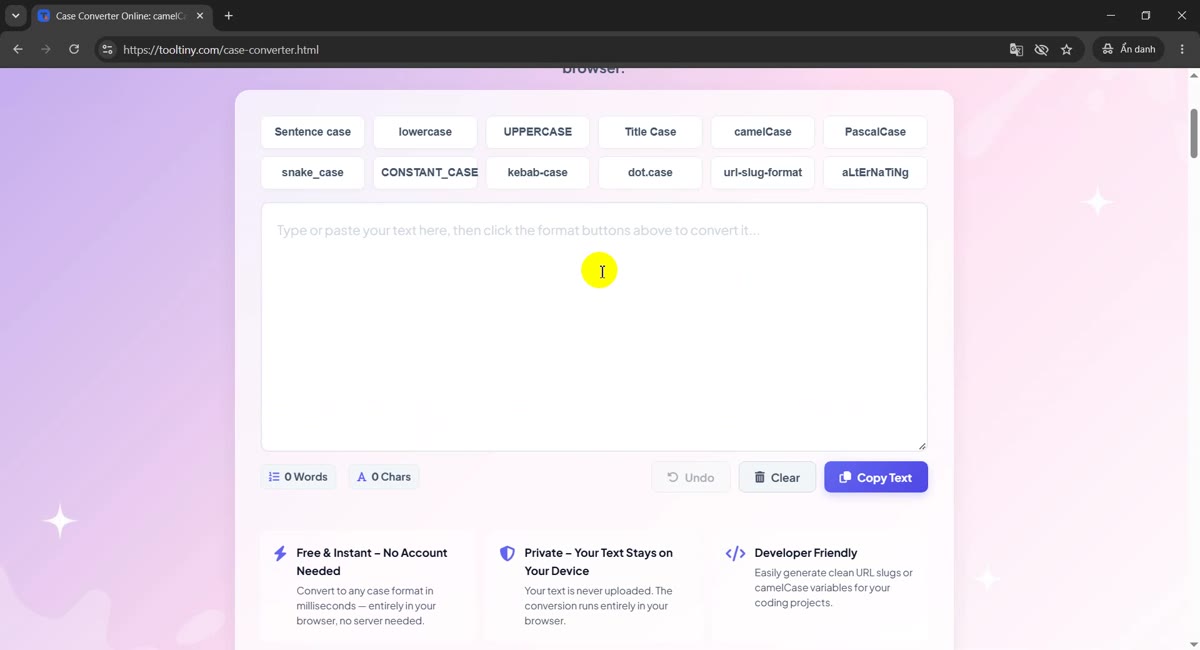
Empty box, 12 buttons -
Paste or type your text
Click the box and paste anything: a headline, a product name, a variable list. Our sample is a 51-word paragraph of 270 characters, and the counters update as soon as it lands. Nothing is uploaded or submitted; you do not press a Convert button.
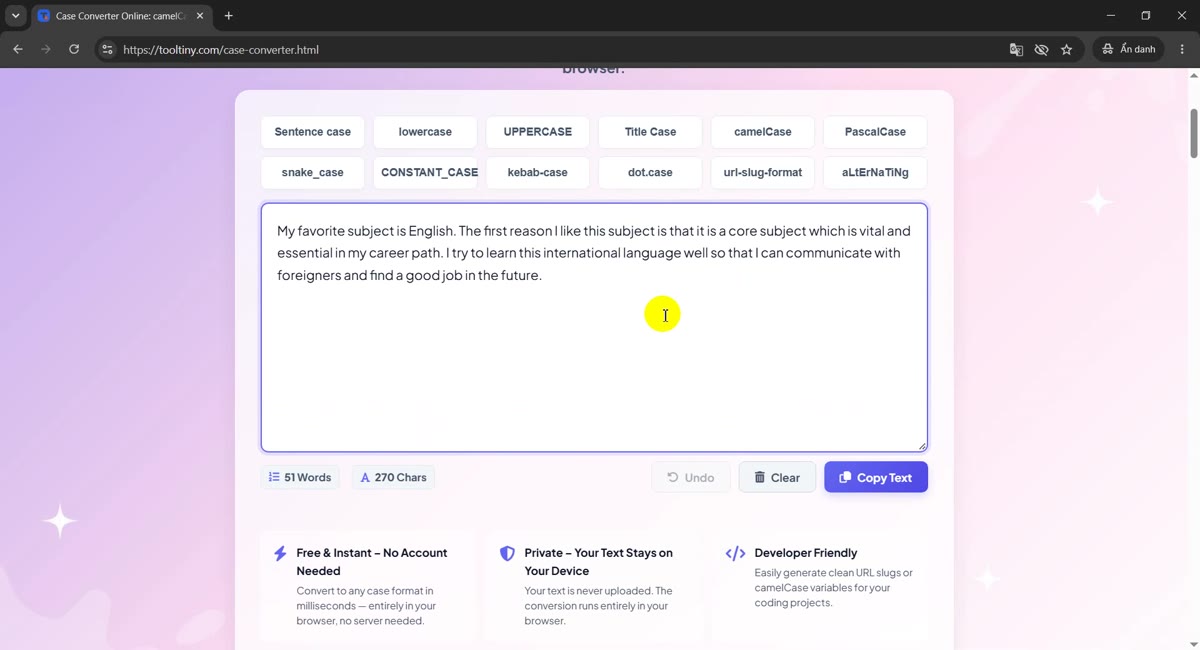
The counters update as you paste -
Click a style: Sentence case
Click Sentence case and the text in the box is replaced right away. The first letter of each sentence is capitalized and the rest is lowercase. This is the quickest fix for text that was typed with Caps Lock on.
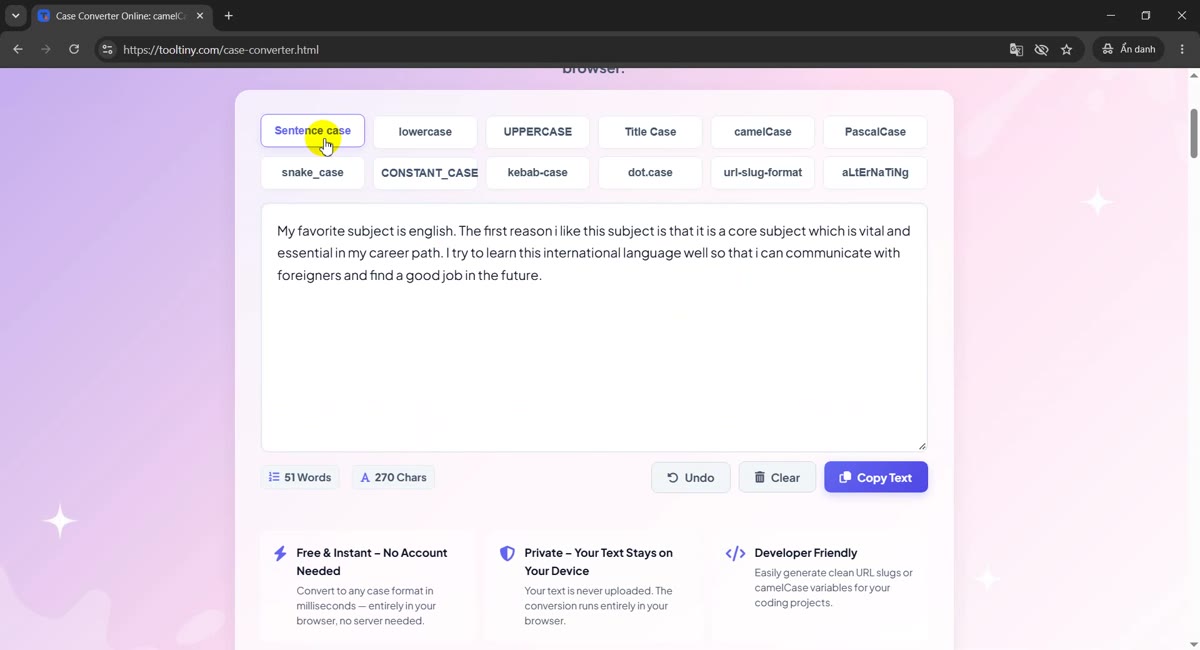
Sentence case -
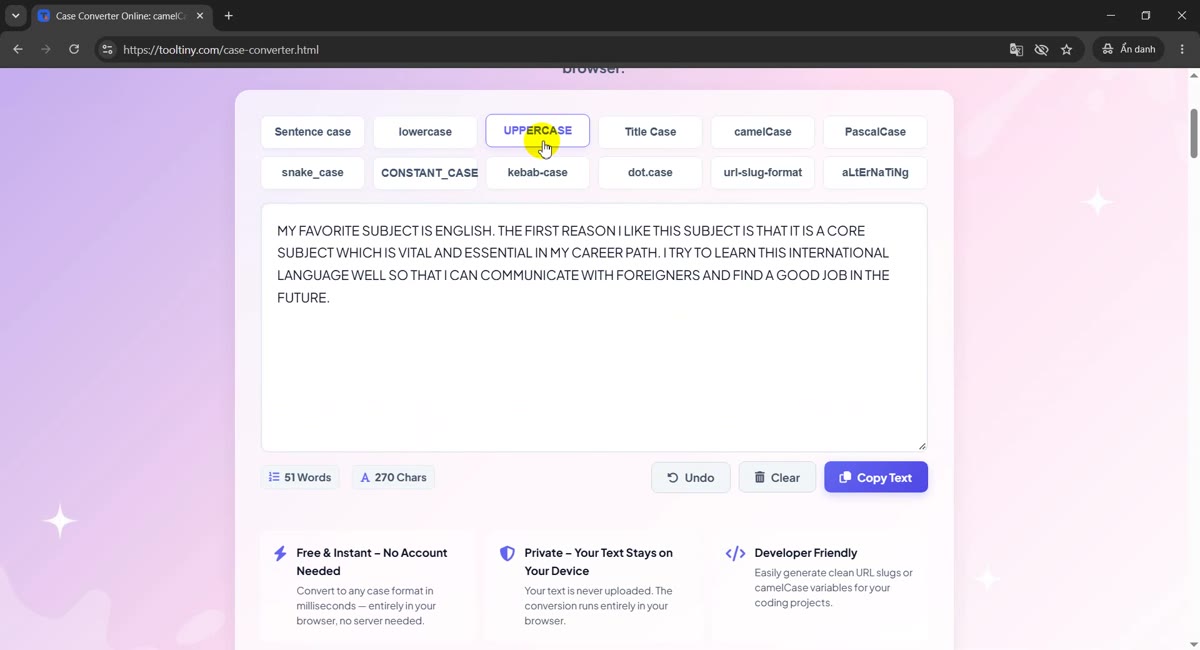
Try another one: UPPERCASE
Clicking a second button converts the text that is currently in the box, so you can jump between styles without pasting again. UPPERCASE turns every letter into a capital, handy for warning labels and spreadsheet codes.
UPPERCASE -
Switch to camelCase
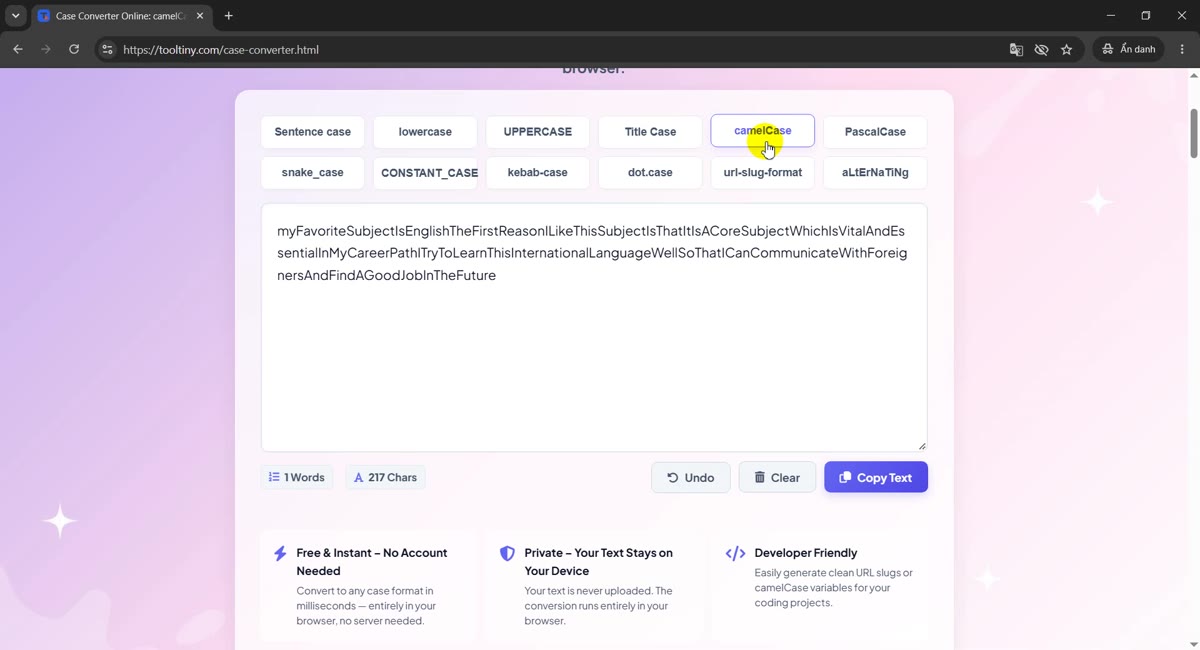
The developer styles remove spaces and punctuation and join the words. camelCase starts with a lowercase word and capitalizes each following one, which is why our long sentence becomes one unbroken line. The table below shows what each style does to a short phrase.
camelCase -
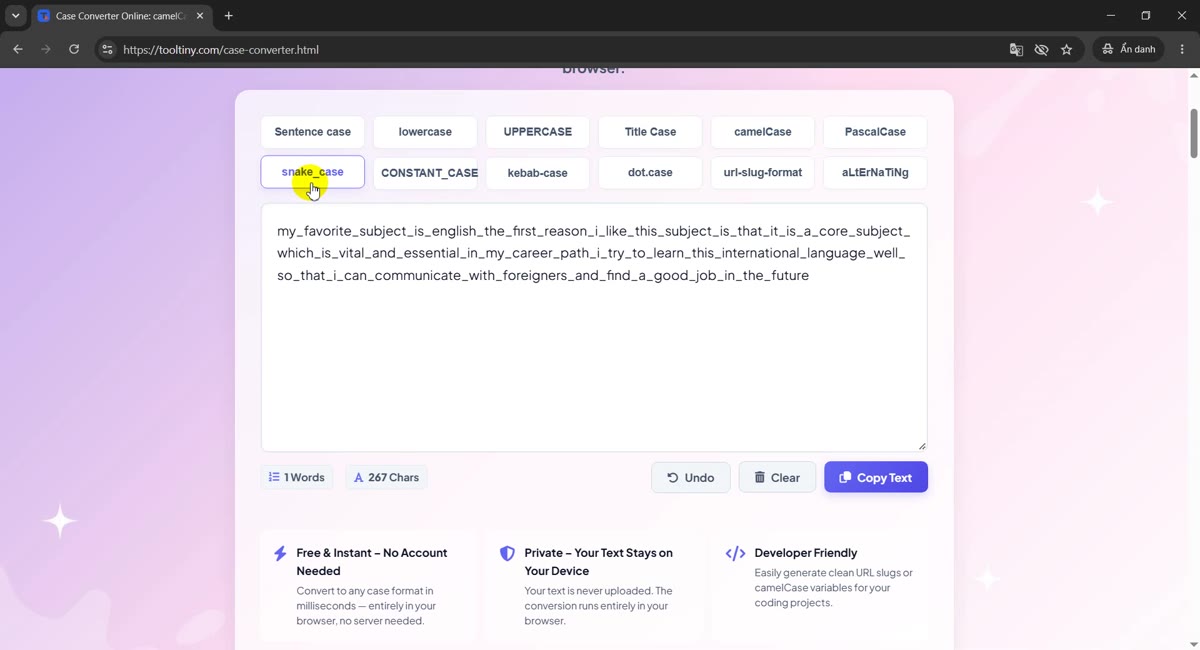
Use snake_case for databases and Python
snake_case joins lowercase words with underscores, the usual style for Python variables and database columns. The same row of buttons also gives CONSTANT_CASE, kebab-case, dot.case and url-slug-format.
snake_case -
Copy the result
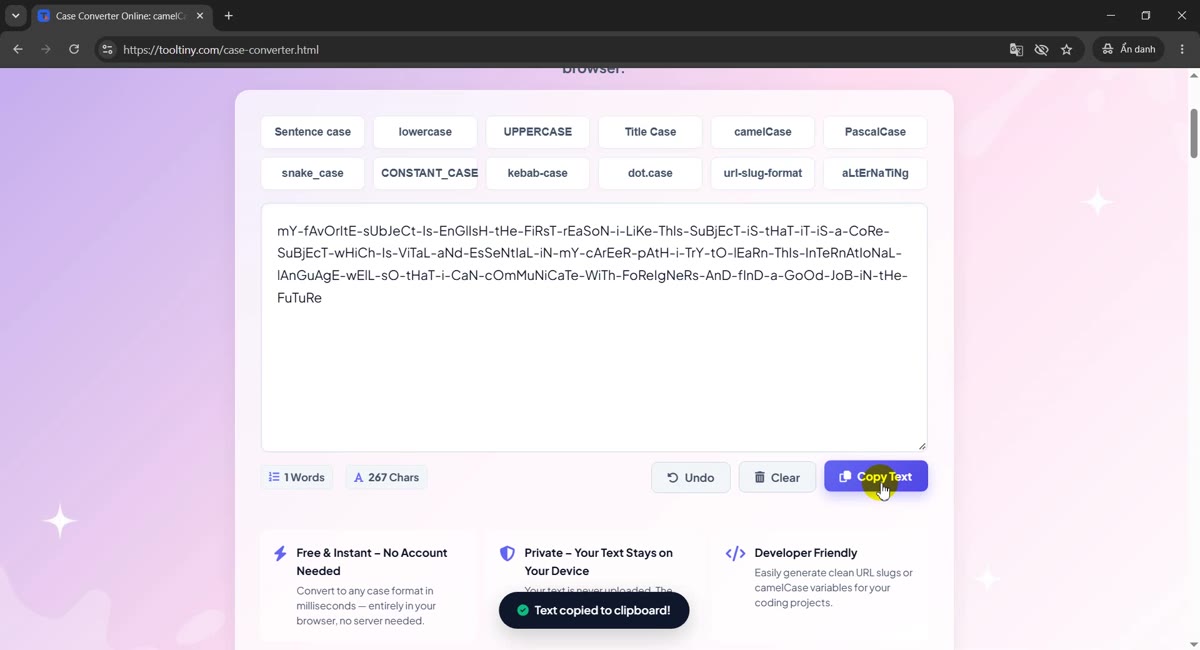
Click the blue Copy Text button. A small toast reading Text copied to clipboard! appears at the bottom of the page, and the text is ready to paste into your editor, spreadsheet or CMS.
Copy Text -
Undo, or Clear and start again
Made the wrong choice? Undo brings back the previous version, one step at a time. Clear empties the box for the next job. In our recording, Clear followed by Undo restored the whole text.
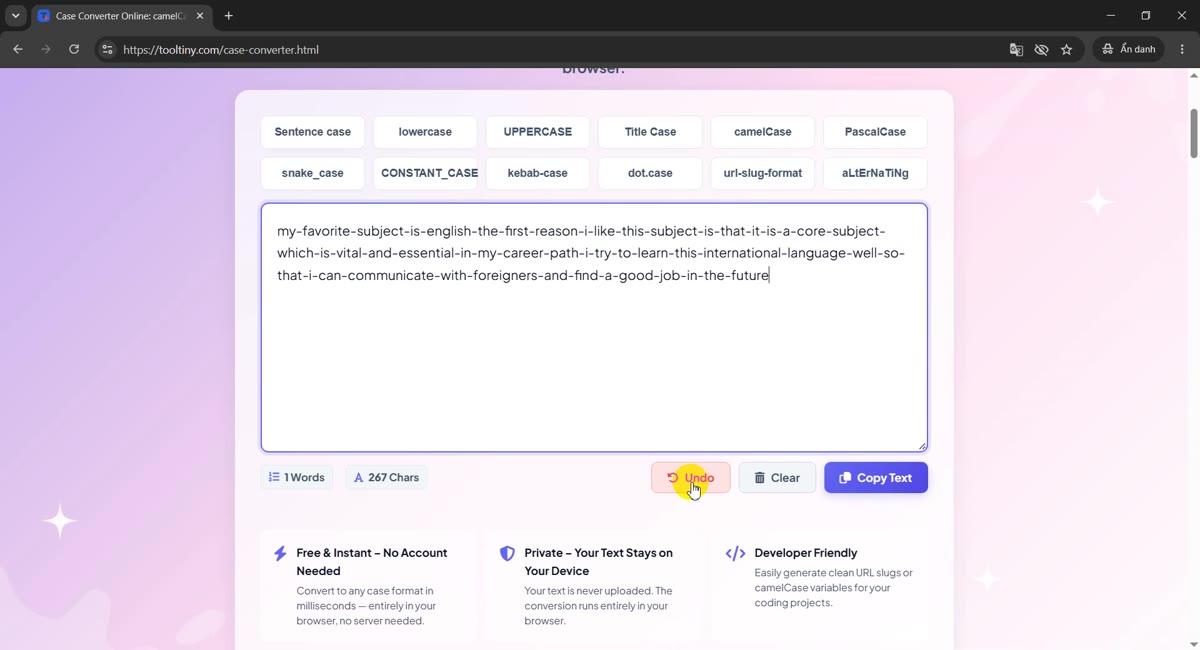
Undo steps back
What Each Style Does to the Same Sentence
We ran this sentence through every button: my favorite subject is English. I try to learn it well! The outputs below come from running the page's own conversion code on it.
| Button | Result | Typical use |
|---|---|---|
| Sentence case | My favorite subject is english. I try to learn it well! | Fixing text typed in Caps Lock; short descriptions |
| lowercase | my favorite subject is english. i try to learn it well! | Normalizing text before comparing or searching |
| UPPERCASE | MY FAVORITE SUBJECT IS ENGLISH. I TRY TO LEARN IT WELL! | Labels, warnings, codes |
| Title Case | My Favorite Subject Is English. I Try To Learn It Well! | Headlines and names (see the note on small words) |
| camelCase | myFavoriteSubjectIsEnglishITryToLearnItWell | JavaScript and Java variables, JSON keys |
| PascalCase | MyFavoriteSubjectIsEnglishITryToLearnItWell | Class and component names |
| snake_case | my_favorite_subject_is_english_i_try_to_learn_it_well | Python variables, database columns |
| CONSTANT_CASE | MY_FAVORITE_SUBJECT_IS_ENGLISH_I_TRY_TO_LEARN_IT_WELL | Constants and environment variables |
| kebab-case | my-favorite-subject-is-english-i-try-to-learn-it-well | CSS classes, file names |
| dot.case | my.favorite.subject.is.english.i.try.to.learn.it.well | Config keys, package-style names |
| url-slug-format | my-favorite-subject-is-english-i-try-to-learn-it-well | Web addresses |
| aLtErNaTiNg | mY fAvOrItE sUbJeCt Is EnGlIsH. i TrY tO lEaRn It WeLl! | Memes and jokes, not for real work |
For code styles a short phrase is easier to read. Here is user profile page in nine of them:
| Button | Result |
|---|---|
| Sentence case | User profile page |
| UPPERCASE | USER PROFILE PAGE |
| Title Case | User Profile Page |
| camelCase | userProfilePage |
| PascalCase | UserProfilePage |
| snake_case | user_profile_page |
| CONSTANT_CASE | USER_PROFILE_PAGE |
| kebab-case | user-profile-page |
| dot.case | user.profile.page |
The code styles also recognize words that are already joined. Typing XMLHttpRequest parser and clicking snake_case gives xml_http_request_parser, so you can switch an existing name from one convention to another, not only start from plain text.
Good to Know (Check These Before You Paste)
- Sentence case is blunt. It lowercases everything and capitalizes only the first letter of each sentence. In our example English became english, and a lone I inside a sentence became i. Fix names and the word I by hand.
- Title Case capitalizes every word. Small words such as is, to and of also get capital letters, which style guides usually do not want. An apostrophe can also trigger a capital: it's comes out as It'S.
- Accented letters are not handled well yet. The code styles treat letters such as é as separators, so café becomes
caf, and Vietnamese text breaks into fragments. Title Case can also capitalize a letter in the middle of an accented word. If your text has accents, remove them first or use the plain-letter styles (lowercase, UPPERCASE). - The code styles drop punctuation. Everything that is not a letter or a number becomes a separator, so it's 2026 & done turns into
it-s-2026-donein kebab-case. - kebab-case and url-slug-format match. In the current version both produce the same hyphenated lowercase output.
- No upload and no Convert button. The conversion happens in the box as you click, and the page states your text stays on your device. Still, do not paste passwords or confidential text into any website.
- Free: no sign-up needed.
Tips for Cleaner Results
- Start from plain text for code styles. Write the phrase in words first (user profile page) and convert it, rather than editing names by hand.
- Convert in one direction. Click Undo if a style is not what you wanted; the box always converts what is in it now, not your original paste.
- Keep your original. Before a long conversion, copy your source text somewhere, because Clear removes it from the box.
- Check proper nouns after Sentence case. Names, brands and the word I need their capitals back.
- Use the counters. The word and character counts under the box help when a field has a length limit. For deeper statistics try the Word Counter.
- Slugs: shorten them. A good web address is a few words, not a whole sentence. Trim the text before you convert it.
- See more guides. Our blog has step-by-step tutorials for the other ToolTiny tools.
Paste your text, click a style and copy the result. Free, no sign-up.