How to Count Words and Characters Online for Free (Word Counter Guide)
Essays have word limits, tweets have character limits and scripts need a running time. A word counter answers all three in one paste. This guide shows how to count words, characters, sentences and paragraphs online with ToolTiny, how to read the reading and speaking time, and what each number means, using a real 198-word example. It is free, needs no sign-up and runs in your browser.
Why Use an Online Word Counter
- Word limits. Check essays, assignments and applications before you submit.
- Character limits. Fit posts, SMS and meta descriptions into the limit.
- Timing. Know how long a text takes to read or to say aloud.
- Live results. Numbers change as you type, with no button to press.
- Private. Counting runs in your browser, and it is free.
Watch the Whole Process
The recording copies a 198-word text from Word, pastes it into the counter and walks through every number on the screen.
How to Use the Word Counter, Step by Step
-
Open Word Counter
In the top bar open Text and choose Word Counter, or go straight to tooltiny.com/word-counter.html.
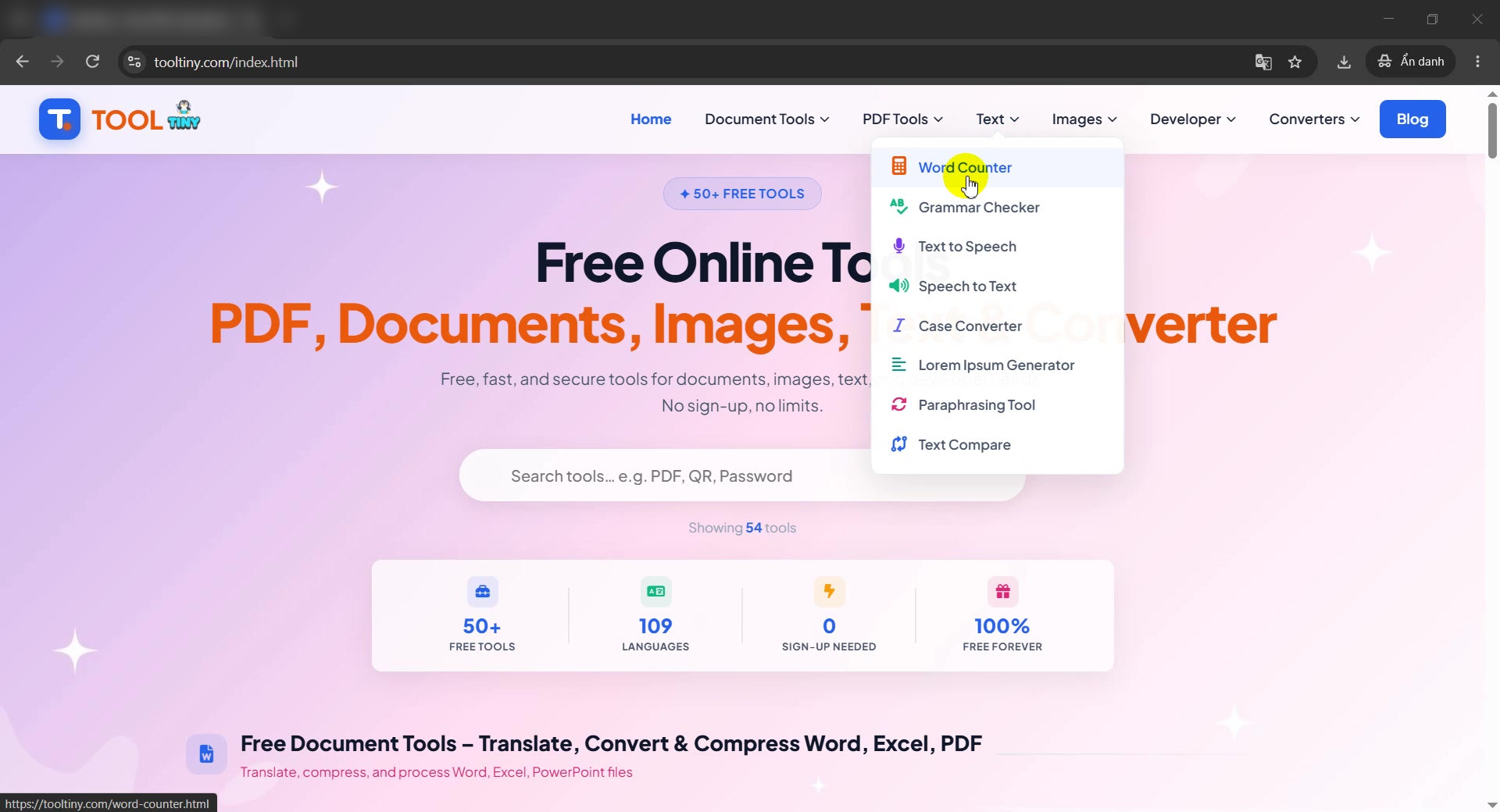
Text → Word Counter -
Look at the counter
The page shows six boxes: Words, Characters, No Spaces, Sentences, Paragraphs and Lines. All start at 0, with a big text area below.
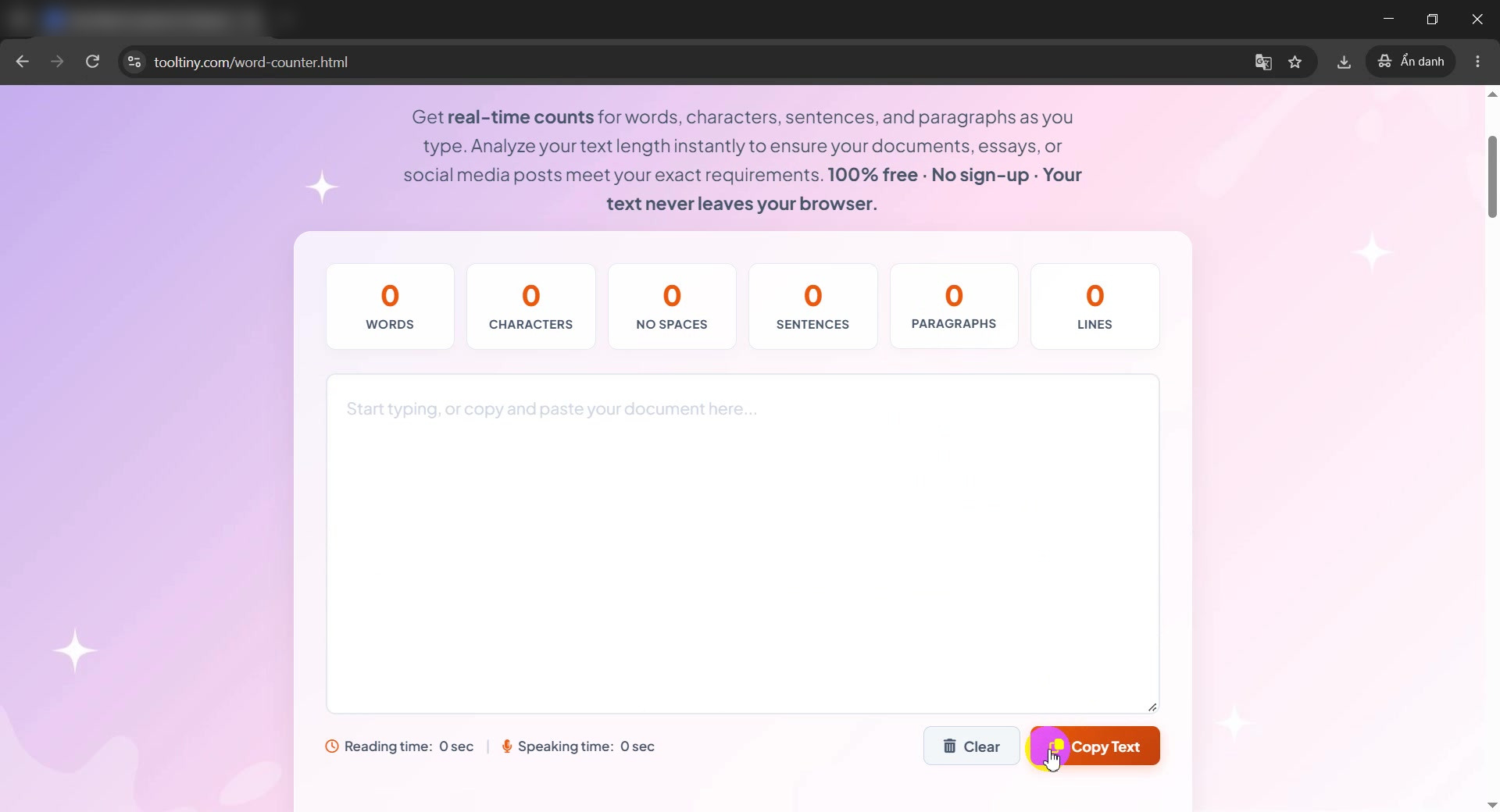
Counters start at 0 -
Copy your text
Open the document you want to check. We use a short 198-word article in Word and select everything with Ctrl+A, then copy it with Ctrl+C. Word itself reports 198 words, so we can compare.
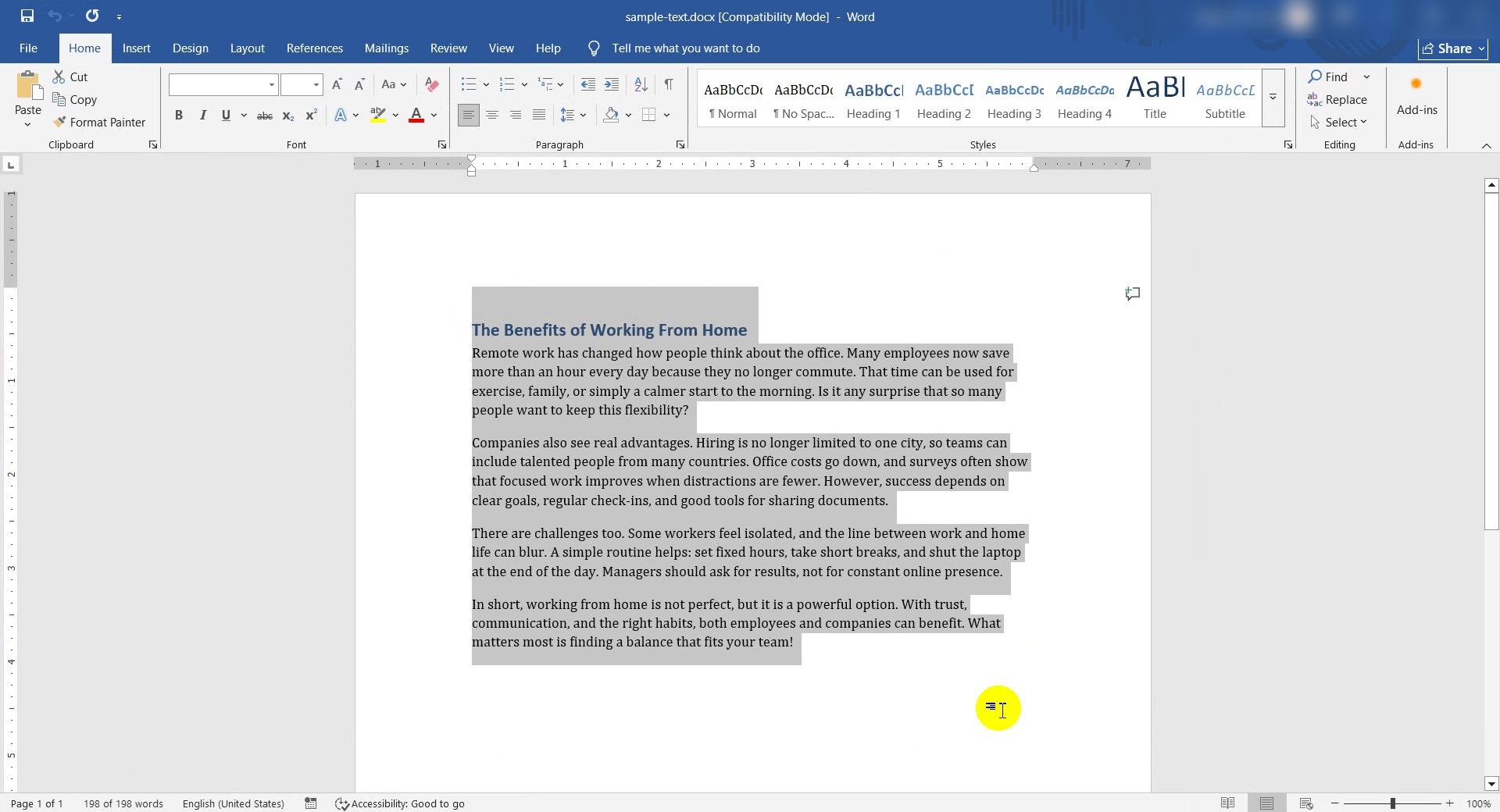
Select and copy the text -
Click the text box
Go back to ToolTiny and click inside the text area. The border turns orange to show it is ready.
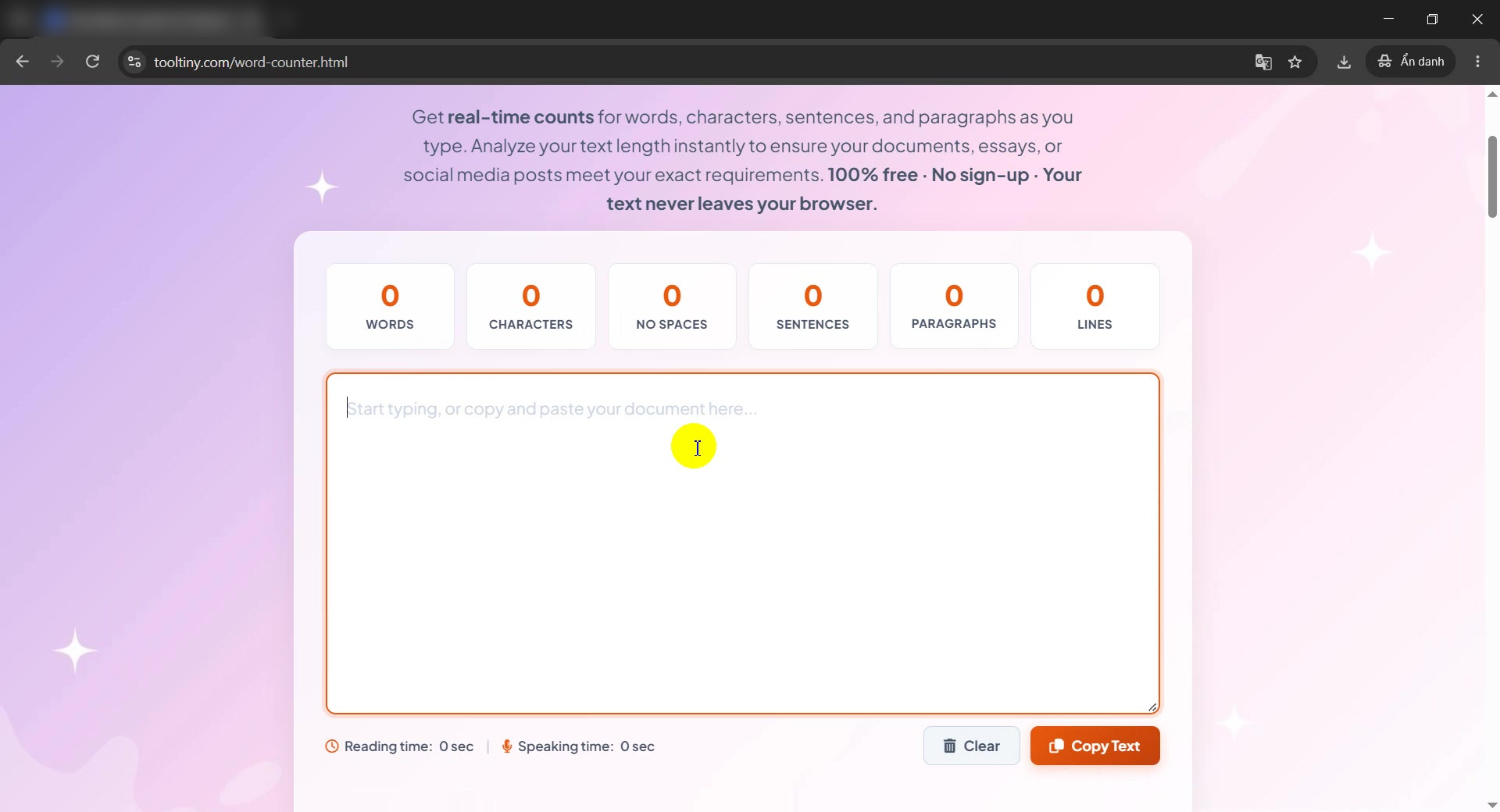
Click the text area -
Paste the text
Press Ctrl+V. There is no button to press: the numbers update the moment the text appears.
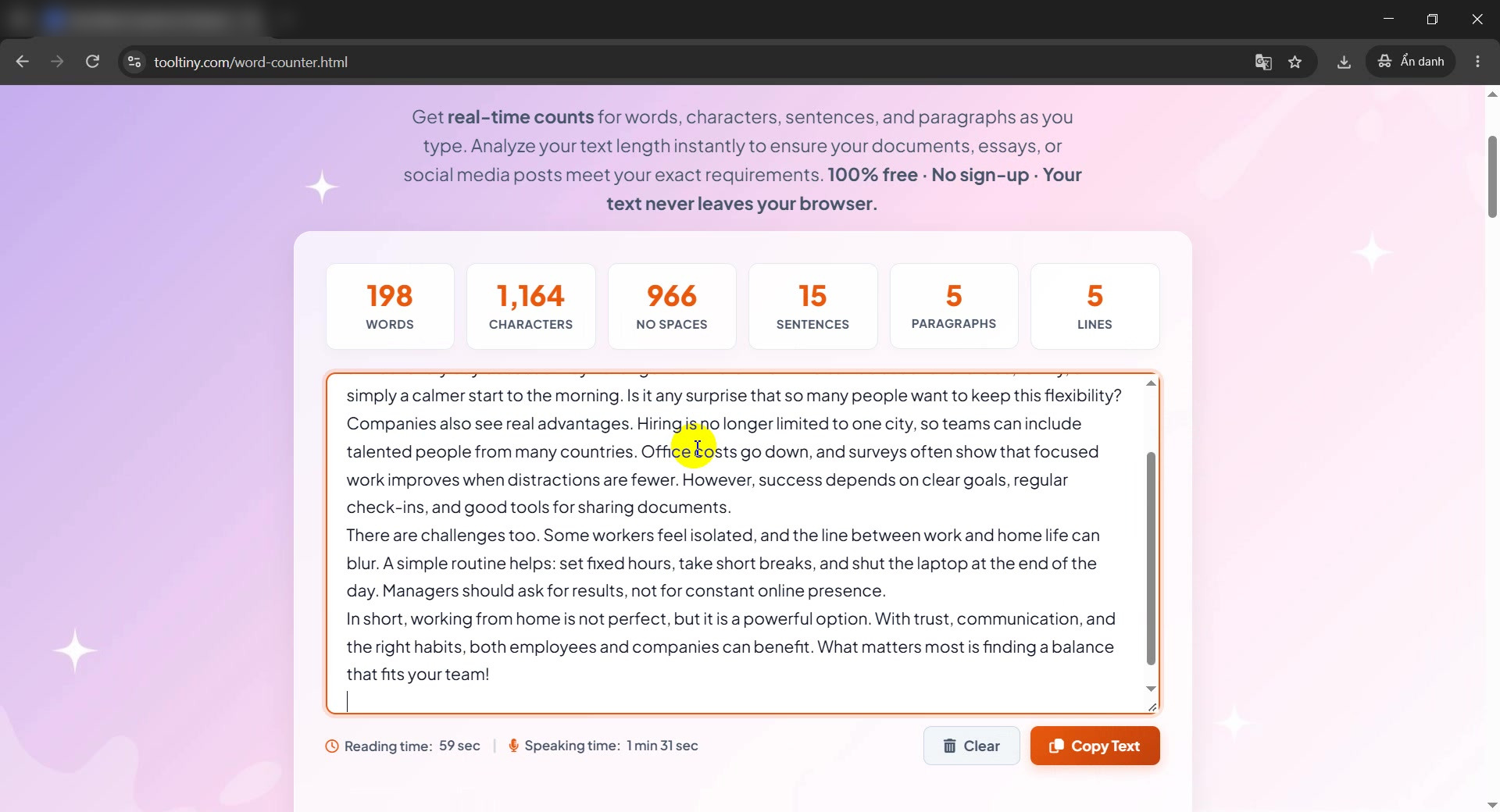
Results appear instantly -
Read the word count
198 words, exactly what Word reported. Words are separated by spaces and line breaks.
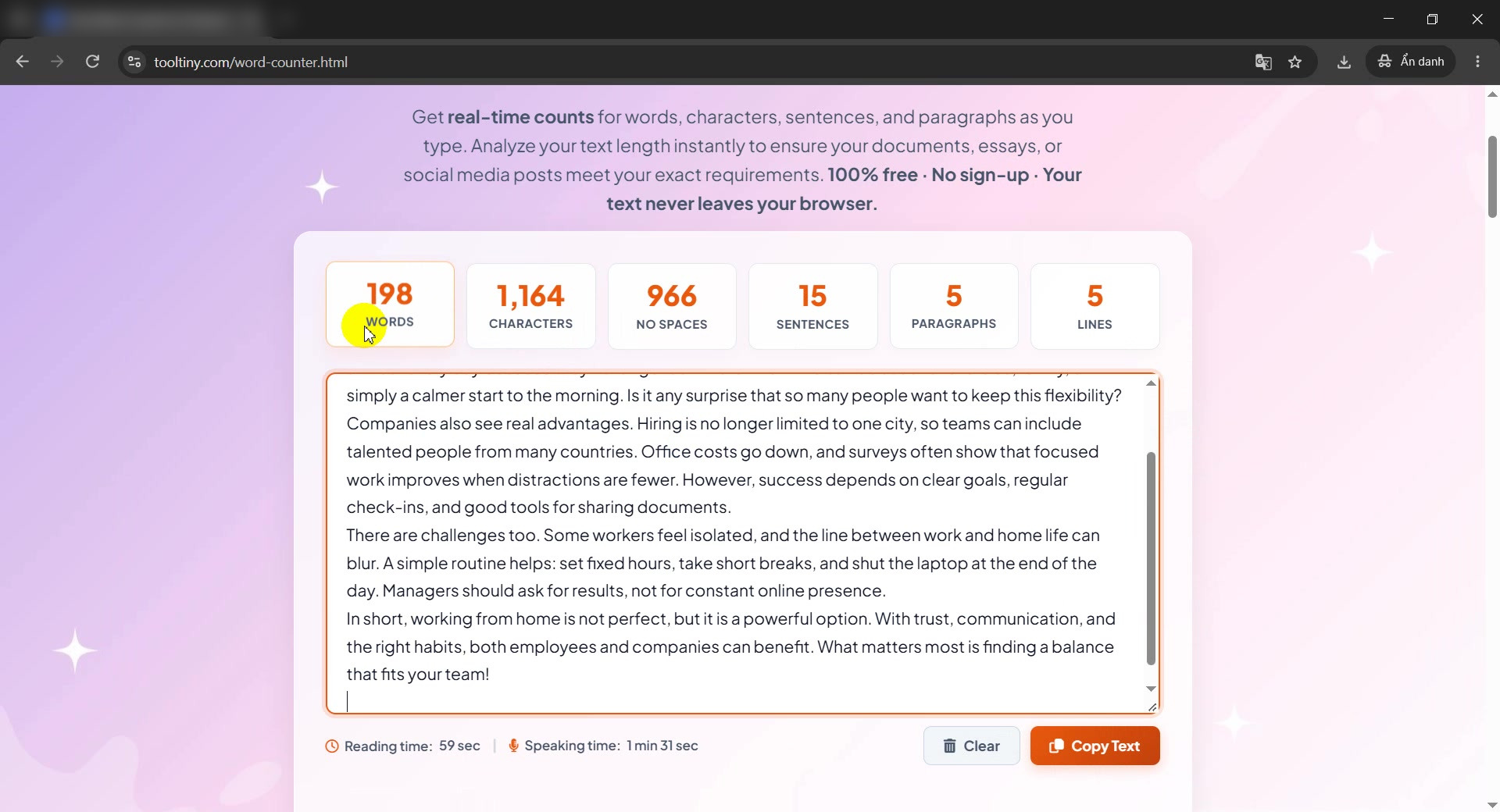
Words: 198 -
Check the characters
Characters (1,164) counts everything, spaces included. No Spaces (966) counts only visible characters. Use the first for limits such as X (Twitter) or SMS.
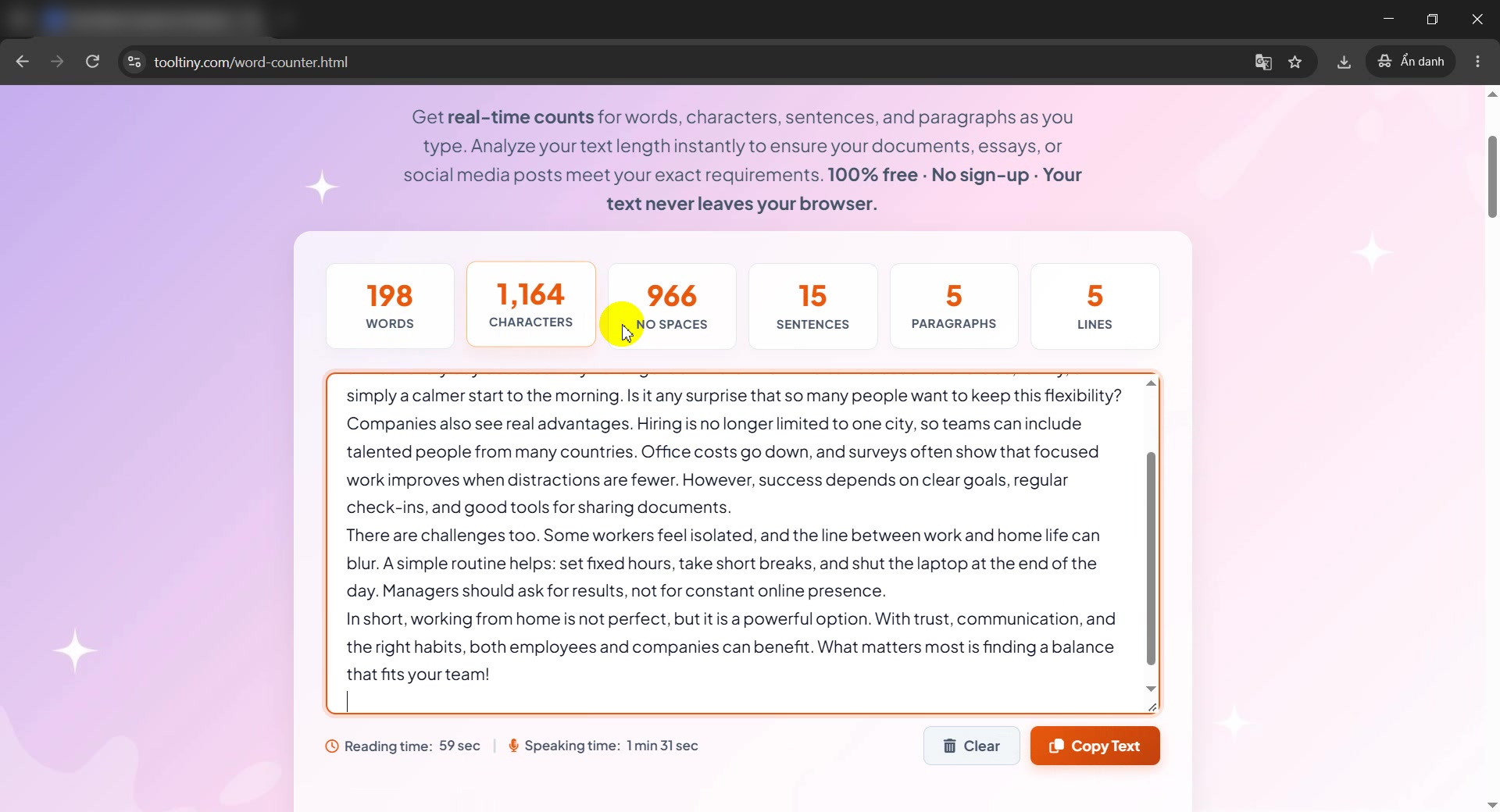
Characters and No Spaces -
Check the sentences
Sentences are counted from the ending marks . ! and ? Our sample has 15. Common abbreviations like Dr. or U.S.A. do not end a sentence.
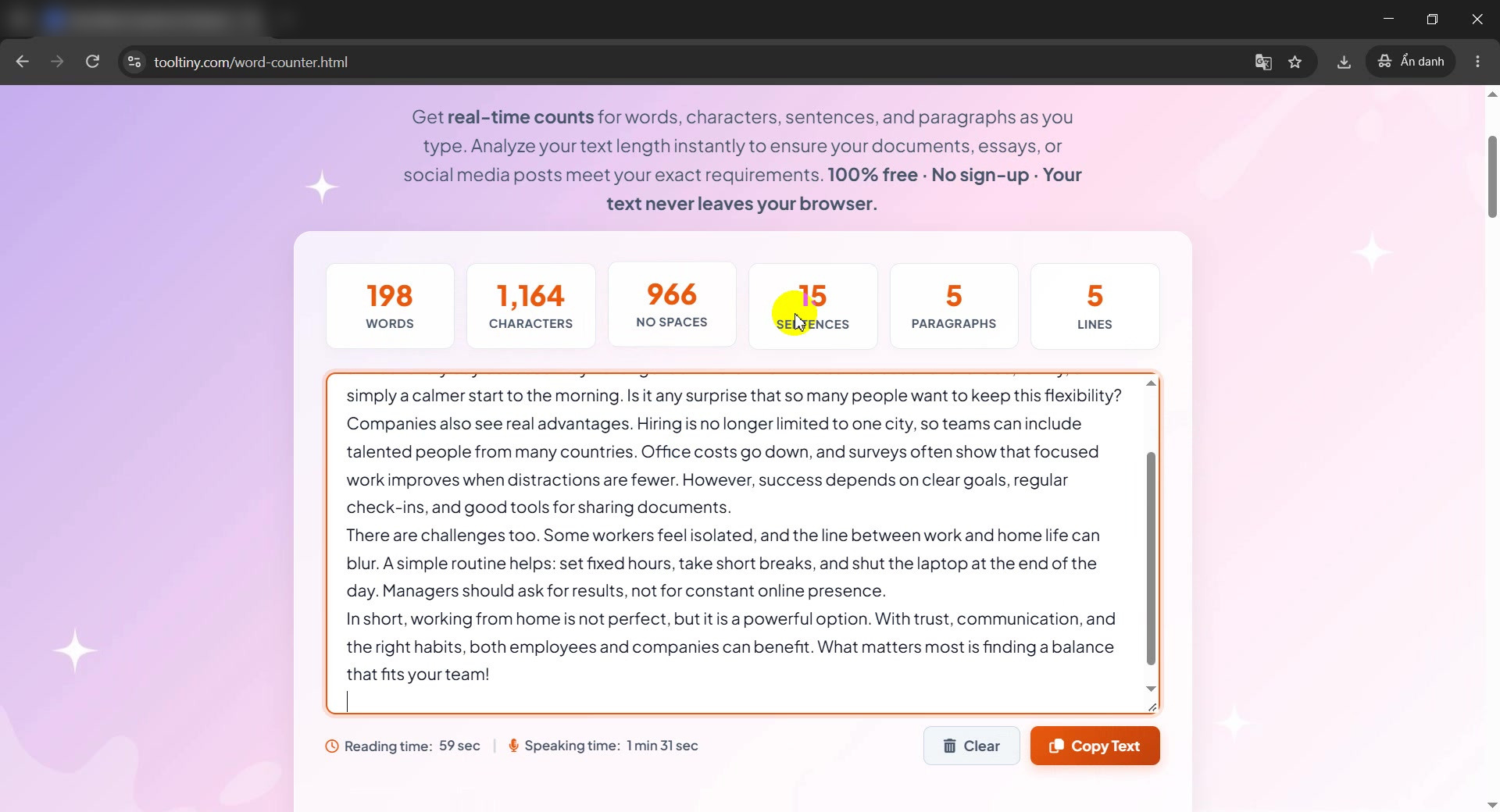
Sentences: 15 -
Check paragraphs and lines
Paragraphs (5) are blocks of text, and Lines (5) counts line breaks. The title plus four paragraphs make five.
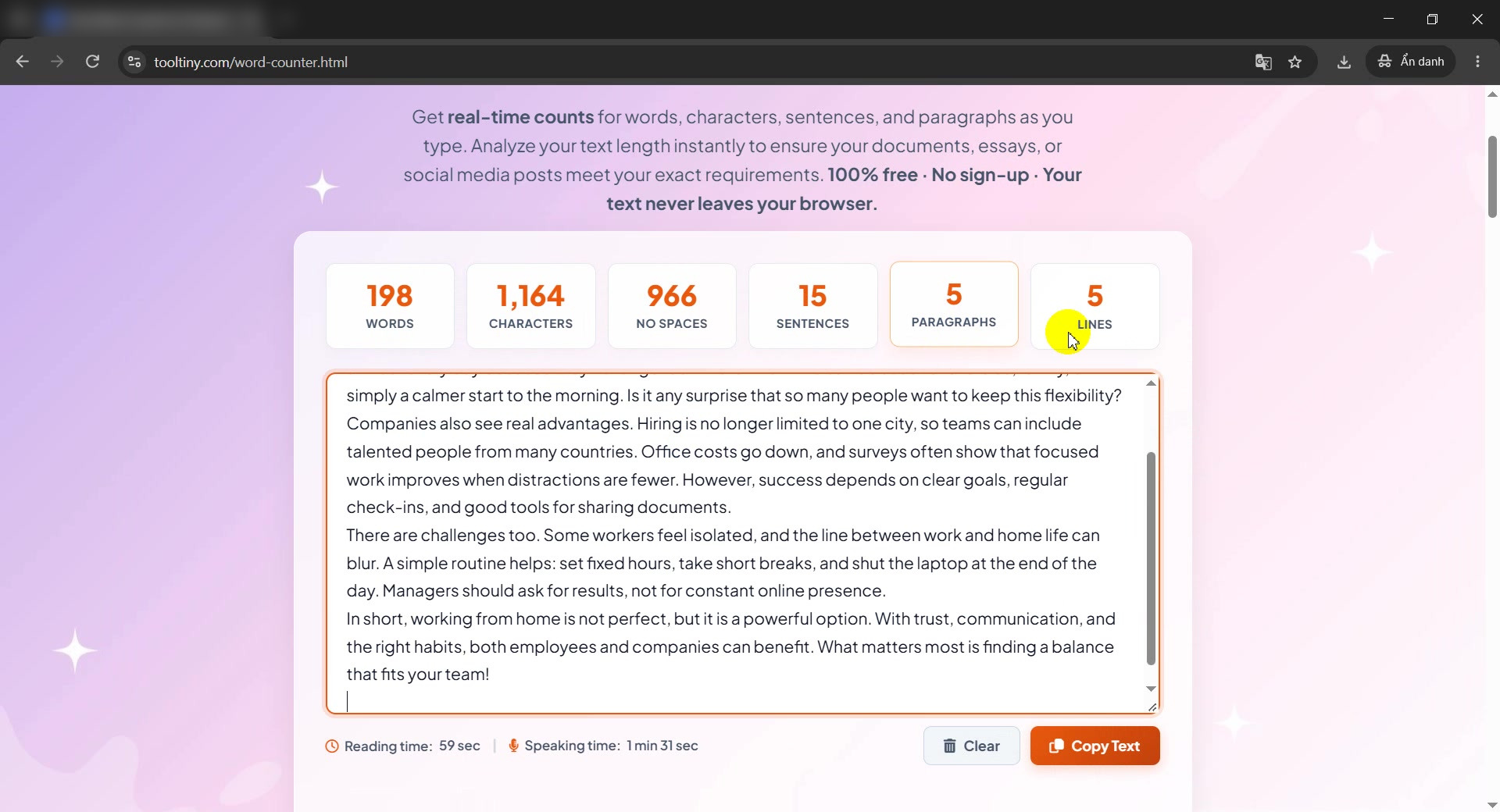
Paragraphs and Lines -
Read the reading and speaking time
Below the text area you see Reading time: 59 sec (200 words per minute) and Speaking time: 1 min 31 sec (130 words per minute). Handy for scripts and presentations.
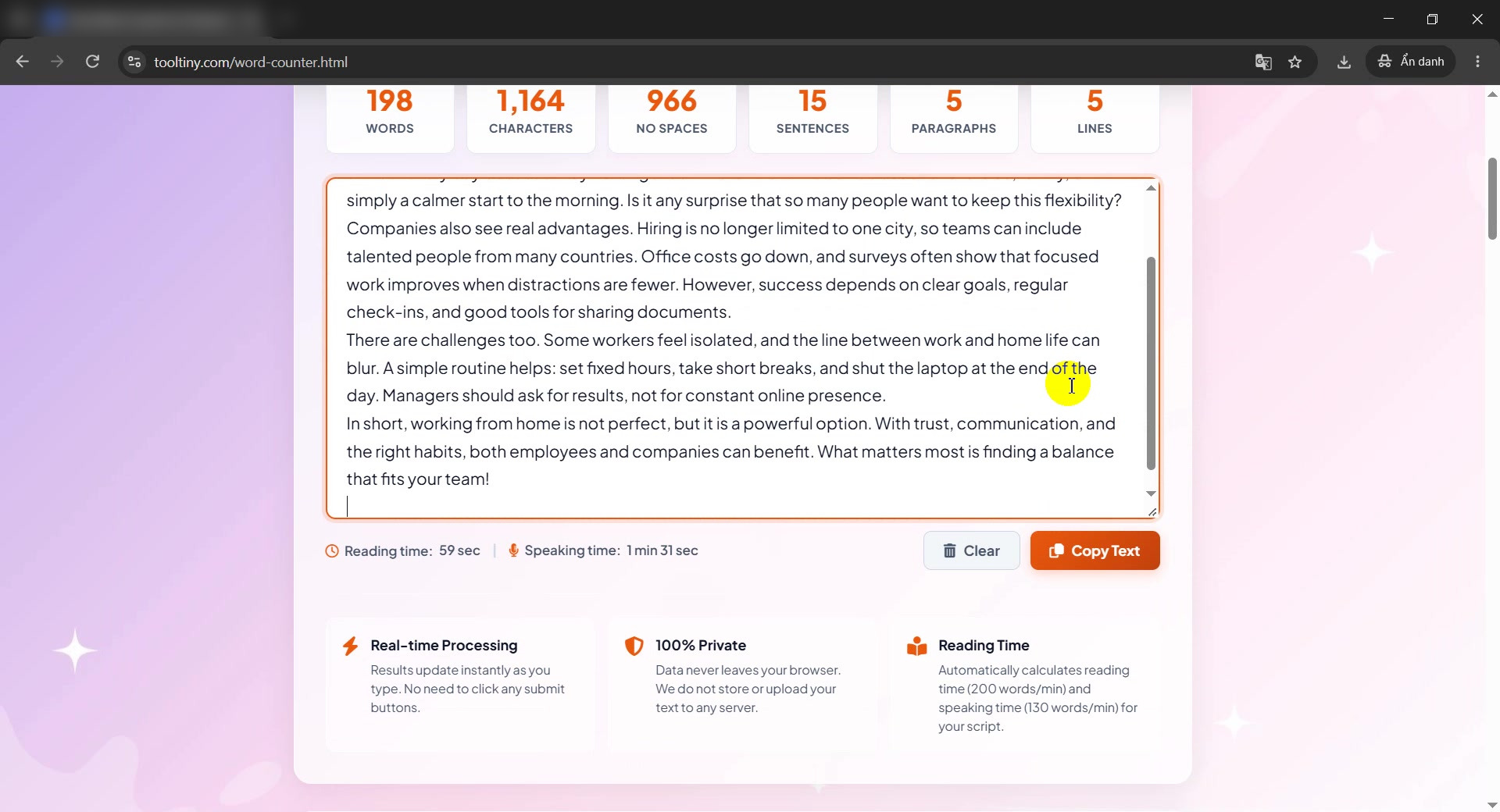
Reading and speaking time -
Copy or clear the text
Click Copy Text to copy what is in the box, or Clear to start again. After Clear, an Undo button appears for a few seconds in case you clicked by mistake.
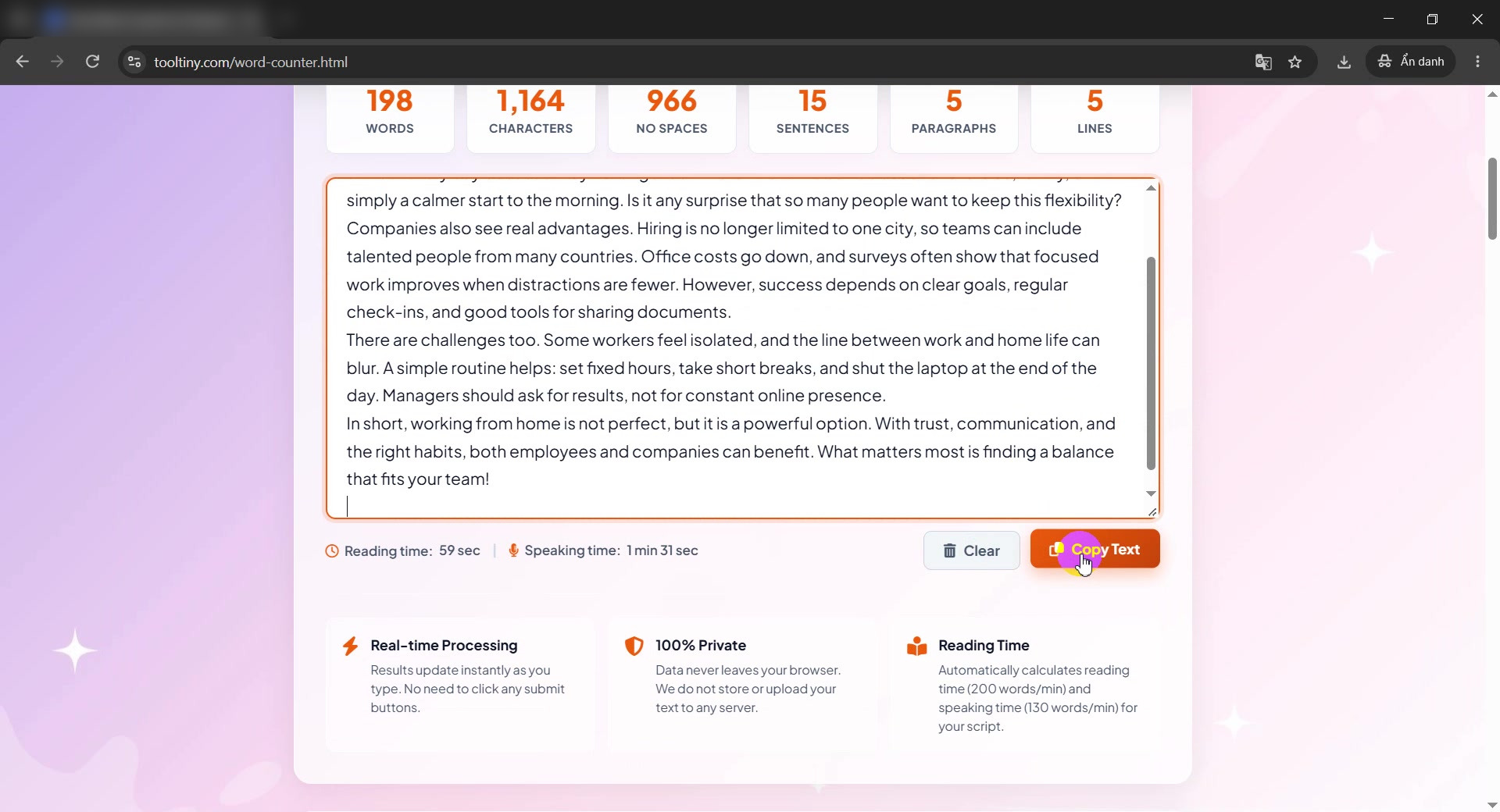
Copy Text and Clear
What Each Number Means
| Counter | What it counts | Our sample |
|---|---|---|
| Words | Groups of characters separated by spaces or line breaks | 198 |
| Characters | All characters, spaces included | 1,164 |
| No Spaces | Only visible characters | 966 |
| Sentences | Text ended by . ! or ? | 15 |
| Paragraphs | Blocks of text | 5 |
| Reading / Speaking time | 200 / 130 words per minute | 59 sec / 1 min 31 sec |
Good to Know
- Runs in your browser: your text is not uploaded for counting.
- Remembers your last text: it stays in your own browser after a refresh; Clear removes it.
- Undo: after Clear, press Undo within a few seconds to get the text back.
- Different tools, small differences: hyphens and symbols may be counted differently.
- Cost: free, with no sign-up.
Tips for Counting and Hitting Limits
- Know which limit applies. Essays use words; X (Twitter), SMS and meta tags use characters.
- Paste the final text. Count after editing, not before.
- Google snippets. Keep titles near 50–60 characters and meta descriptions near 150–160.
- Fix mistakes first. Run the text through the Grammar Checker.
- Need another wording? Try the Paraphrasing Tool.
- Comparing versions? Use Text Compare to see what changed.
- Counting a Word file? Press Ctrl+A and Ctrl+C in the document, then paste it here.
Paste your text and read every count live. Free, no sign-up.