How to Minify or Beautify HTML, CSS and JavaScript Online (Free)
Code that is easy to read and code that is fast to download are not the same file. The ToolTiny Code Minifier & Beautifier does both jobs on one page: Minify strips a file down for production, Beautify lays it out again for people. This guide follows a real screen recording in which we formatted an 8 KB PHP page. The code itself is blurred in the screenshots because it is internal, but every number below is the one we saw on screen.
Minify or Beautify?
| Minify Code | Beautify (Format) | |
|---|---|---|
| What it does | Removes comments, spaces and line breaks; can shorten JavaScript names | Adds line breaks and indentation |
| Result | Smaller file, hard to read | Readable file, usually a little larger |
| Use it for | Files you publish on a website | Reading, reviewing or editing code, including minified code from someone else |
| Options | JavaScript: rename variables, compress, license comments, ES module. HTML: inline CSS and JS, remove comments | Indent (2 spaces, 4 spaces, Tab), keep blank lines |
Keep the readable version as your source and publish the minified one. With Use as input you can go from one to the other in a click.
Watch the Whole Process
The recording opens the tool from the menu, looks at the JavaScript and HTML minify options, pastes a PHP page, tries the language list and the Open file button, then formats the page with different indent settings and finishes with the result buttons.
How to Minify or Beautify Code, Step by Step
-
Open the Code Minifier
Open the Developer menu in the top bar and choose Code Minify / Beautify, or go straight to tooltiny.com/code-minify.html.
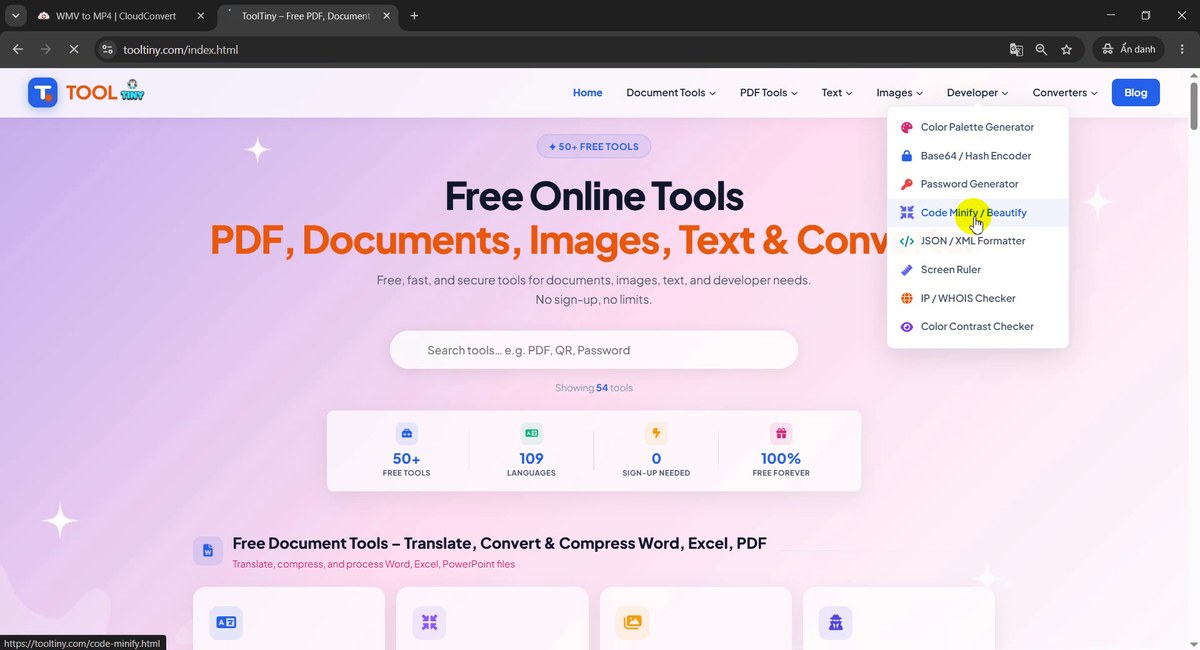
Developer → Code Minify / Beautify -
Two modes: Minify and Beautify
At the top of the tool are two buttons. Minify Code removes comments and spaces to make files smaller. Beautify (Format) adds line breaks and indentation so code is easy to read. The page remembered the mode we used last time, which is why it opened on Beautify.
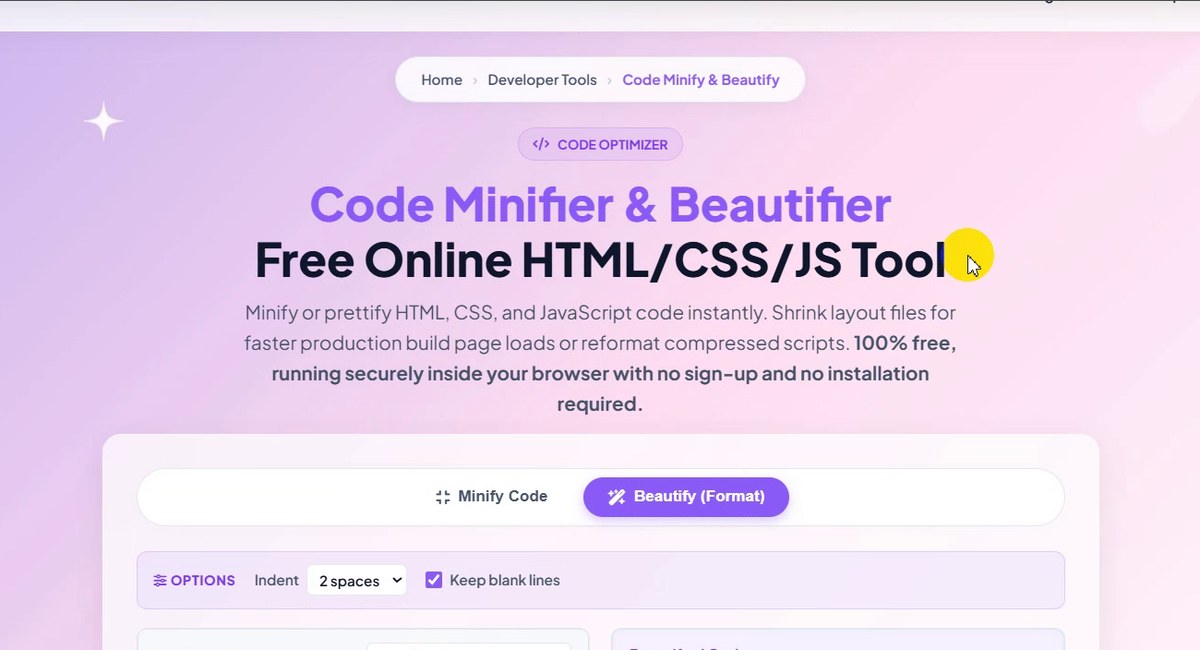
Minify or Beautify -
Check the JavaScript options
In Minify mode with JavaScript selected, the Options bar shows Rename variables (mangle), Compress code, Keep license comments and ES module. In the video we untick and tick them to show they can be switched off one by one. Untick Rename variables if other files call your function names directly.
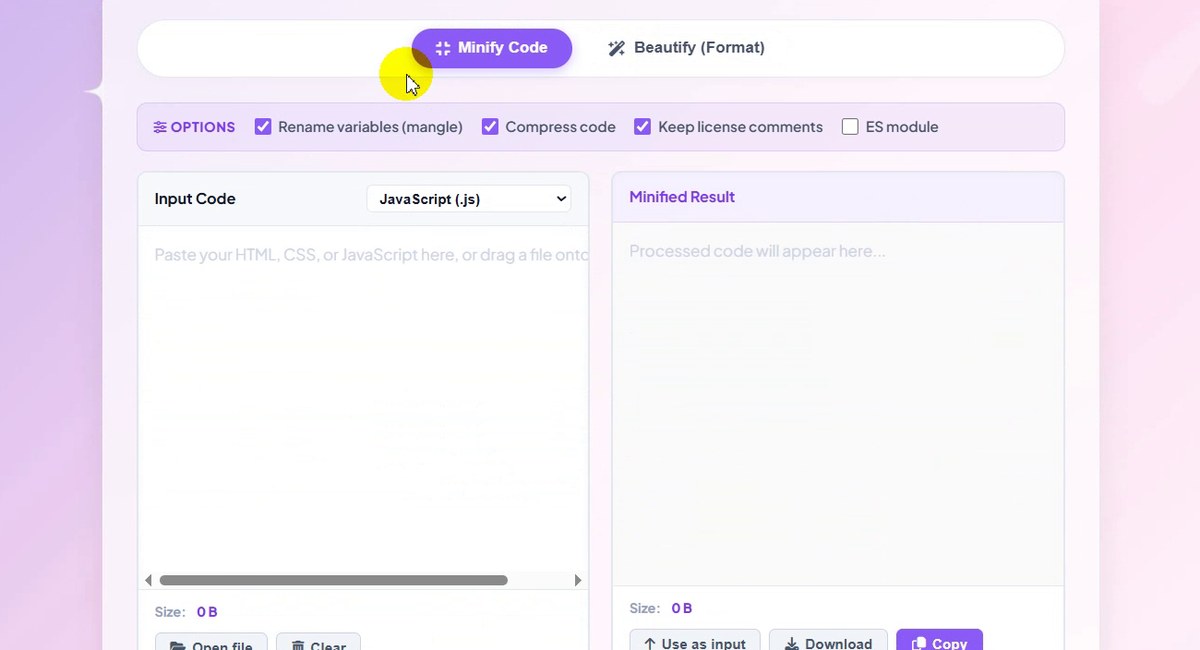
JavaScript minify options -
Paste your code
Paste code into Input Code. We pasted a PHP page that mixes PHP and HTML (blurred here because it is internal code). The tool noticed and showed: “This looks like HTML, so the language was switched from JavaScript.” The input size appears under the box: 8 KB.
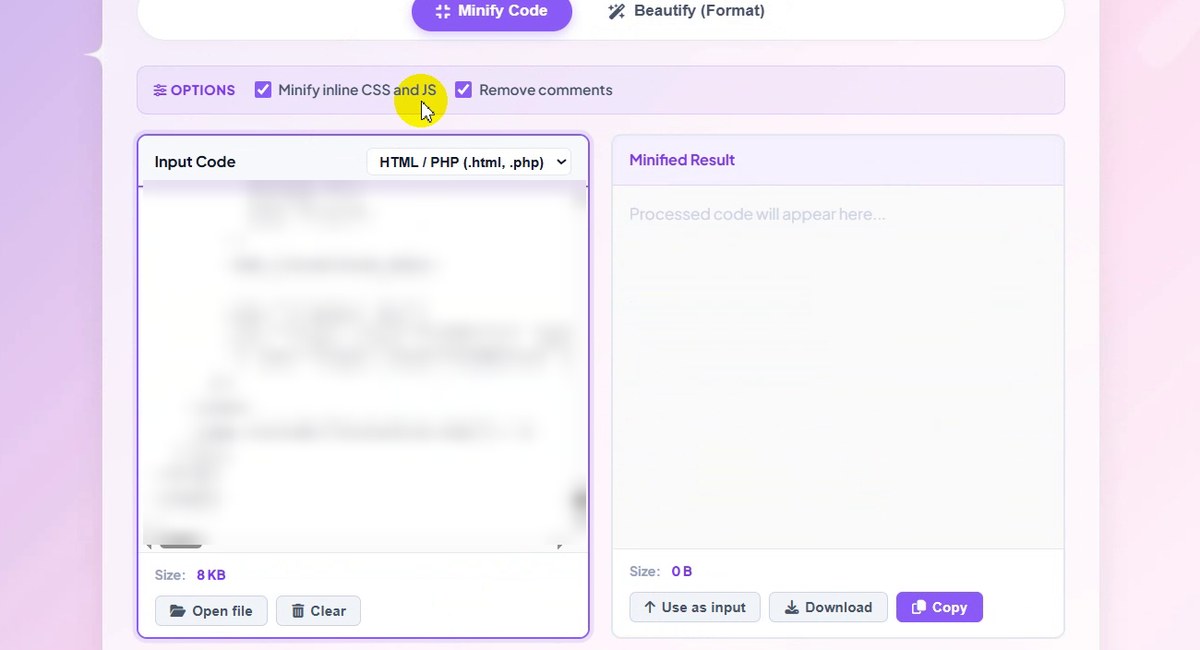
Language detected automatically -
Pick the language yourself if needed
The list next to Input Code has JavaScript (.js), CSS (.css) and HTML / PHP (.html, .php). If the guess is wrong, choose the right one. For HTML the options change to Minify inline CSS and JS and Remove comments.
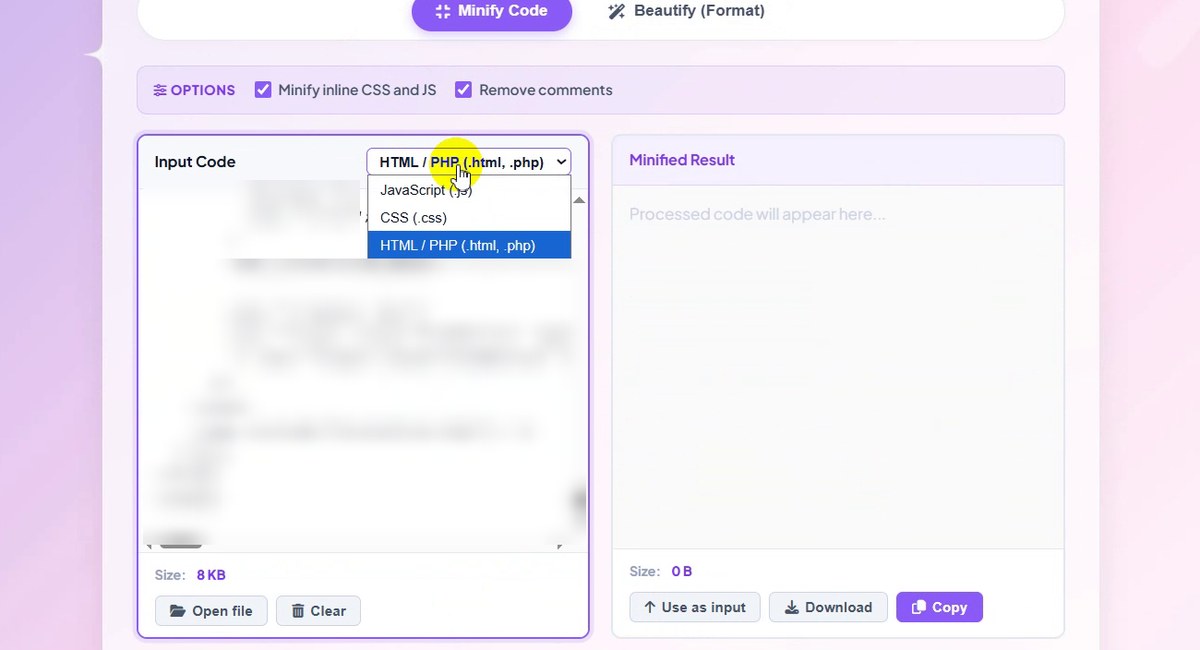
JavaScript, CSS or HTML / PHP -
Or open a file
Instead of pasting, click Open file under the input box, or drag a file onto it. The page accepts .js, .css, .html and .php files, and Download later keeps the same name with
.minadded.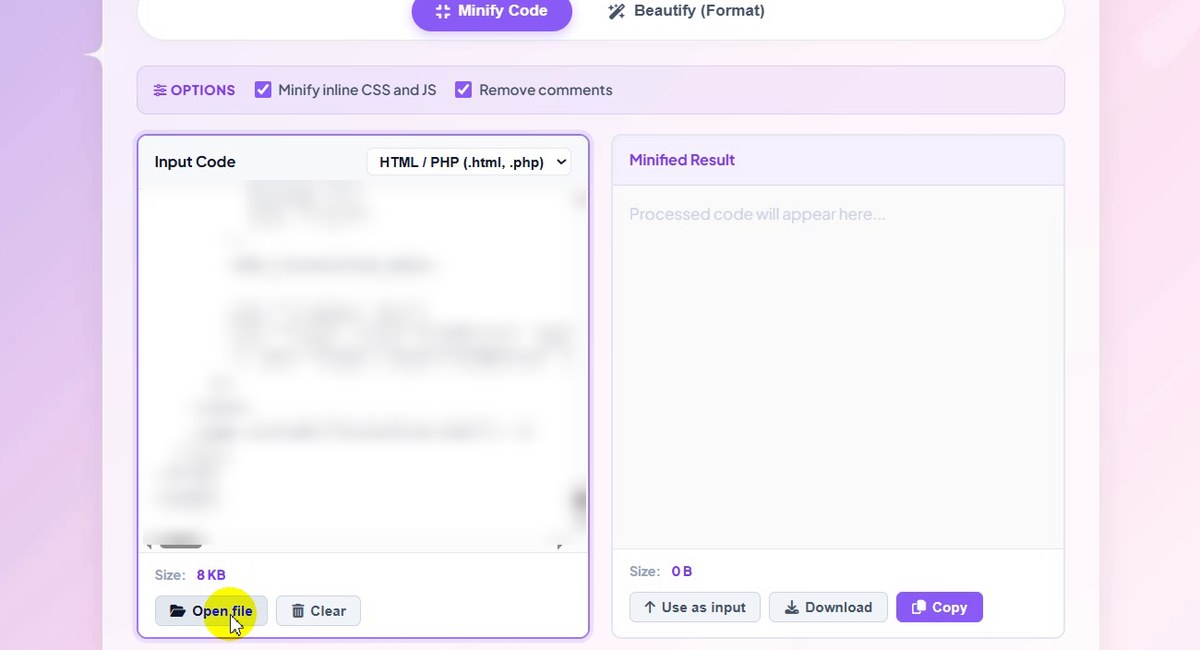
Open file or drag and drop -
Switch to Beautify
Click Beautify (Format). Because the input box already had code, the result appeared straight away: 8.06 KB (gzip 2.13 KB) from an 8 KB input. The HTML around the PHP is indented; the code inside
<?php … ?>is left exactly as written.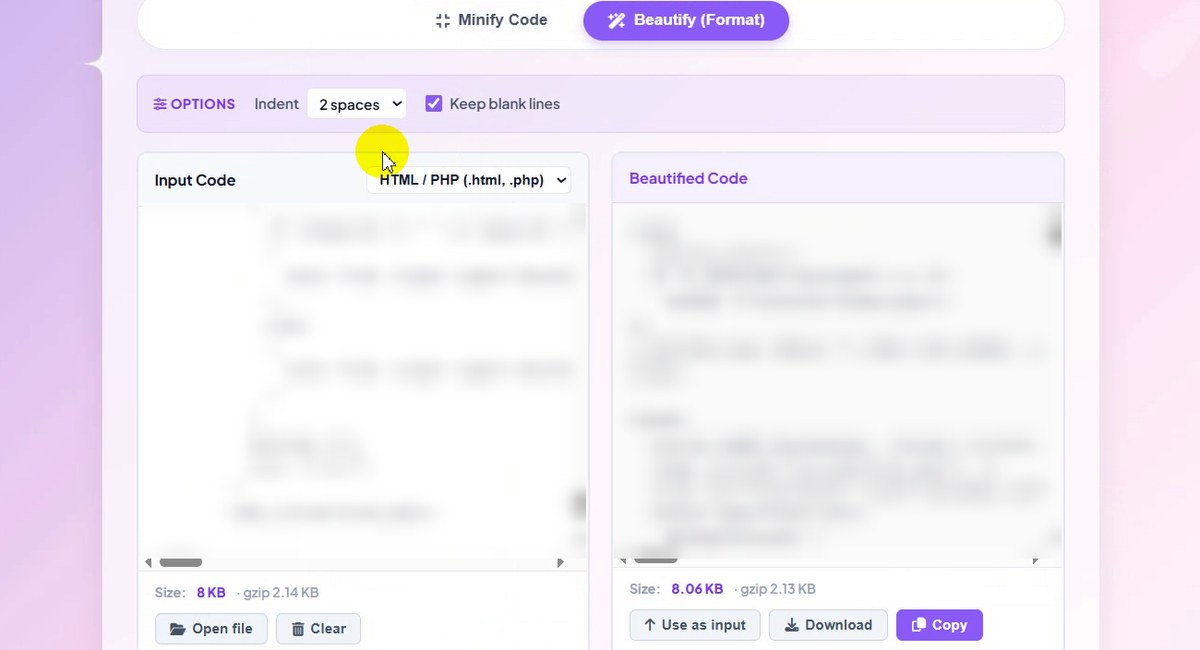
Formatted: 8.06 KB -
Choose the indent
Open Indent and pick 2 spaces, 4 spaces or Tab. The result updates at once. With our file, 4 spaces made it 8.18 KB and Tab 7.99 KB, because one tab character replaces several spaces.
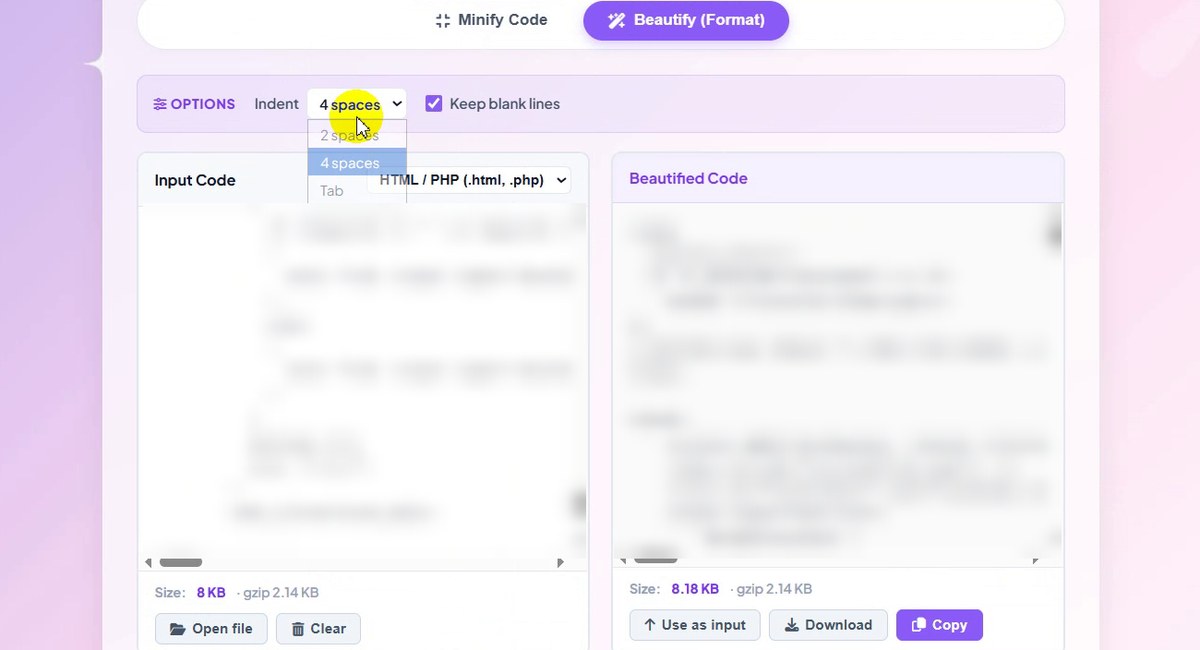
4 spaces: 8.18 KB -
Keep or remove blank lines
Keep blank lines keeps the empty lines you used to separate blocks. Unticked, they are removed: our result went from 7.99 KB to 7.96 KB (gzip 2.11 KB).
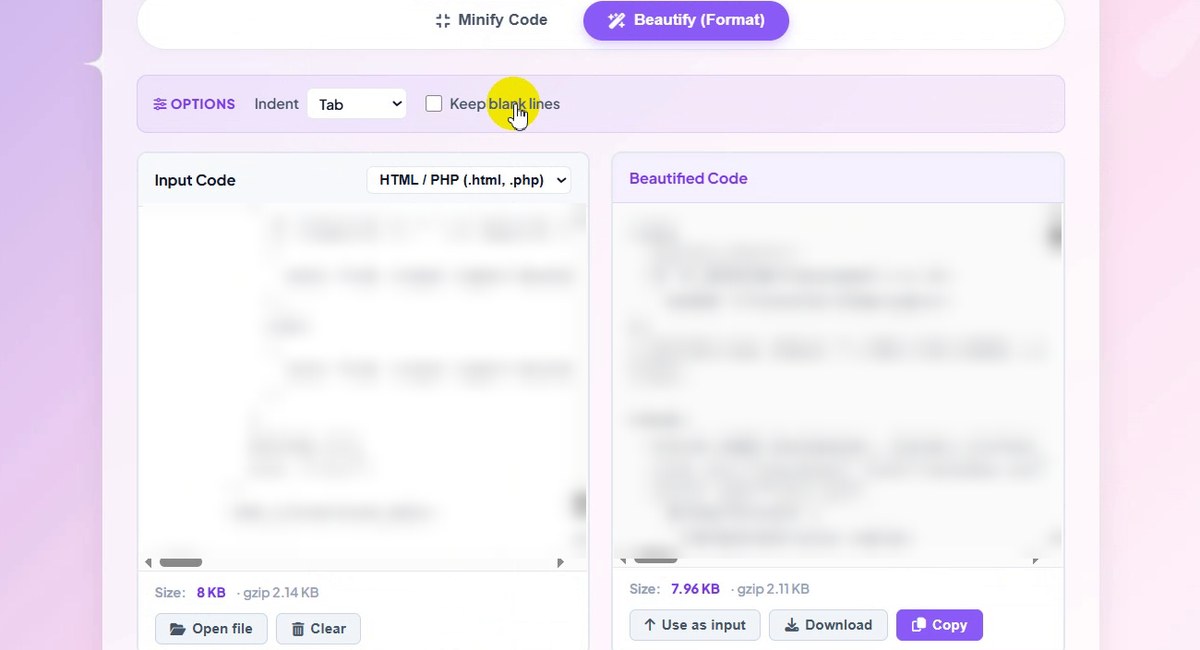
Blank lines removed: 7.96 KB -
Run it again any time
Press Beautify Code (or Minify Code) to process the input again, for example after editing it. Ctrl+Enter in the input box does the same.
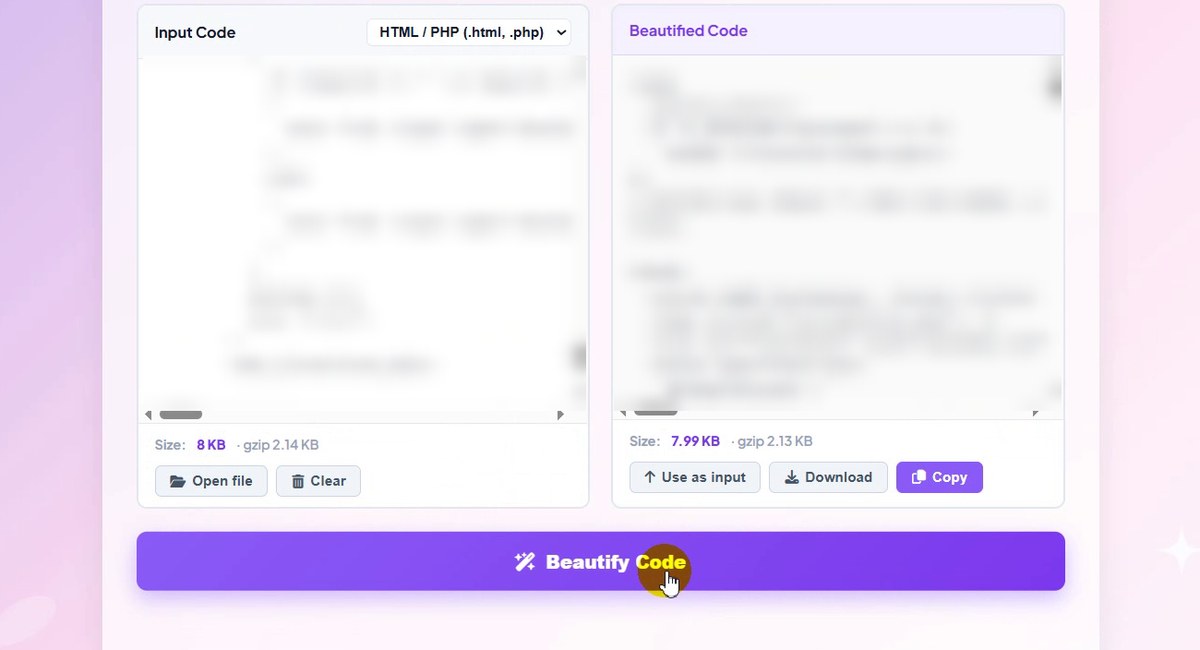
Beautify Code / Ctrl+Enter -
Use, download or copy the result
Under the result: Use as input moves it back into the input box (handy to minify a file you just formatted), Download saves it as a file and Copy puts it on the clipboard.
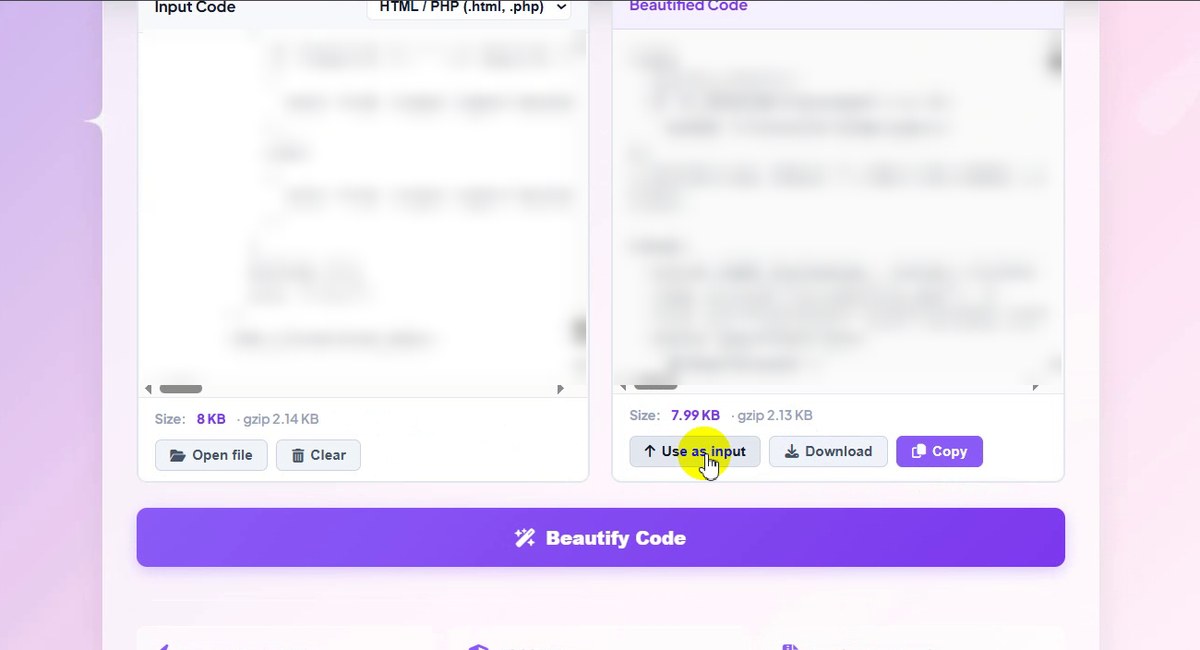
Use as input, Download or Copy
What the Settings Did to Our 8 KB Page
| Setting | Result size | gzip size |
|---|---|---|
| Original input | 8 KB | 2.14 KB |
| Beautify, 2 spaces | 8.06 KB | 2.13 KB |
| Beautify, 4 spaces | 8.18 KB | 2.14 KB |
| Beautify, Tab | 7.99 KB | 2.13 KB |
| Beautify, Tab, no blank lines | 7.96 KB | 2.11 KB |
The raw size moved by about 2% between settings, and the gzip size, which is what a server actually sends, hardly moved at all. Pick the indent for readability; to save bytes, use Minify instead.
Good to Know
- PHP is left alone. In HTML / PHP mode the tool formats the HTML and keeps everything inside
<?php … ?>exactly as written, so it will not re-indent your PHP logic. - The language is guessed for you when you paste or open a file, and the page tells you when it switches. Your own choice in the list wins.
- We did not run Minify on this file in the recording; we only showed its options. In a separate test, a 1 KB commented JavaScript file came out 49% smaller.
- Settings are remembered in your browser, which is why the page opened on Beautify in our recording.
- Private: the page says your code is processed in your browser and never sent to a server.
Tips
- Test before you publish. Open the page with the minified file once before replacing the original on your server.
- Untick Rename variables when other scripts call your functions by name, or when you debug in the browser.
- Turn unreadable code into something you can read: paste a minified file and use Beautify to see its structure.
- Follow your team’s style. Pick the indent your project already uses so the formatted file does not create a huge diff.
- Working with data instead of code? The JSON / XML Formatter validates and formats API responses. More guides are on our blog.
HTML, CSS, JavaScript and PHP pages. Free, private, no sign-up.