How to Check IP, WHOIS, SSL Certificate and DNS Records Online (Free)
Is the certificate about to expire? Who owns this domain, and when does it run out? Where is the server? The ToolTiny IP / WHOIS / SSL Checker answers all of this in one report for any domain, URL or IP address. This guide follows a 45-second screen recording in which we check ebay.com; every value below is the one shown on screen.
What One Check Gives You
After you press Analyze Target, the report has four cards plus a row of summary chips:
| Card | What it shows |
|---|---|
| IP & Location | IP address, version, ISP / organisation, ASN, city, country and all IPs found |
| SSL Certificate | Status, issuer, valid dates, days remaining, TLS version and the domains it covers |
| Domain Registration (WHOIS / RDAP) | Registrar, created, expires and updated dates, DNSSEC, status flags and name servers |
| DNS Records | Type, value and TTL of each record |
Watch the Whole Process
The recording opens the tool from the Developer menu, types ebay.com, clicks Analyze Target and then scrolls through the whole report, from the IP and the certificate down to the 59 DNS records.
How to Check IP, WHOIS and SSL, Step by Step
-
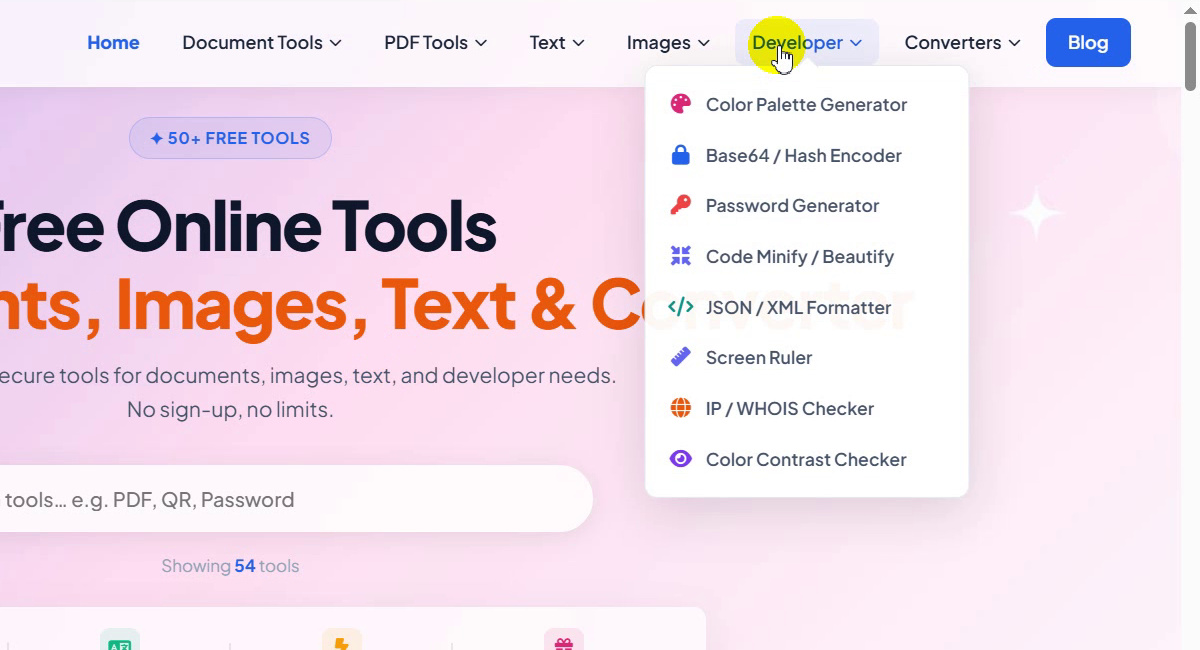
Open the Developer menu
On the ToolTiny home page, move the mouse over Developer in the top bar. The menu lists Color Palette Generator, Base64 / Hash Encoder, Password Generator, Code Minify / Beautify, JSON / XML Formatter, Screen Ruler, IP / WHOIS Checker and Color Contrast Checker.
Developer menu -
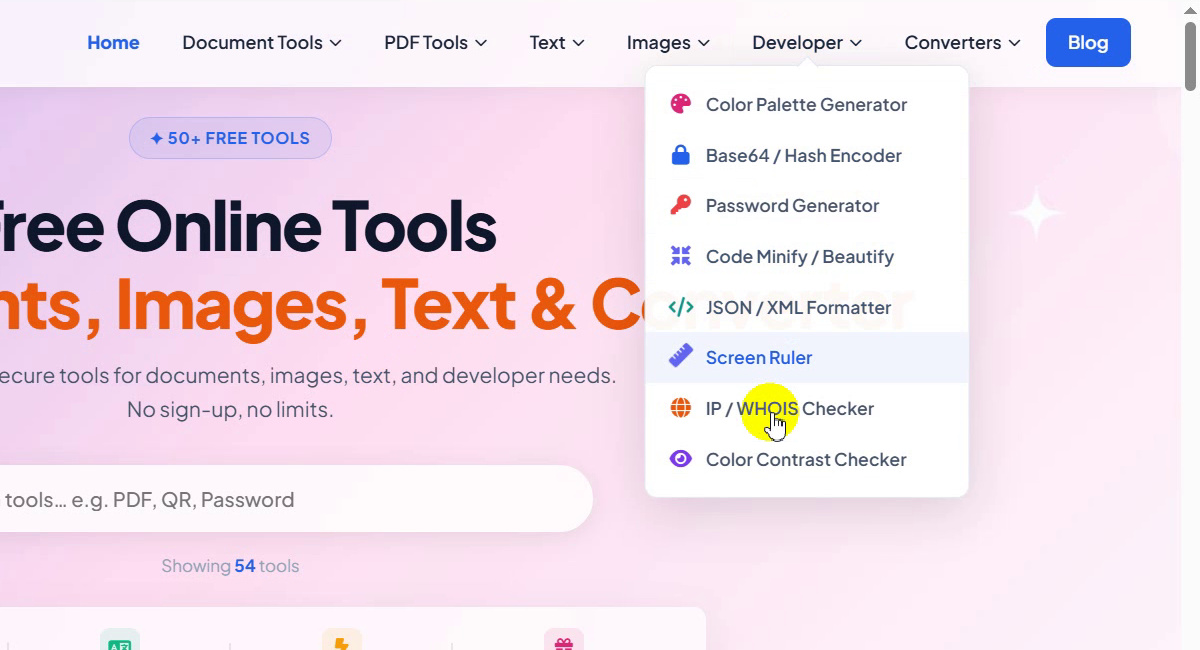
Choose IP / WHOIS Checker
Click IP / WHOIS Checker, or go straight to tooltiny.com/ip-checker.html.
Developer → IP / WHOIS Checker -
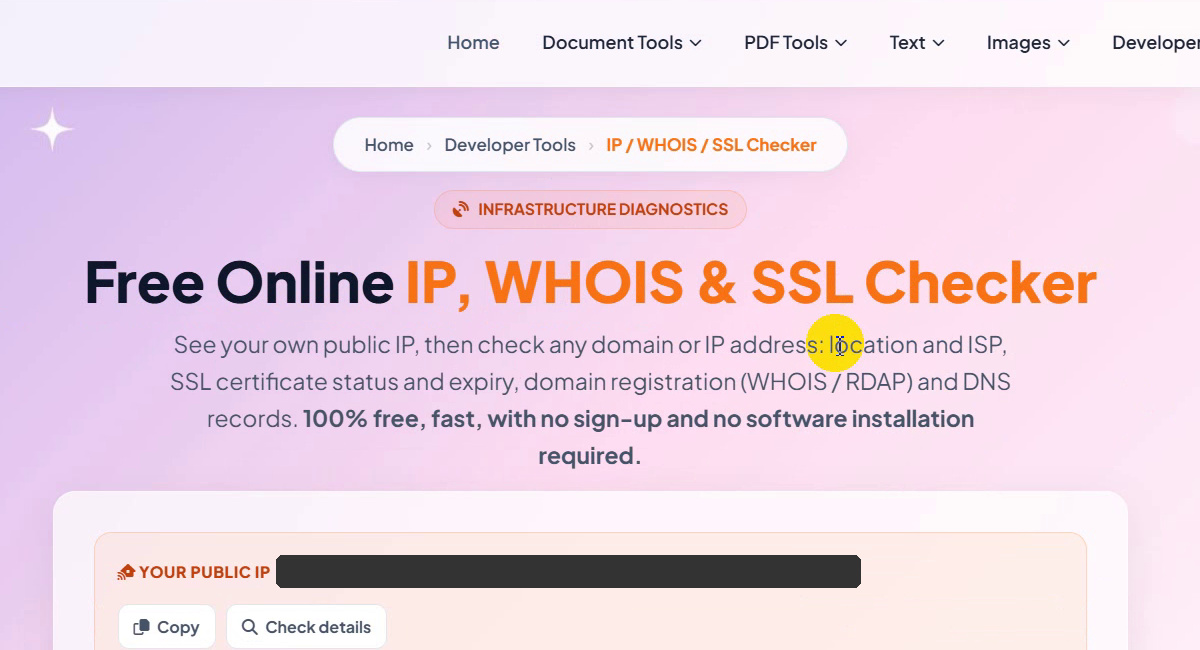
Look at the tool page
The page is titled Free Online IP, WHOIS & SSL Checker. Under the title, a Your public IP card shows your own address as soon as the page loads, with Copy and Check details buttons. (We hid our own address in the screenshots, and you should do the same if you share yours.)
The IP / WHOIS / SSL Checker page -
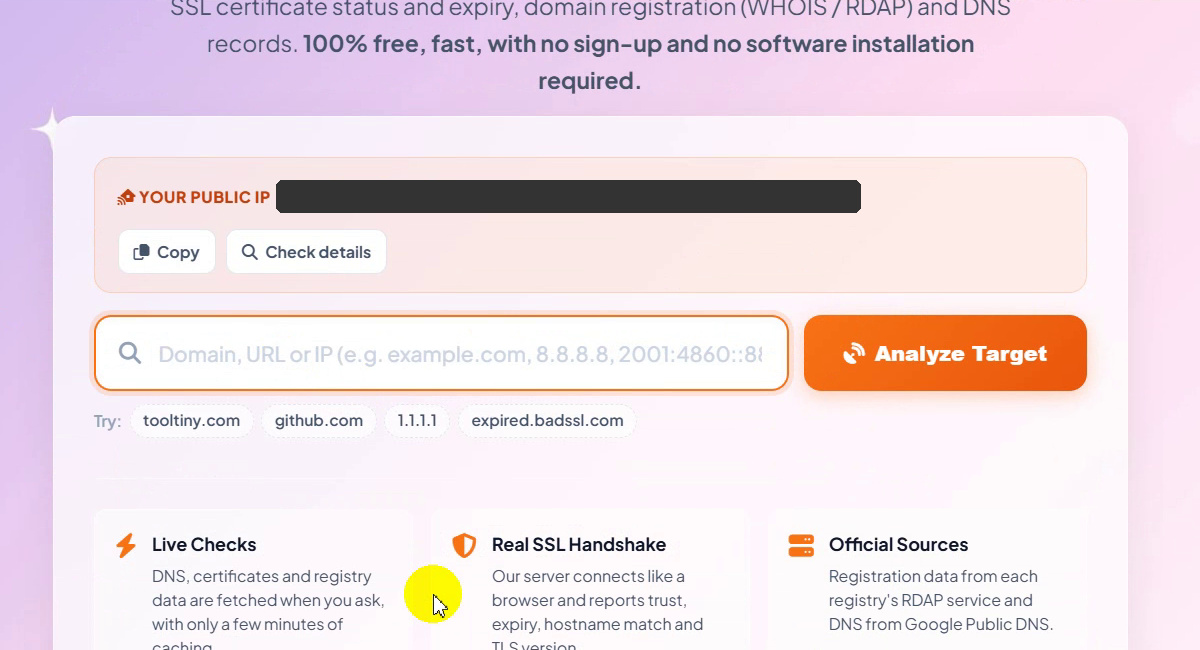
Click the search box
Below the card is one box for Domain, URL or IP. The hint reads e.g. example.com, 8.8.8.8, 2001:4860::8888. Under it, the Try: chips tooltiny.com, github.com, 1.1.1.1 and expired.badssl.com fill the box in one click.
Search box and Try chips -
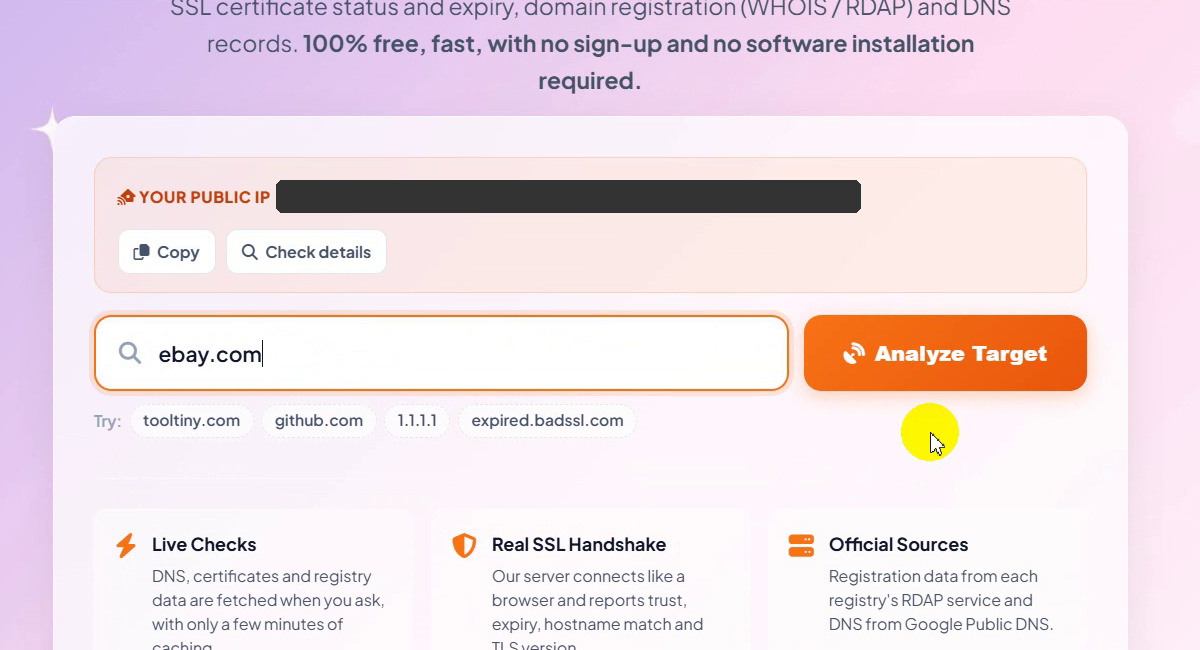
Type a domain
Type the target. We typed ebay.com. A full URL or an IP address works in the same box.
Target typed: ebay.com -
Click Analyze Target
Press the orange Analyze Target button.
Click Analyze Target -
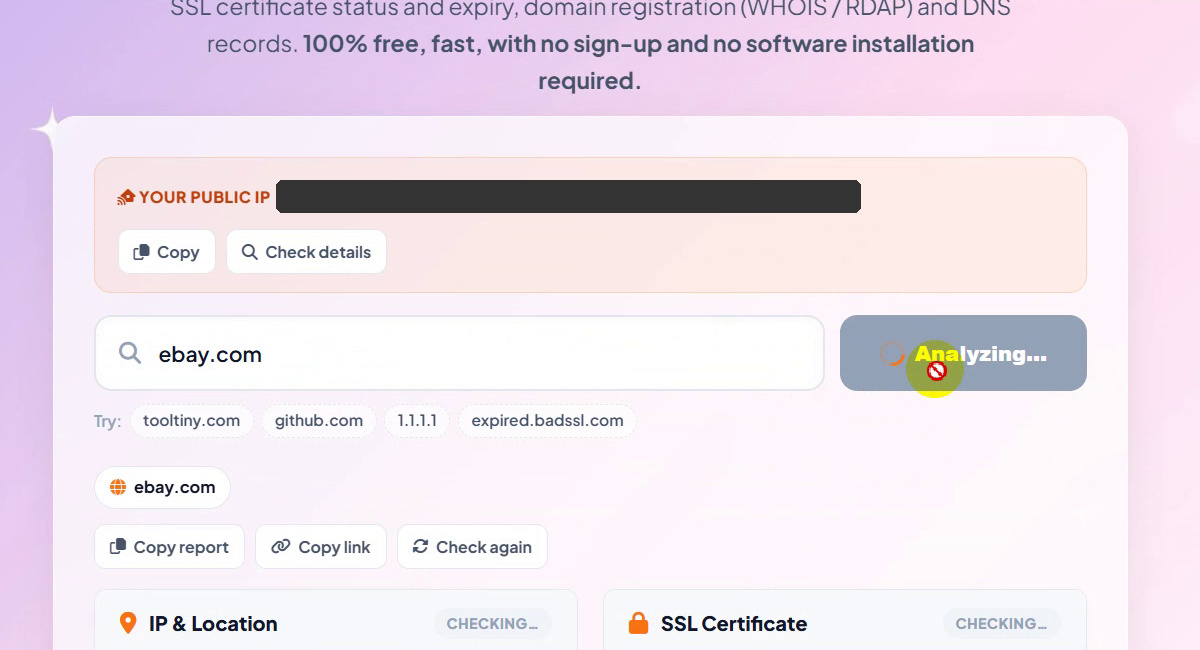
Wait for the checks
The button changes to Analyzing… and each card shows Checking… with grey placeholder lines while the tool collects the data. In the recording the report appeared a few seconds later.
Analyzing… -
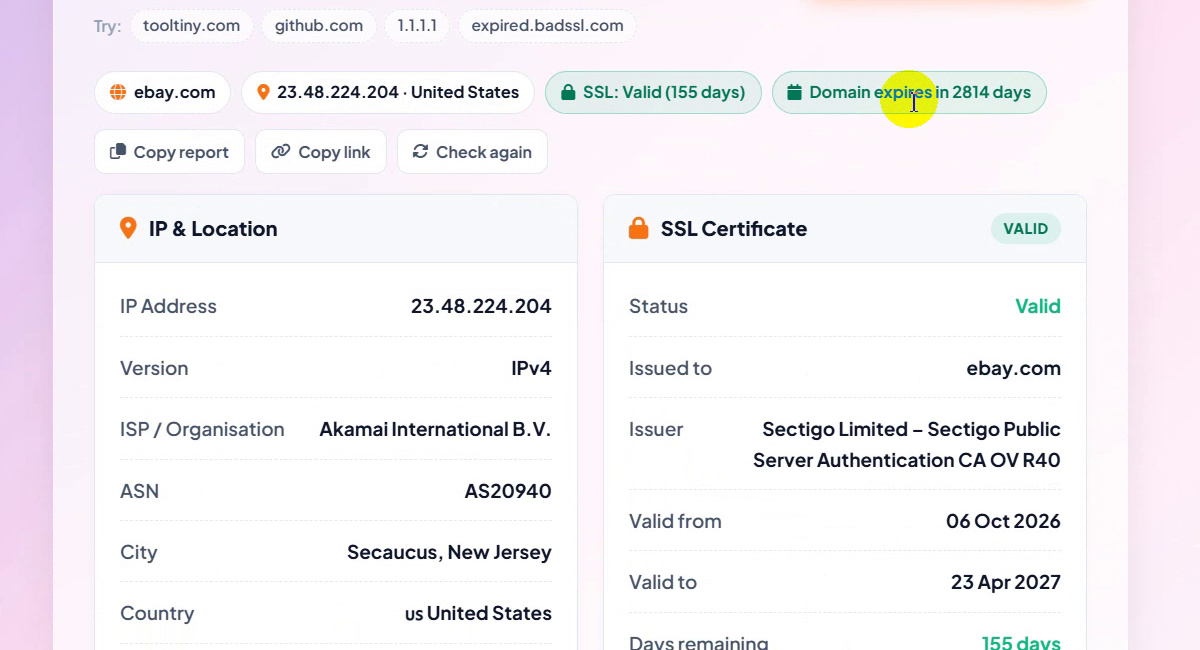
Read the summary chips
A row of chips sums up the result: the domain (ebay.com), its IP and country (23.48.224.204 · United States), the certificate (SSL: Valid (155 days)) and the registration (Domain expires in 2814 days). Under them are Copy report, Copy link and Check again.
Summary chips and report buttons -
Read the IP & Location card
The left card lists the IP address (23.48.224.204), the version (IPv4), the ISP / organisation (Akamai International B.V.), the ASN (AS20940), the city (Secaucus, New Jersey), the country (United States) and all IP addresses found for the name: 23.48.224.204 and 23.48.224.208.
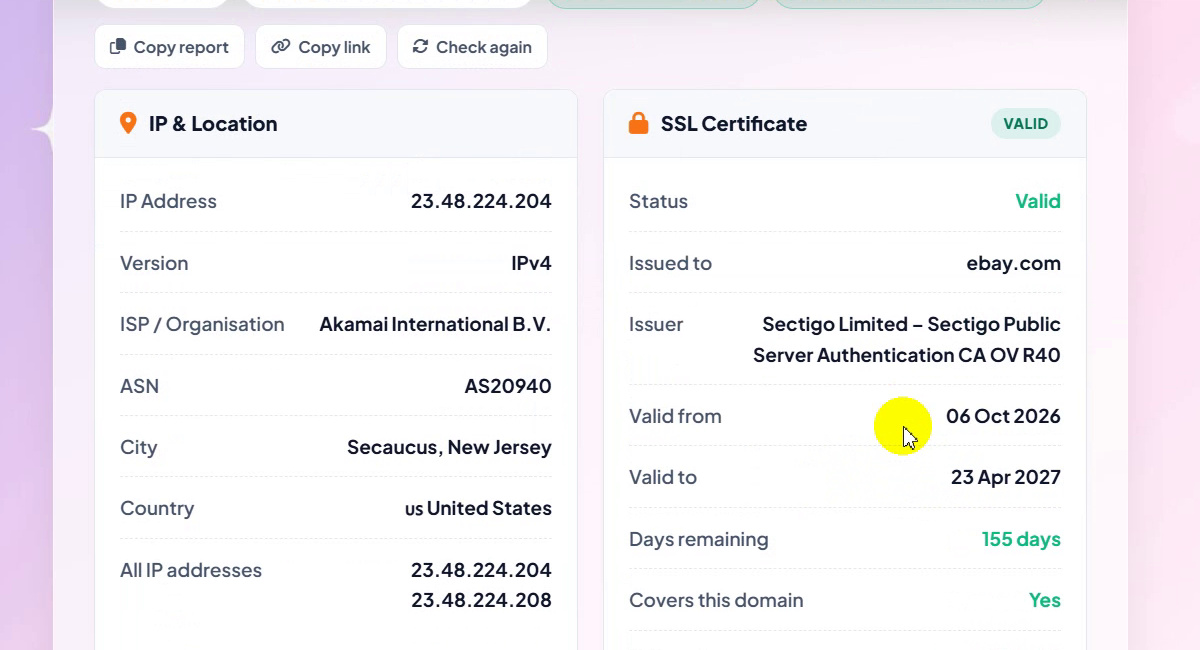
IP & Location -
Check the SSL certificate
The right card shows Status: Valid, Issued to ebay.com, the issuer (Sectigo Limited – Sectigo Public Server Authentication CA OV R40), valid from 06 Oct 2026 to 23 Apr 2027, 155 days remaining, and Covers this domain: Yes. It also gives the TLS version (TLSv1.3), the domains in the certificate (the list begins with ebay.com, befr.ebay.be and benl.ebay.be and ends with “+25 more”) and the server checked (23.64.114.29).
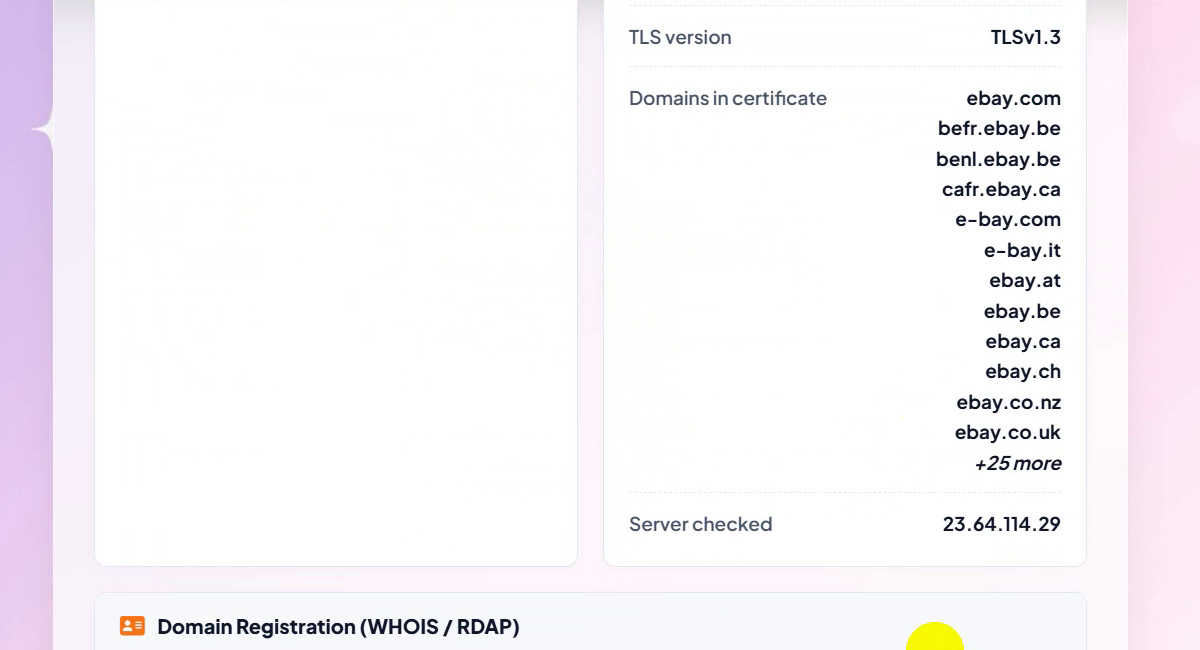
SSL certificate details -
Read the domain registration (WHOIS / RDAP)
Scroll to Domain Registration (WHOIS / RDAP). For ebay.com it shows the registrar (MarkMonitor Inc., IANA 292), created 04 Aug 1995, domain age 31 years 3 months, expires 03 Aug 2034 (in 2814 days), last updated 16 Apr 2025, DNSSEC Not signed, the abuse contact, six status flags (such as client delete prohibited and server transfer prohibited) and eight name servers.
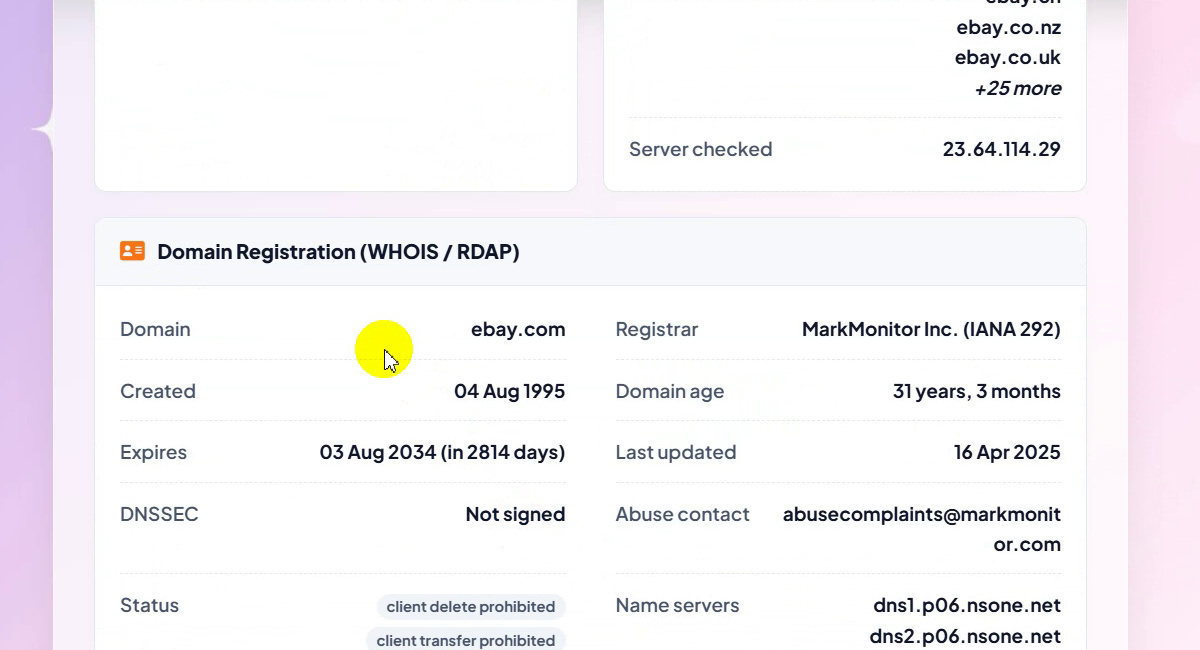
Domain registration (WHOIS / RDAP) -
Browse the DNS records
The last card, DNS Records, counted 59 records for ebay.com. A table lists the type, the value and the TTL of each one: A records with a 19s TTL, MX records at 1781s, NS records at 21600s, and TXT and CAA records further down.
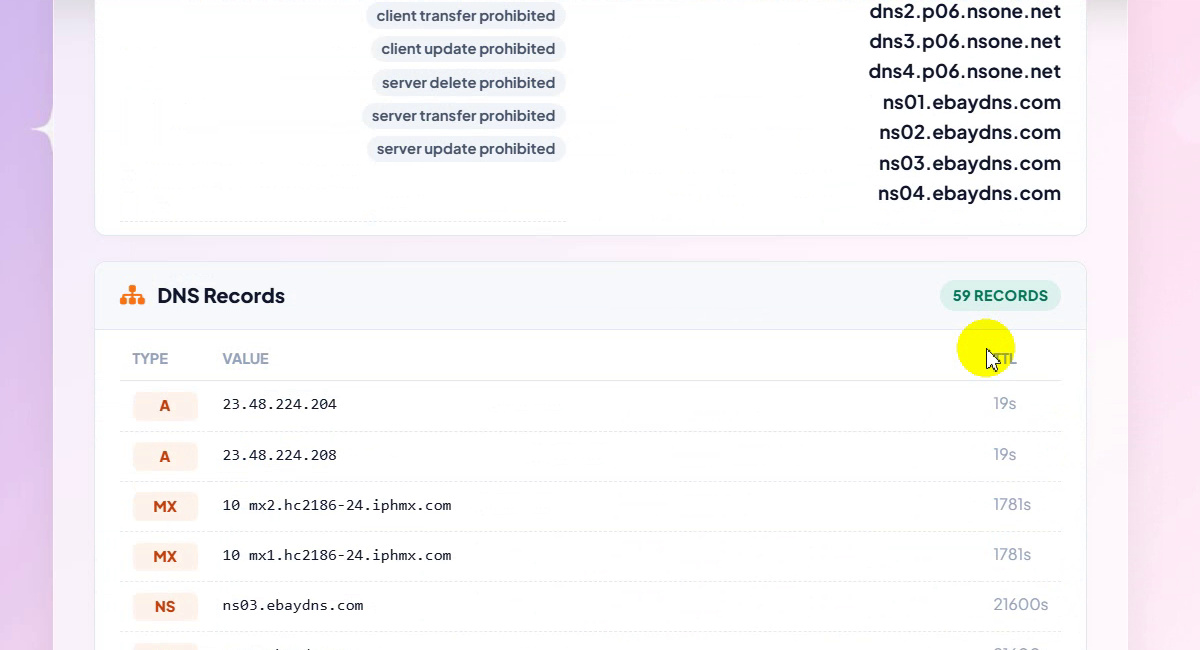
DNS records
Our Test Result for ebay.com
| Item | Value shown |
|---|---|
| IP address | 23.48.224.204 (IPv4), also 23.48.224.208 |
| ISP / ASN | Akamai International B.V. / AS20940 |
| Location | Secaucus, New Jersey, United States |
| SSL certificate | Valid, 06 Oct 2026 to 23 Apr 2027 (155 days remaining), issued by Sectigo Limited |
| Registrar | MarkMonitor Inc. (IANA 292) |
| Domain created / expires | 04 Aug 1995 / 03 Aug 2034 (in 2814 days) |
| DNSSEC | Not signed |
| DNS records | 59 |
These are the values the tool displayed in the recording. Your own check may differ when the site, its certificate or its DNS changes.
Good to Know
- Hide your own IP before you share a screenshot. The Your public IP card shows it as soon as the page opens.
- The IP and location belong to the server. A large site can sit behind a network such as Akamai, so the city is where the server is, not where the company is.
- A report is a snapshot. Use Check again to run it once more.
- The certificate card can list many names. For ebay.com the list ended with “+25 more”.
- Test an invalid certificate safely with the expired.badssl.com chip.
Tips
- Check the expiry before it matters. The SSL: Valid chip shows the days left, and the Domain expires chip shows when the registration ends.
- Confirm the certificate covers your name. Look for Covers this domain: Yes.
- Compare name servers and records after a DNS change to see that the new values are live.
- Send the result. Use Copy report or Copy link to paste it into a ticket or share it with your team.
- Working with other developer tools? Try the Color Contrast Checker or read more guides on our blog.
Type a domain, URL or IP and get the full report. Free, no sign-up.