How to Convert Currency Online with Daily Exchange Rates (Free)
How much is 100 New Zealand dollars in yen? What is the euro rate today? The ToolTiny Currency Converter turns any amount between 160+ currencies with daily mid-market rates, and shows the exact rate, a quick table and the same amount in other currencies. This guide follows a 31-second screen recording; every number below is the one shown on screen.
What the Converter Shows
| Part of the page | What it does |
|---|---|
| Pair chips | One click for ten common pairs, such as USD→EUR and USD→JPY |
| Amount / Converted to | Type in either box; the arrow button swaps the currencies |
| Rate line | The exact rate both ways, the rate time and the next update |
| Quick table | Common amounts converted in both directions |
| Other currencies | The same amount in a dozen major currencies |
Watch the Whole Process
The recording opens the tool from the Converters menu, tries the pair chips, searches the currency list, changes USD to NZD and EUR to JPY, and then scrolls through the quick table and the other-currencies card.
How to Convert Currency, Step by Step
-
Open the Converters menu
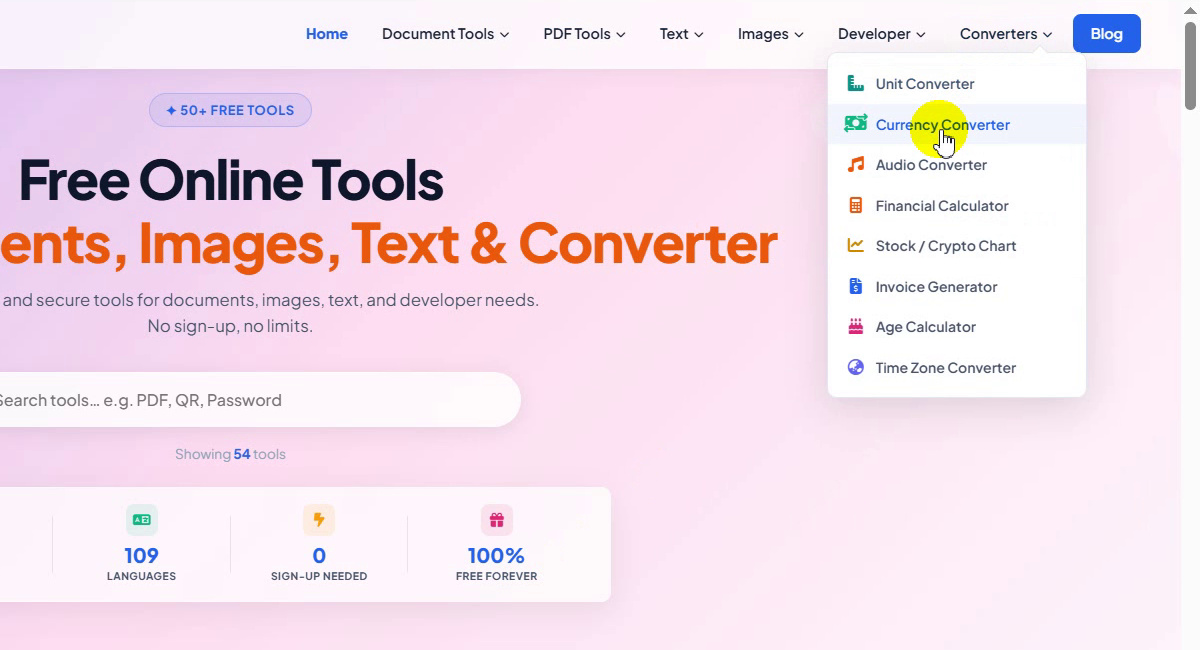
On the ToolTiny home page, move the mouse over Converters in the top bar. The menu lists Unit Converter, Currency Converter, Audio Converter, Financial Calculator, Stock / Crypto Chart, Invoice Generator, Age Calculator and Time Zone Converter.
Converters menu -
Choose Currency Converter
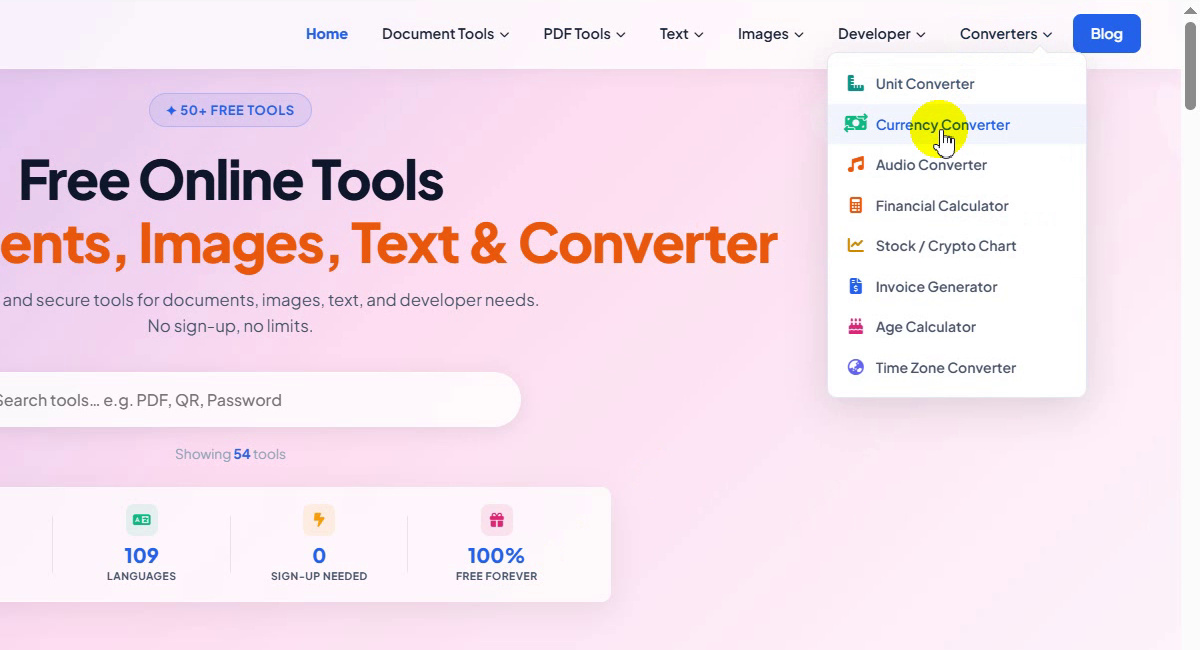
Click Currency Converter, or go straight to tooltiny.com/currency-converter.html.
Converters → Currency Converter -
Look at the tool page
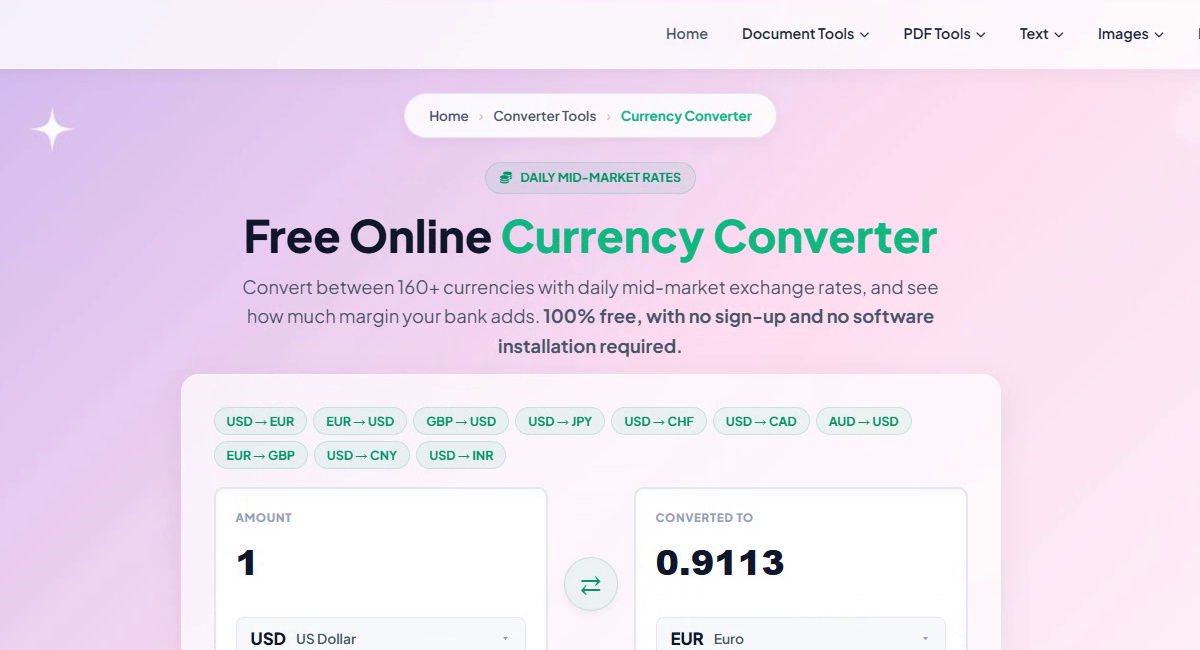
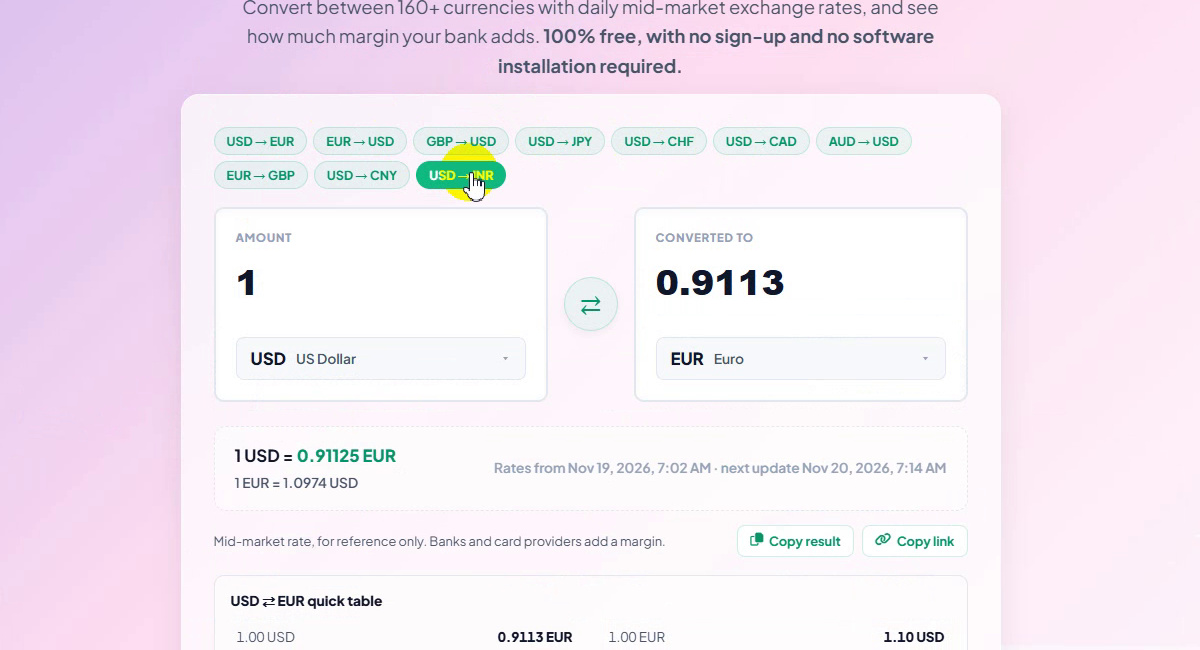
The page is titled Free Online Currency Converter (badge: Daily mid-market rates). It converts between 160+ currencies and opens with 1 USD in the Amount box and 0.9113 EUR under Converted to.
The Currency Converter page -
Pick a popular pair
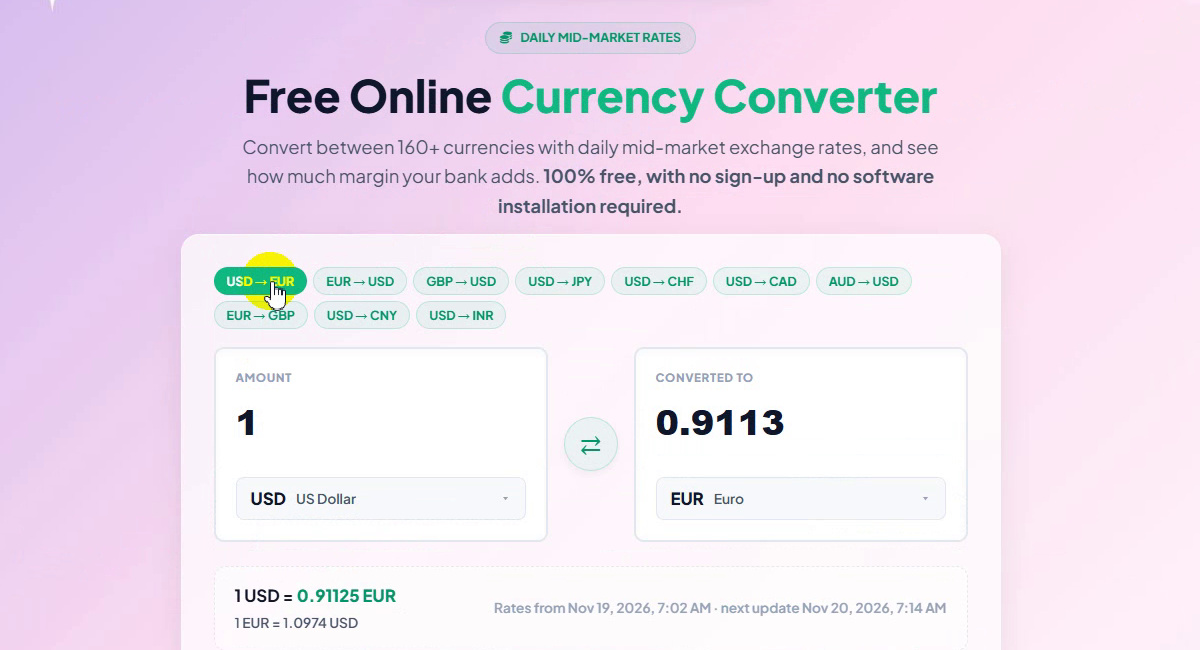
The chips above the boxes switch to a common pair in one click: USD→EUR, EUR→USD, GBP→USD, USD→JPY, USD→CHF, USD→CAD, AUD→USD, EUR→GBP, USD→CNY and USD→INR. The arrow button between the boxes swaps the two currencies.
Popular pair chips -
Read the exact rate
Under the boxes, the rate line shows the full rate both ways: 1 USD = 0.91125 EUR and 1 EUR = 1.0974 USD. On the right you see when the rates were taken and when they update next (in the recording: Nov 19, 2026, 7:02 AM, next update Nov 20, 2026, 7:14 AM). Copy result and Copy link sit below it.
The rate line -
Open the From currency list
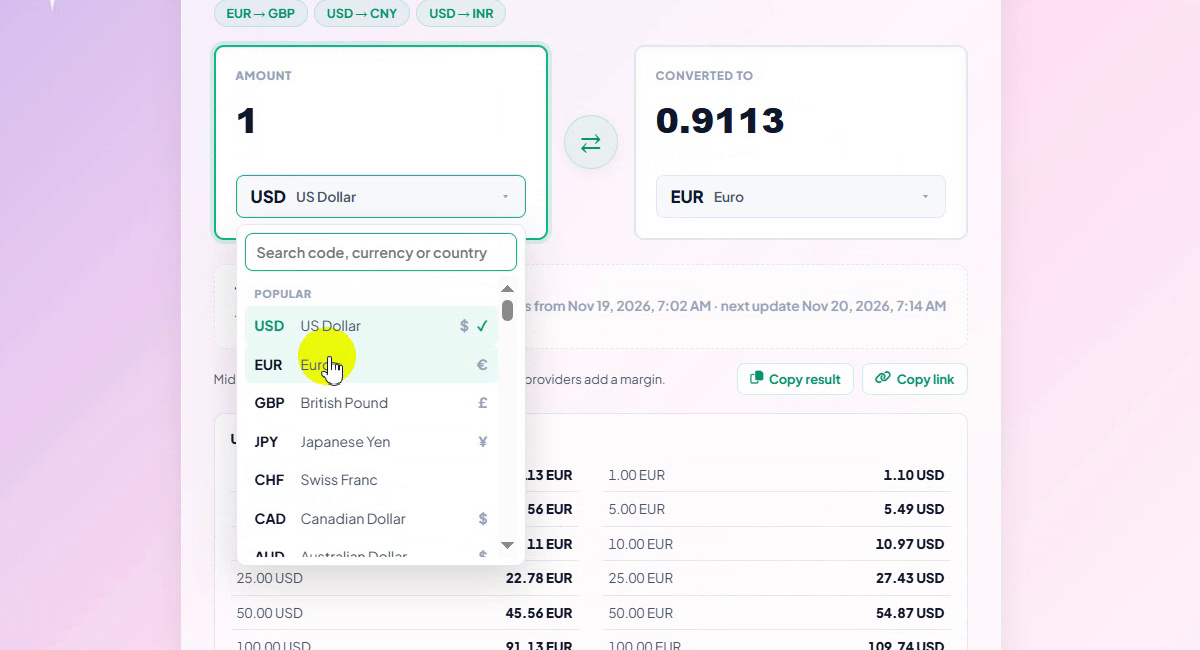
Click the currency under the Amount box. A list opens with a Search code, currency or country box at the top and a Popular group first: USD, EUR, GBP, JPY, CHF, CAD, AUD. Each row shows the code, the name and the symbol.
Search box and Popular group -
Find any currency
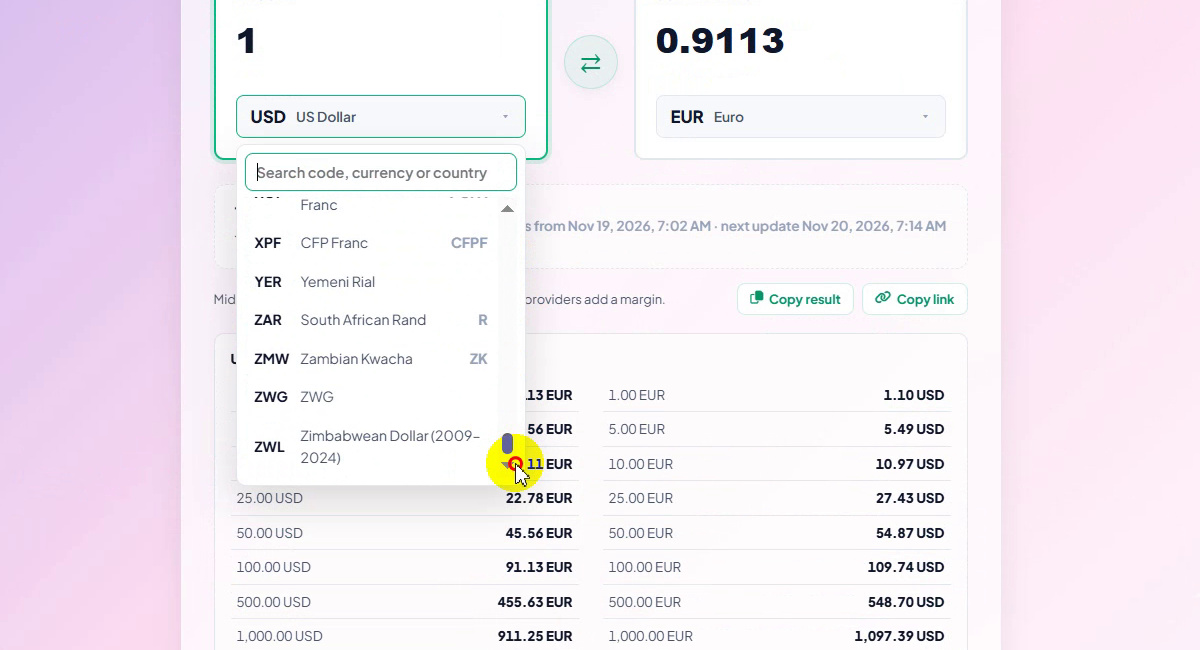
Scroll the list or type in the search box. Every currency is listed, all the way to the end of the alphabet: XPF CFP Franc, YER Yemeni Rial, ZAR South African Rand, ZMW Zambian Kwacha and ZWL Zimbabwean Dollar.
160+ currencies -
Select the currency you have
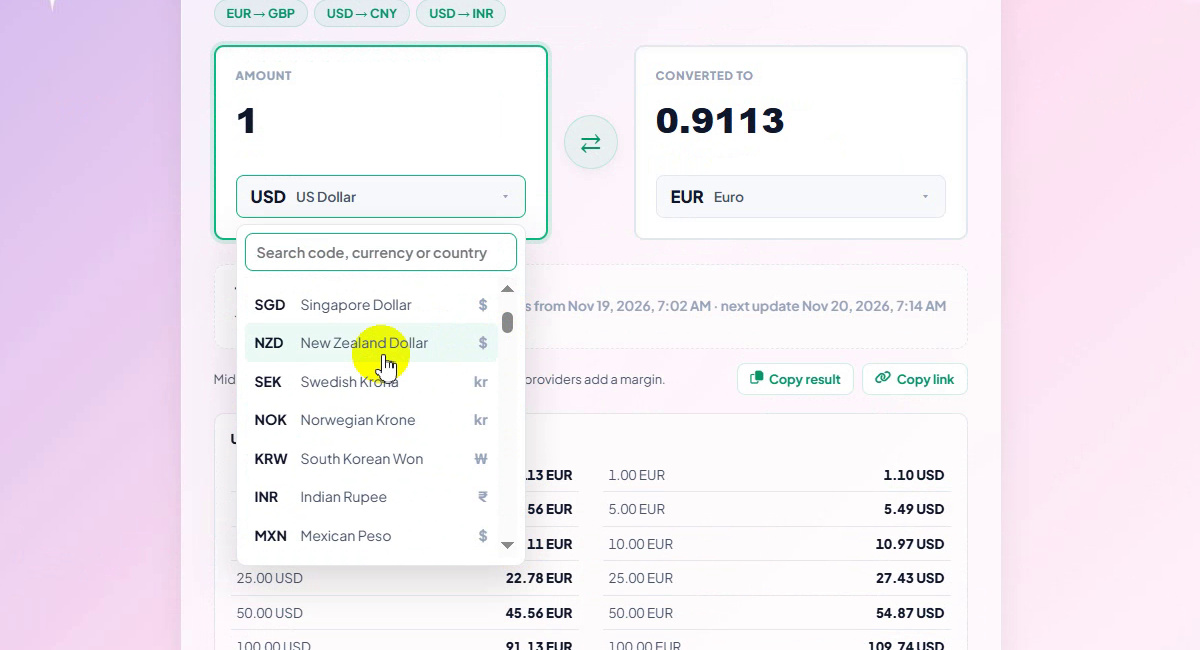
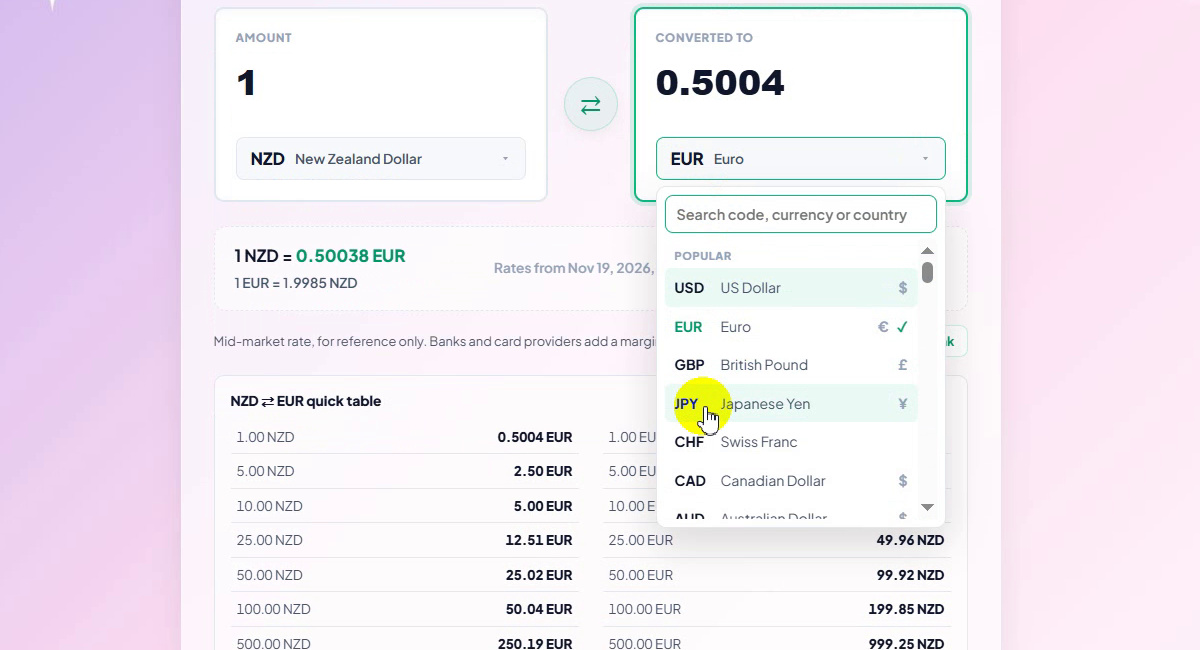
Click a currency to select it. We picked NZD New Zealand Dollar. The result changes at once: 1 NZD = 0.5004 EUR.
Choosing NZD -
Choose the target currency
Now click the currency under Converted to and pick the one you want. We chose JPY Japanese Yen from the Popular group.
Choosing JPY as the target -
Read the result
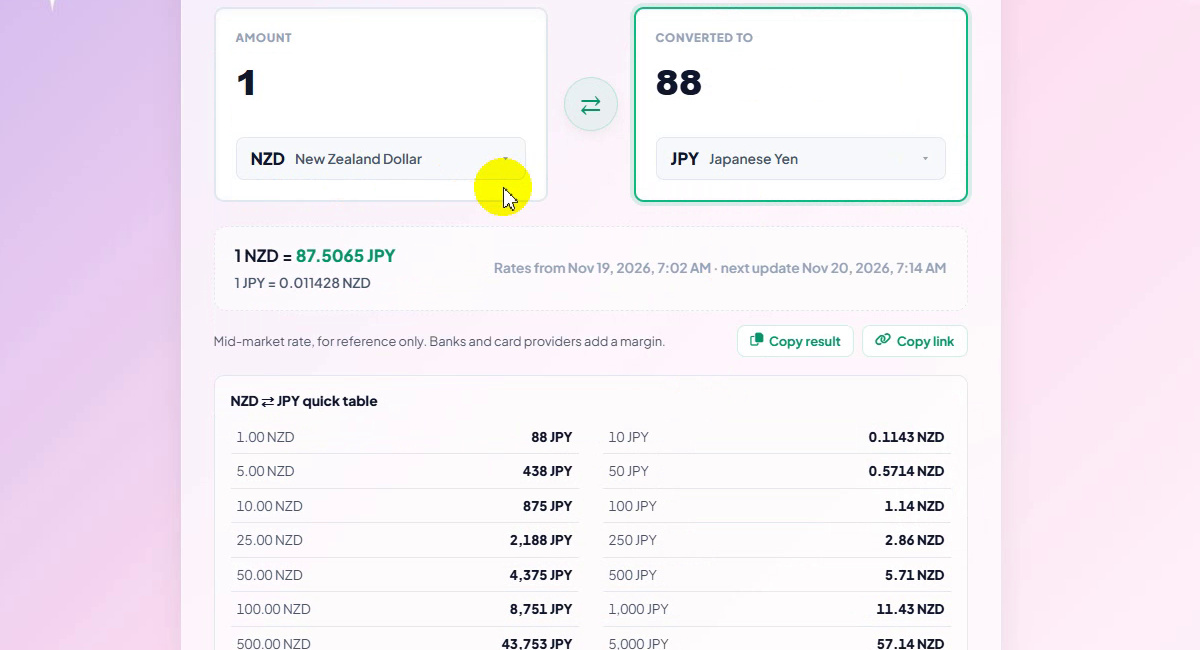
The box shows 88: 1 NZD in yen, rounded to whole yen because JPY has no decimals. The rate line gives the exact figure, 1 NZD = 87.5065 JPY and 1 JPY = 0.011428 NZD. Type a new amount in either box to convert the other way.
NZD to JPY result -
Use the quick table
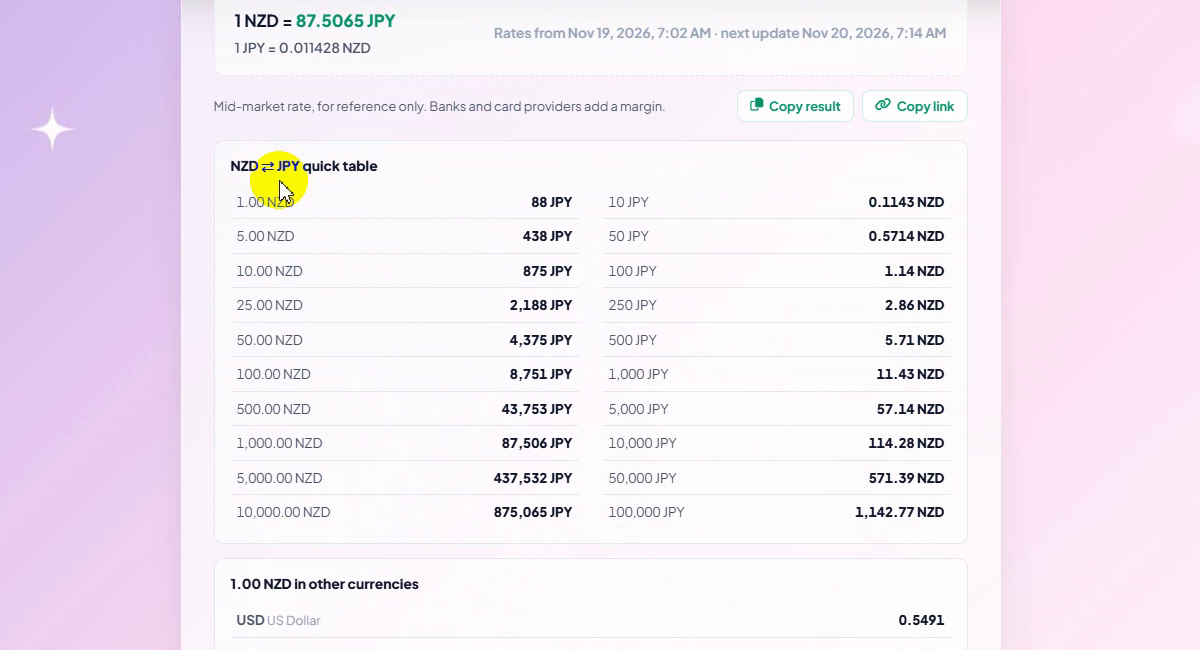
The NZD ⇄ JPY quick table lists common amounts both ways, for example 100 NZD = 8,751 JPY, 1,000 NZD = 87,506 JPY, and 10,000 JPY = 114.28 NZD.
Quick table both ways -
See one amount in other currencies
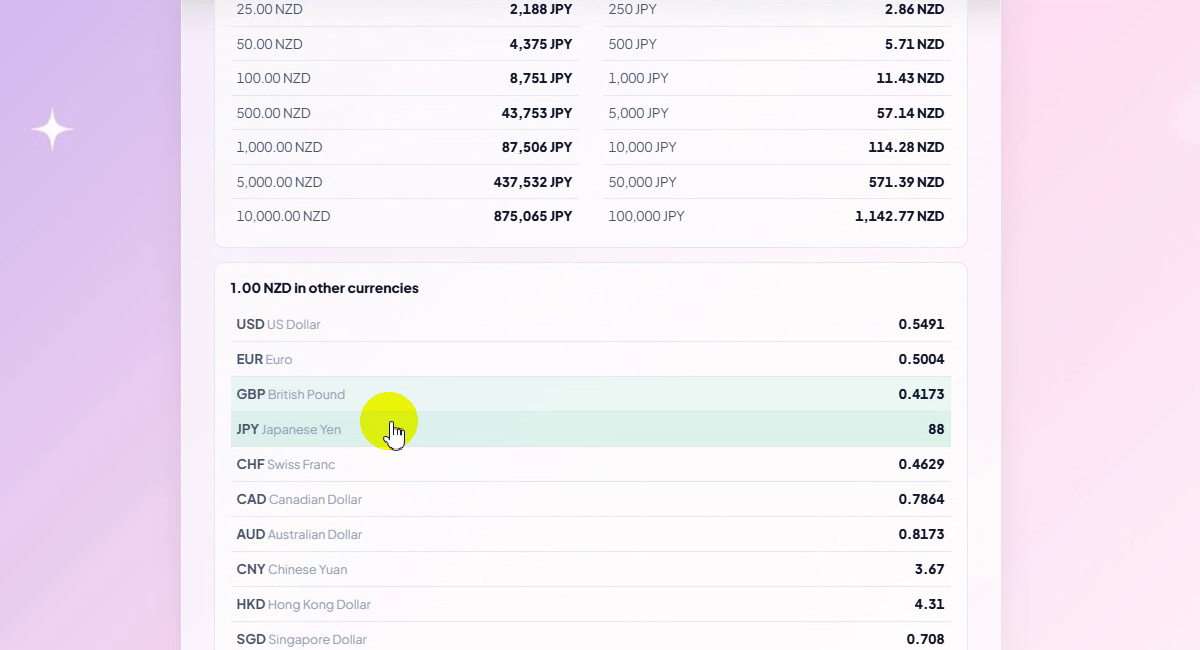
The last card, 1.00 NZD in other currencies, shows the same amount in USD, EUR, GBP, JPY, CHF, CAD, AUD, CNY, HKD, SGD, INR and MXN. Click a row to convert to that currency. Below it you find Check a bank or card rate and the data source, Exchange Rate API, updated once a day.
One amount in many currencies
Rates Shown in the Recording
Rates from Nov 19, 2026, 7:02 AM, as displayed on the page:
| Pair | Rate |
|---|---|
| 1 USD → EUR | 0.91125 EUR |
| 1 EUR → USD | 1.0974 USD |
| 1 NZD → EUR | 0.5004 EUR |
| 1 NZD → JPY | 87.5065 JPY |
| 1 JPY → NZD | 0.011428 NZD |
| 1 NZD → USD / GBP / CHF | 0.5491 USD / 0.4173 GBP / 0.4629 CHF |
| 1 NZD → CAD / AUD / CNY | 0.7864 CAD / 0.8173 AUD / 3.67 CNY |
| 1 NZD → HKD / SGD / INR / MXN | 4.31 HKD / 0.708 SGD / 51.35 INR / 10.28 MXN |
Exchange rates change every day, so the numbers you see will be different. Always check the time on the rate line.
Good to Know
- Mid-market rates are for reference. The page says so under the rate line: banks and card providers add a margin.
- Rates update once a day. The rate line shows when they were taken and when the next update is due.
- The result box uses each currency's decimals. JPY has none, so 87.5065 shows as 88; the rate line keeps the exact figure.
- Search beats scrolling. Type a code (NZD), a name (yen) or a country in the search box.
Tips
- Compare with your bank. Open Check a bank or card rate to see how much margin you are paying.
- Use the quick table when you shop or budget abroad: common amounts are already converted.
- Click a row in Other currencies to switch the target currency without opening the list.
- Share the pair with Copy link, or paste the numbers with Copy result.
- Planning a loan or savings in another currency? Try the Financial Calculator or the Unit Converter, and find more guides on our blog.
Pick two currencies, type an amount and read the result. Free, no sign-up.